A Google Developer account is needed so Google knows who is publishing the app and can manage it safely on the Play Store. It also lets you upload, update, and track your app officially. This not only gives you an increased sense of brand ownership, but also improves the visibility of your store and helps the company get discovered better, thereby improving the SEO and ASO.
The steps involved in creating a developer account to publish an app is as follows:
Enrolling Google Developer Account (As Organization)
Verification of the Account
Providing Access to Superfans
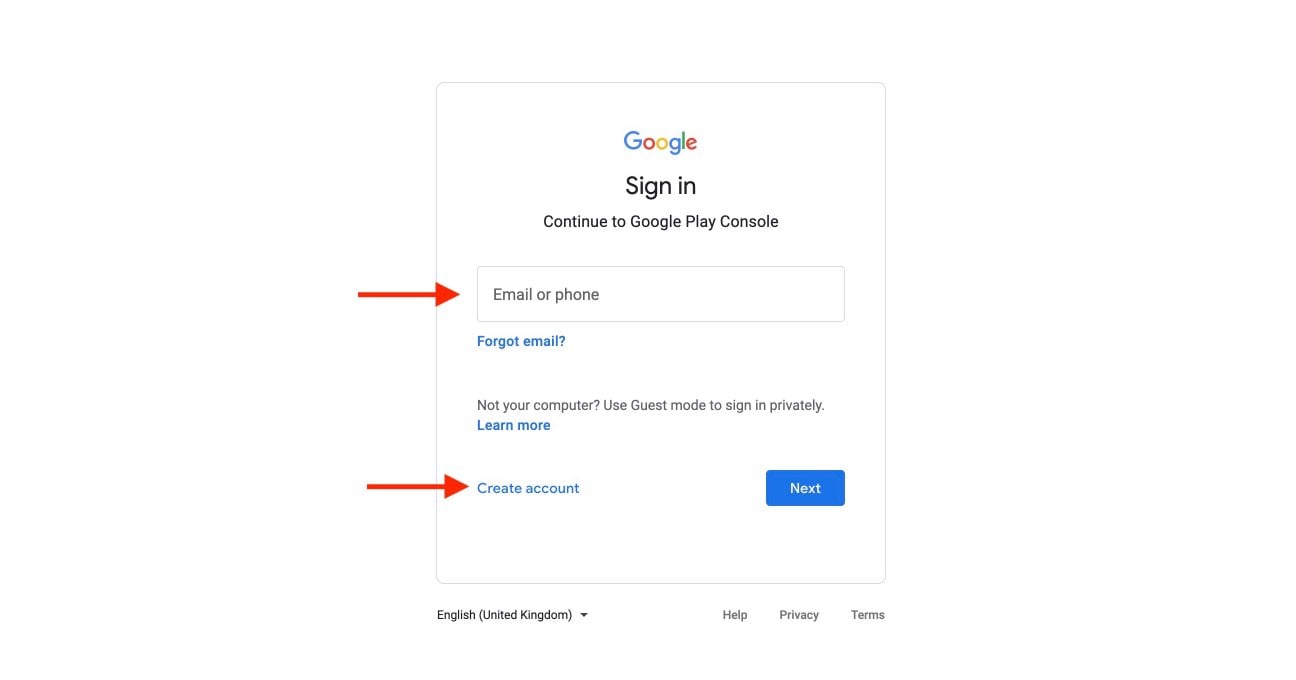
Step 1 : Go to Google Play Console and sign in with your Google account. If you do not have a Google account, then click Create account.
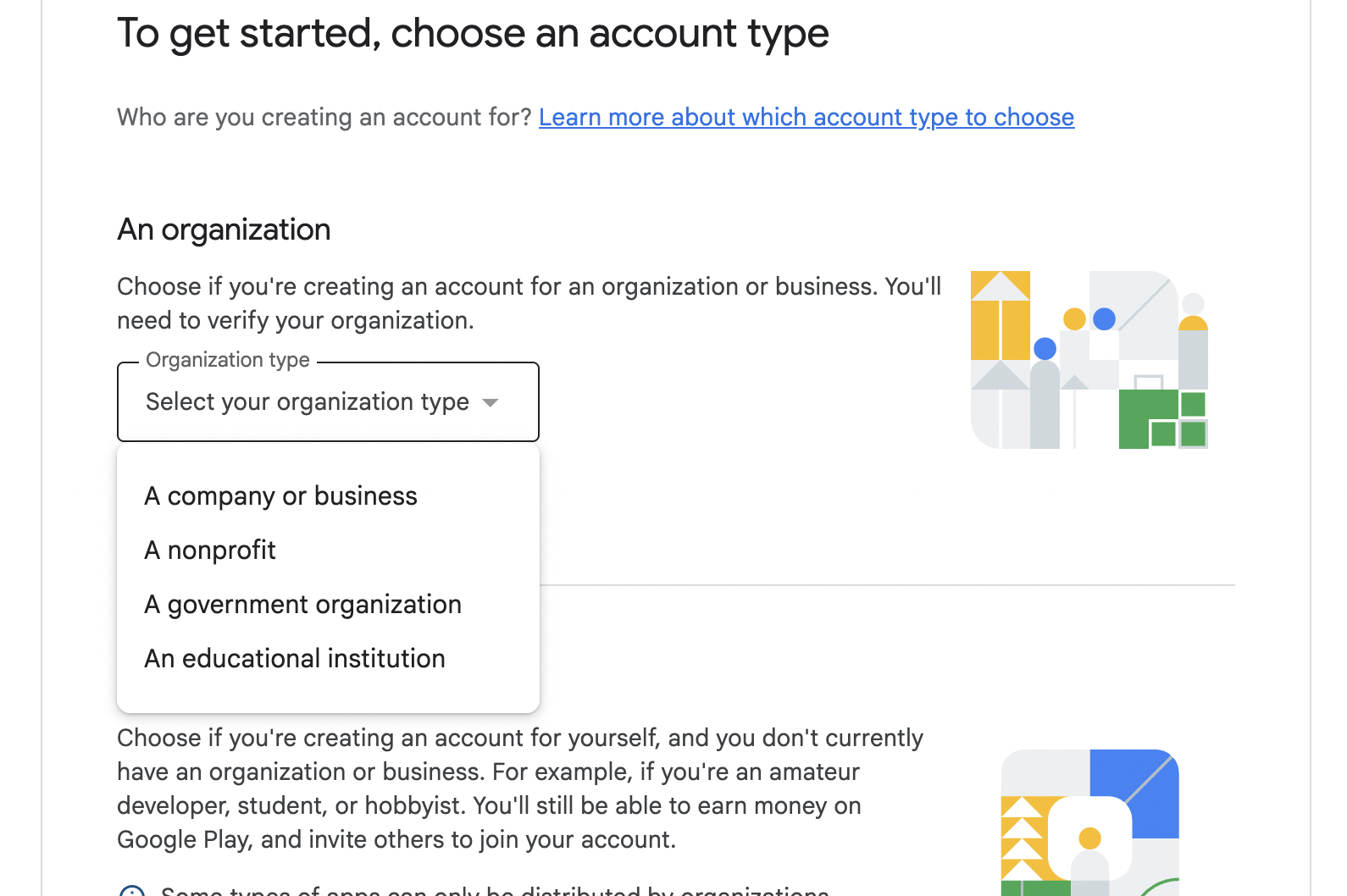
Step 2: Select the “Organization” as account type and choose the category of Organization .
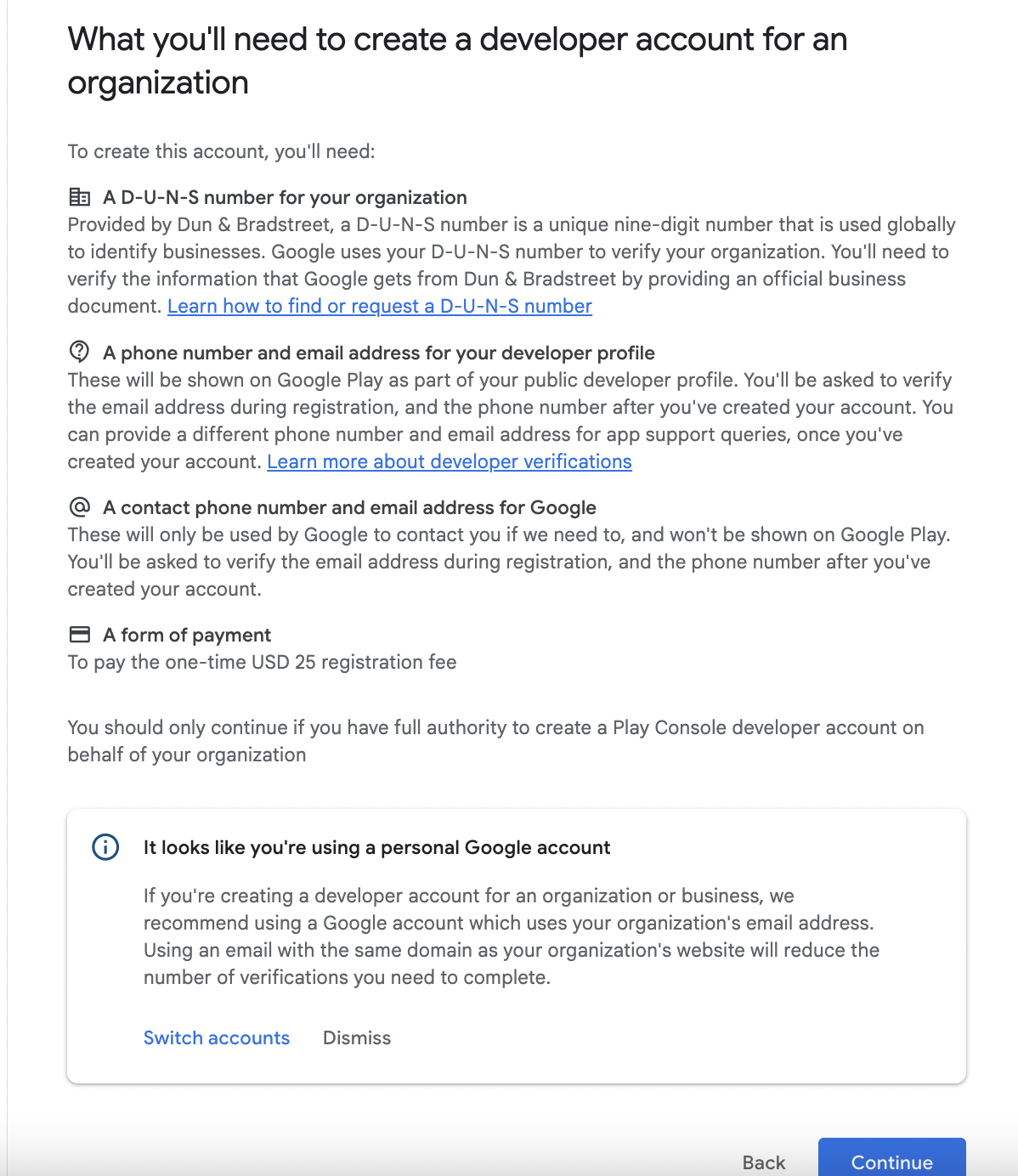
Step 3 : You’ll have a screen that shows What’ll you need. Read the information and proceed to next steps.
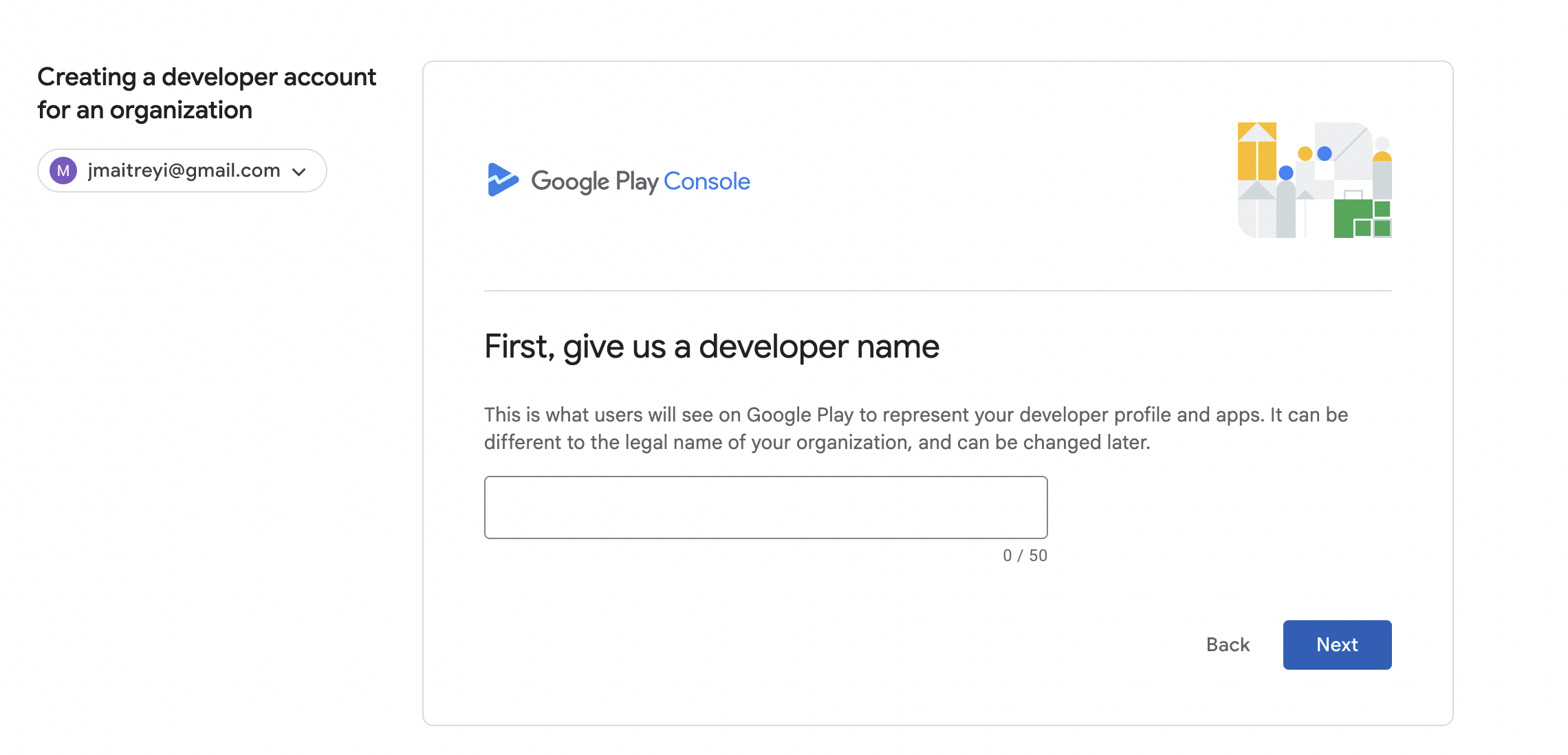
Step 4 : Provide the Developer Name and click on Next
Step 5 : You’ll have to link payment profile associated to the organisation and for that you’ll need to provide DUNS number and link the payment profile.
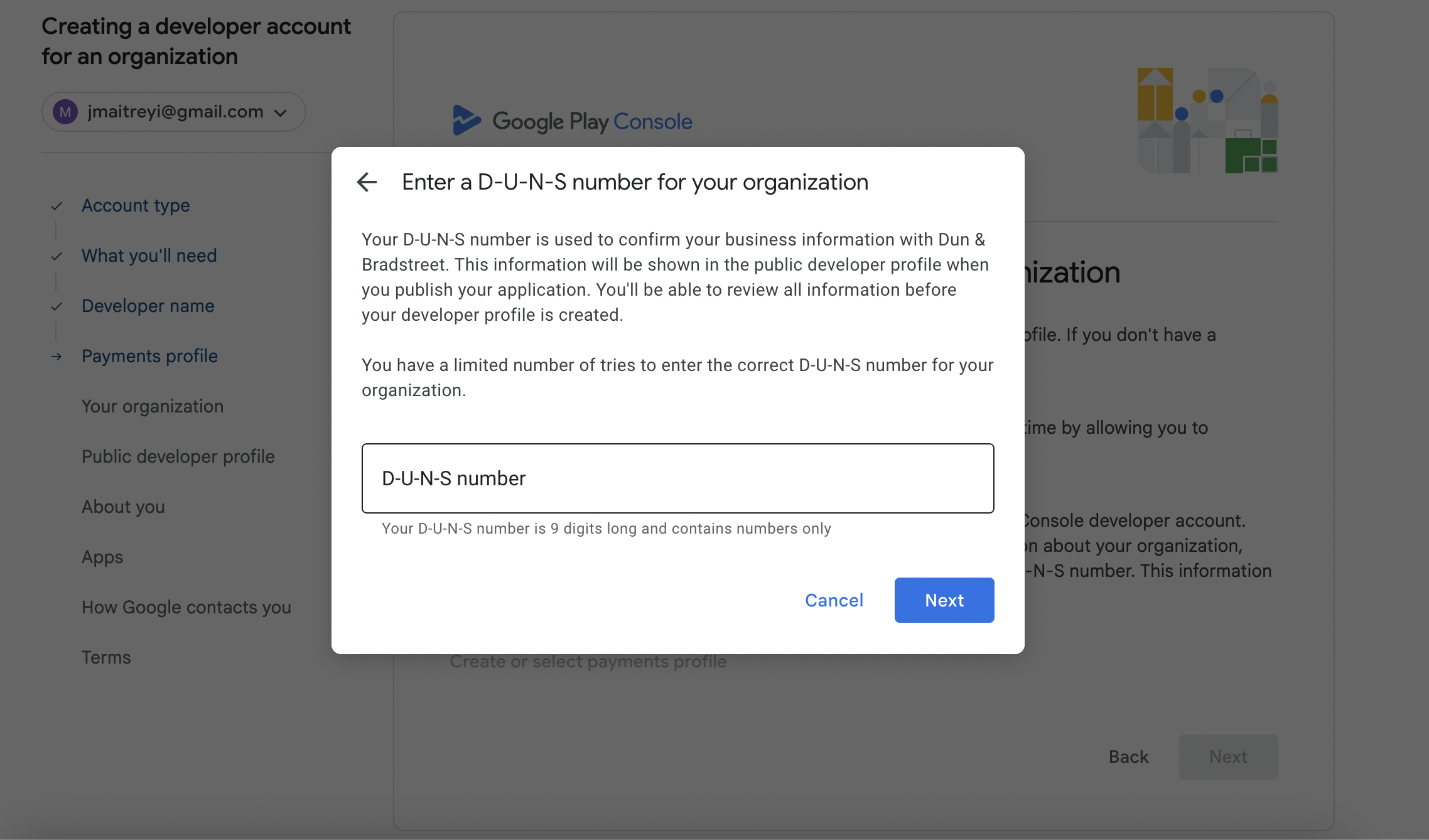
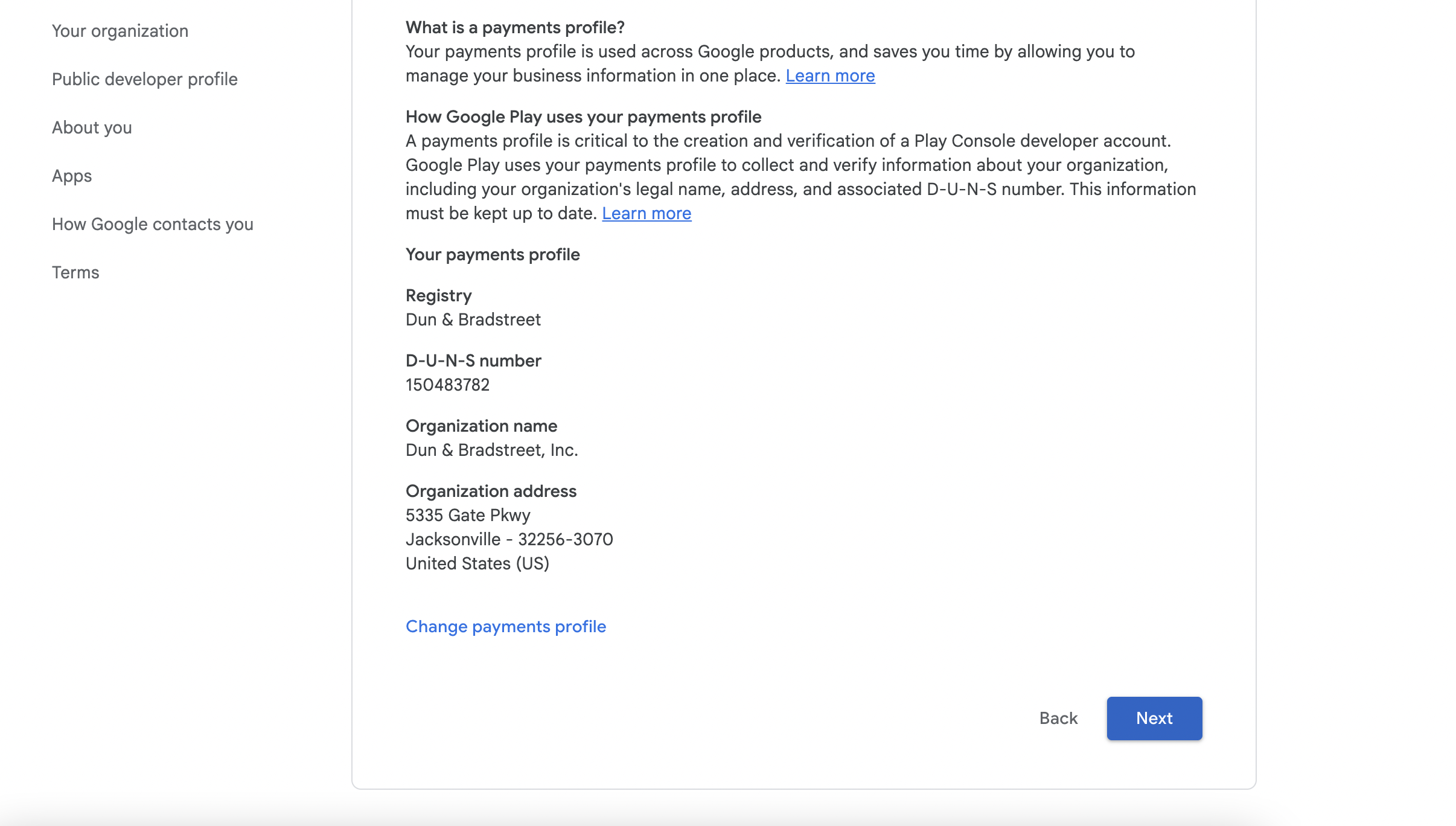
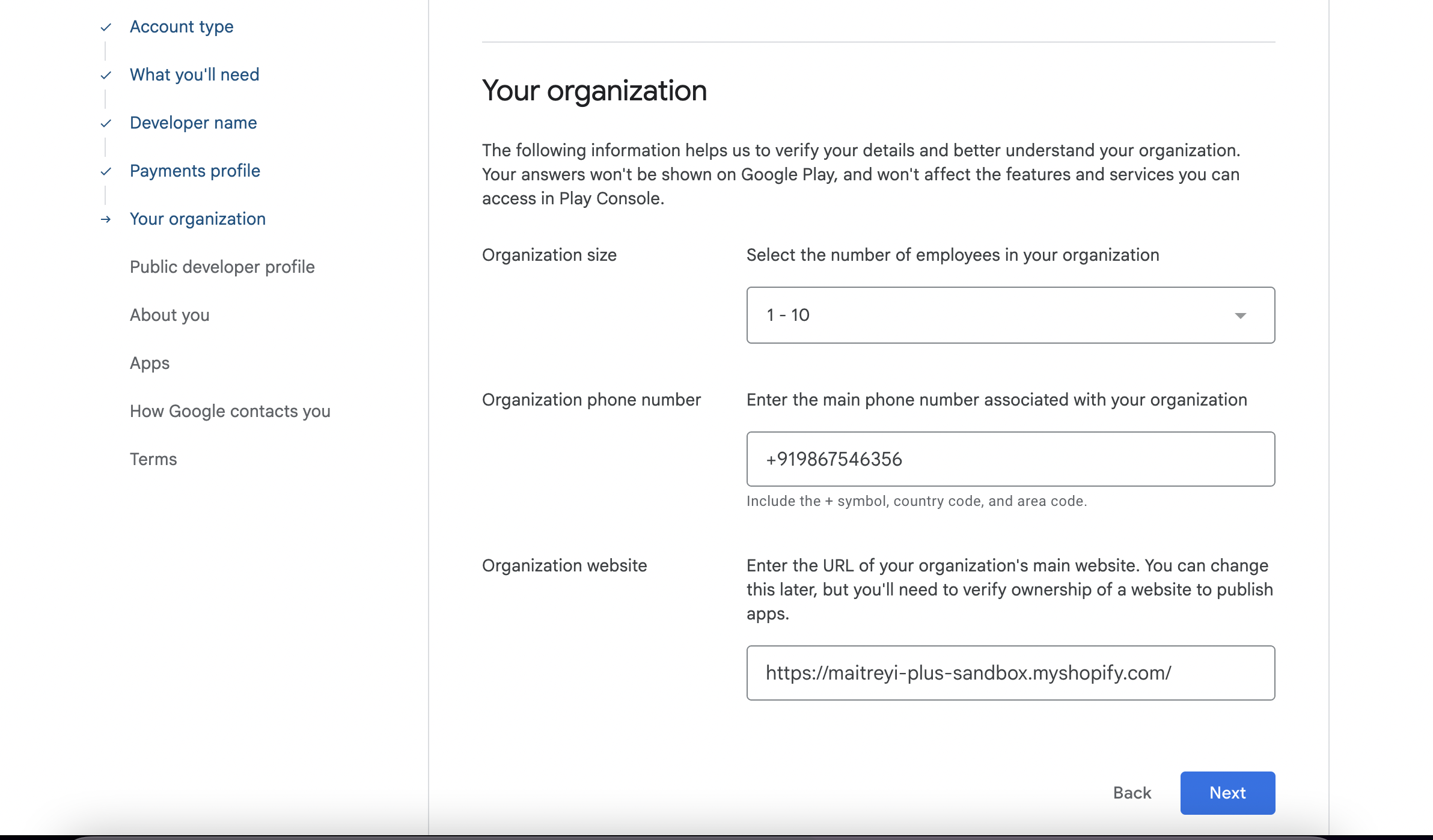
Step 6 : Provide the details of the organisation, website and other information.
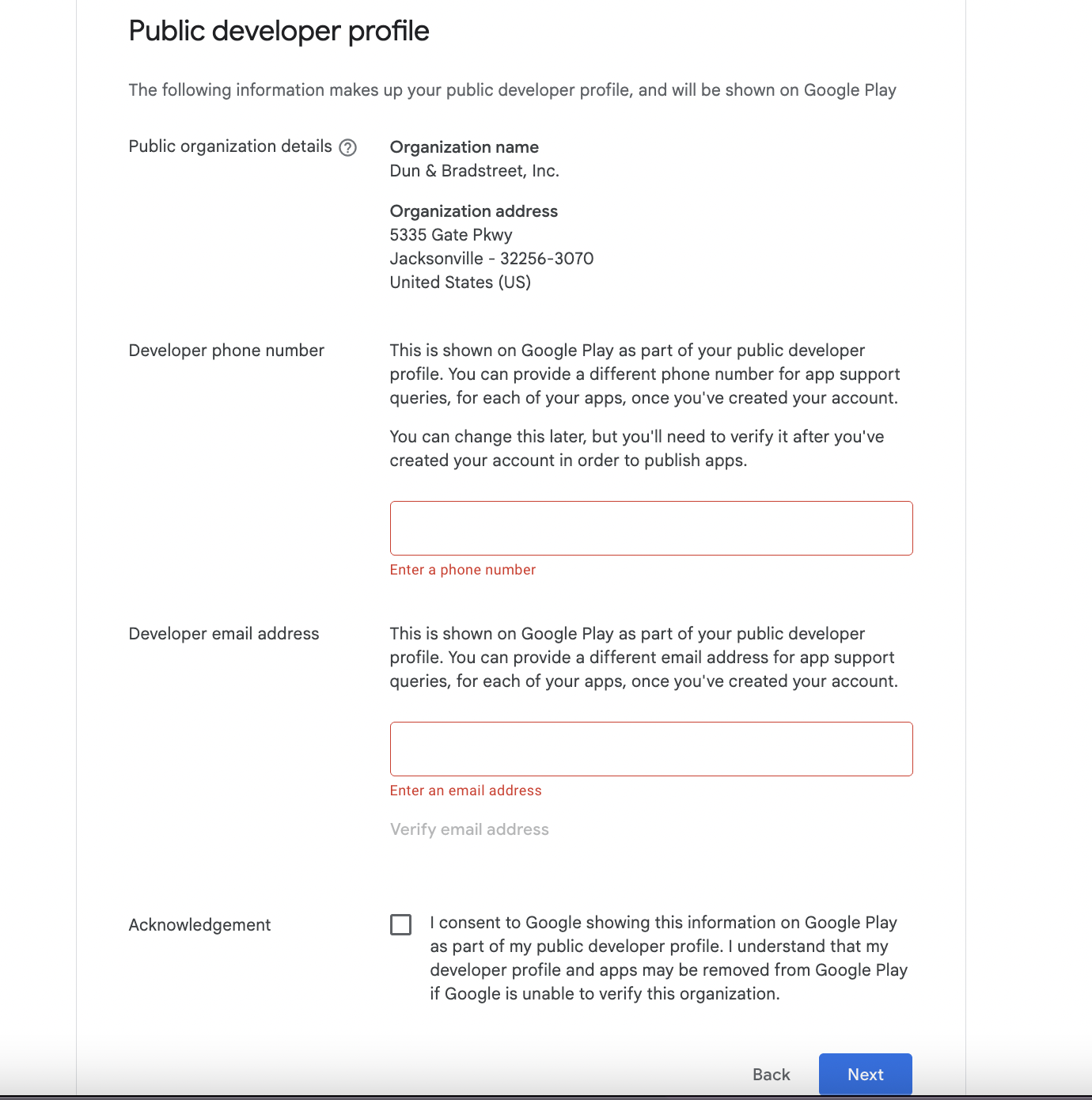
Step 7 : Provide the details of the developer which will be shown under Developer information on the Playstore.
Step 8 : Provide the personal information (Developer of the Organization) and click on “Next”.
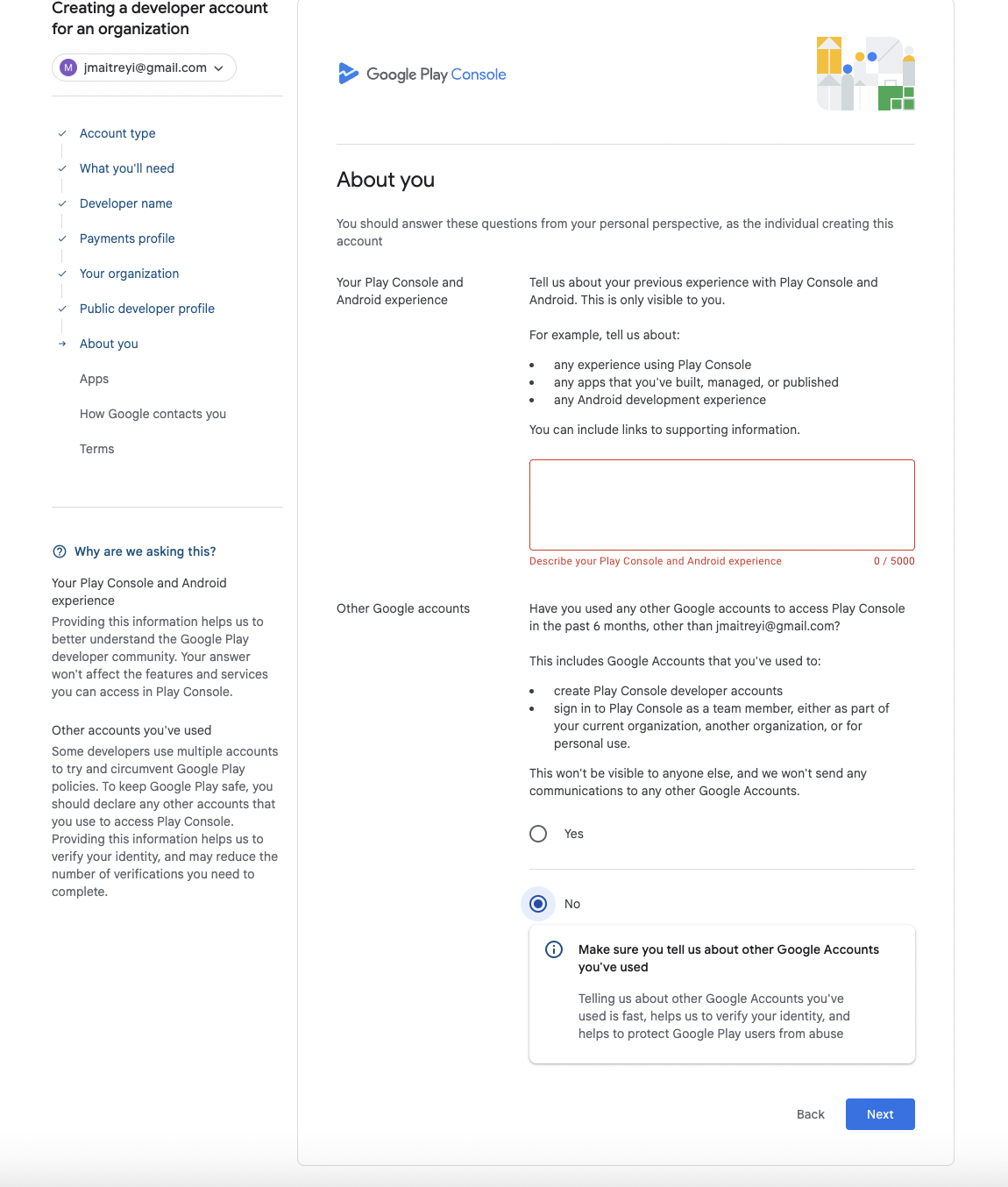
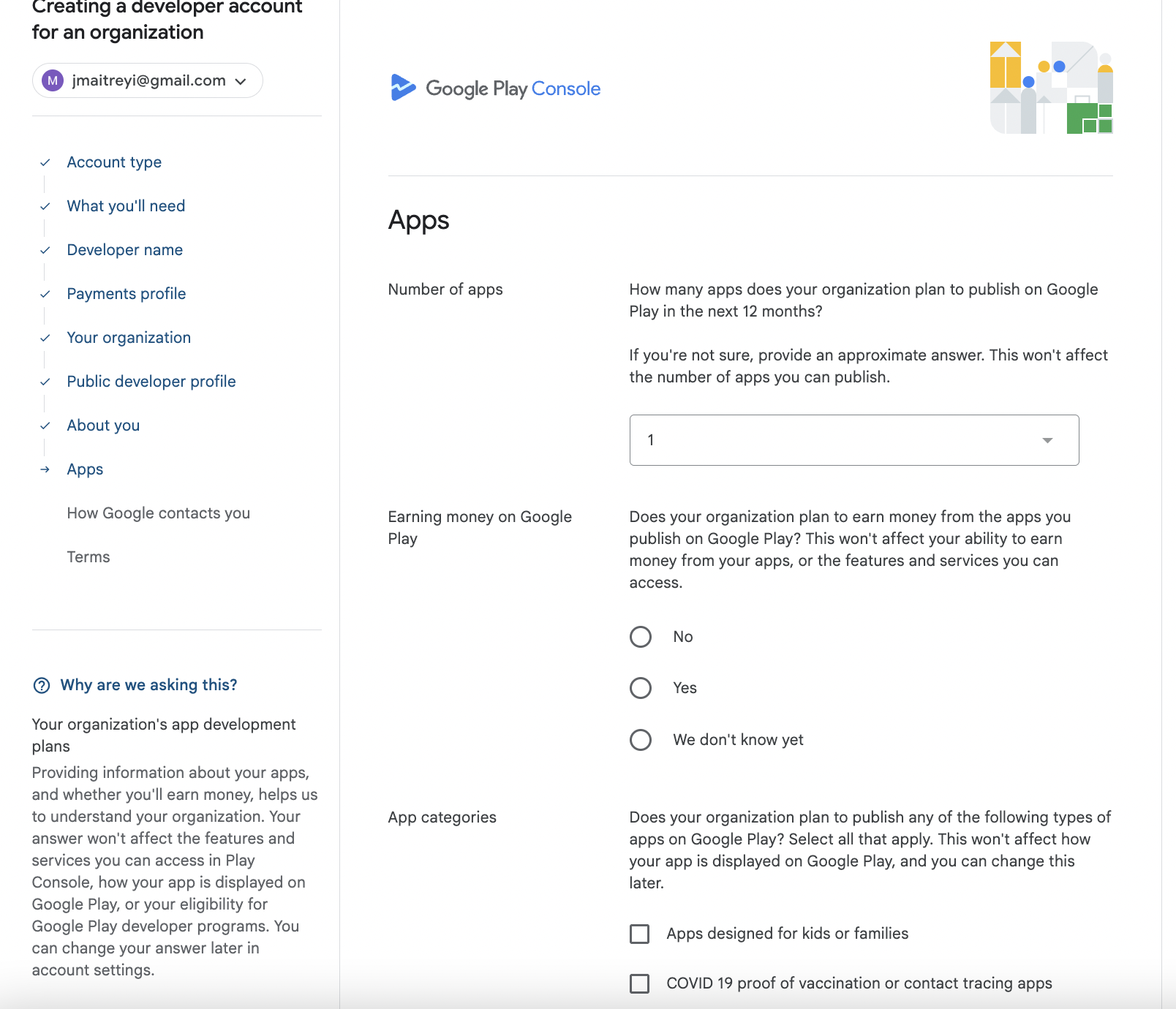
Step 9 : Provide information about the app that is going to be published on Playstore.
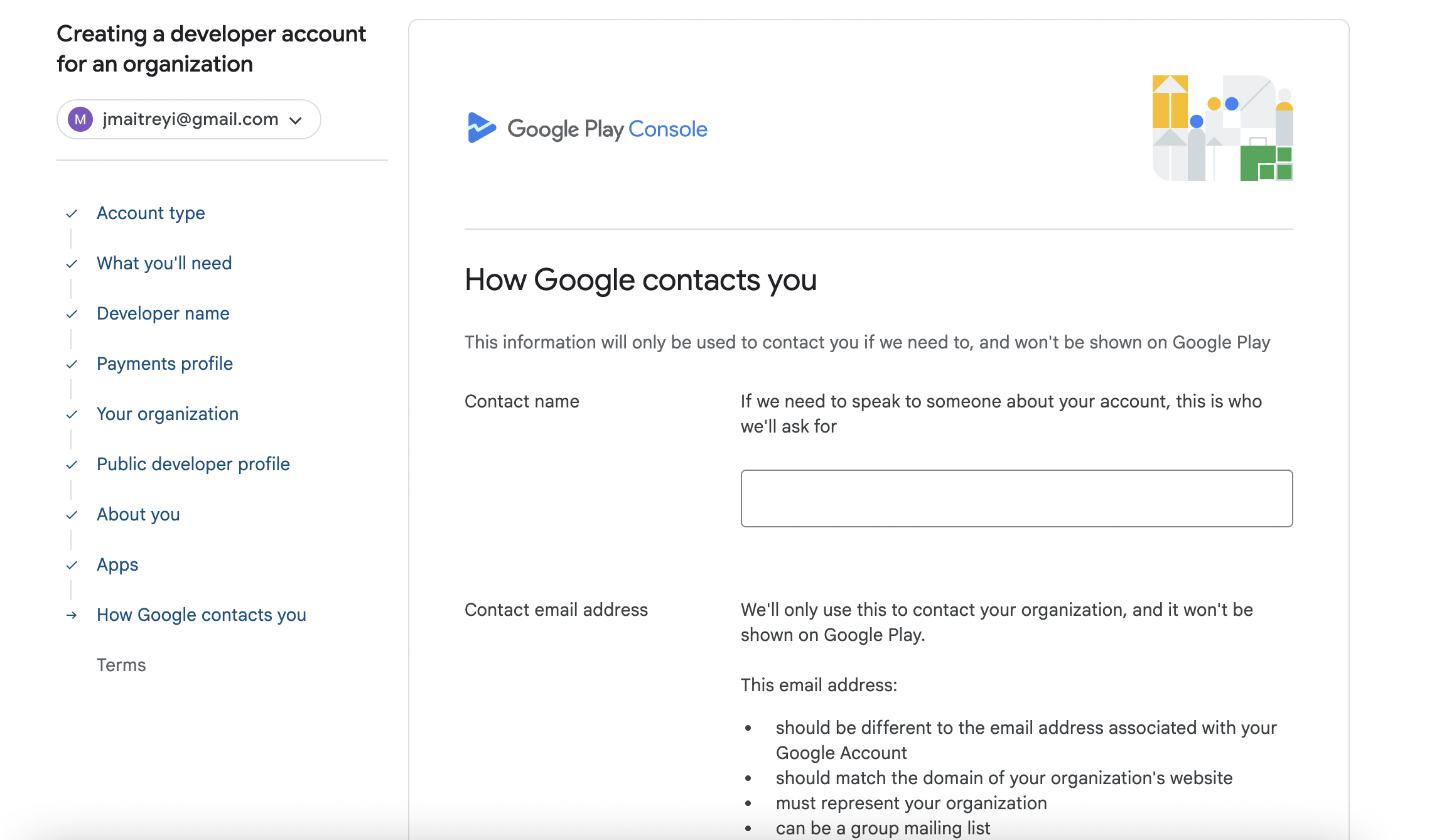
Step 10 : Provide information about the developer so that the Google contacts you for any updates or compliance related information.
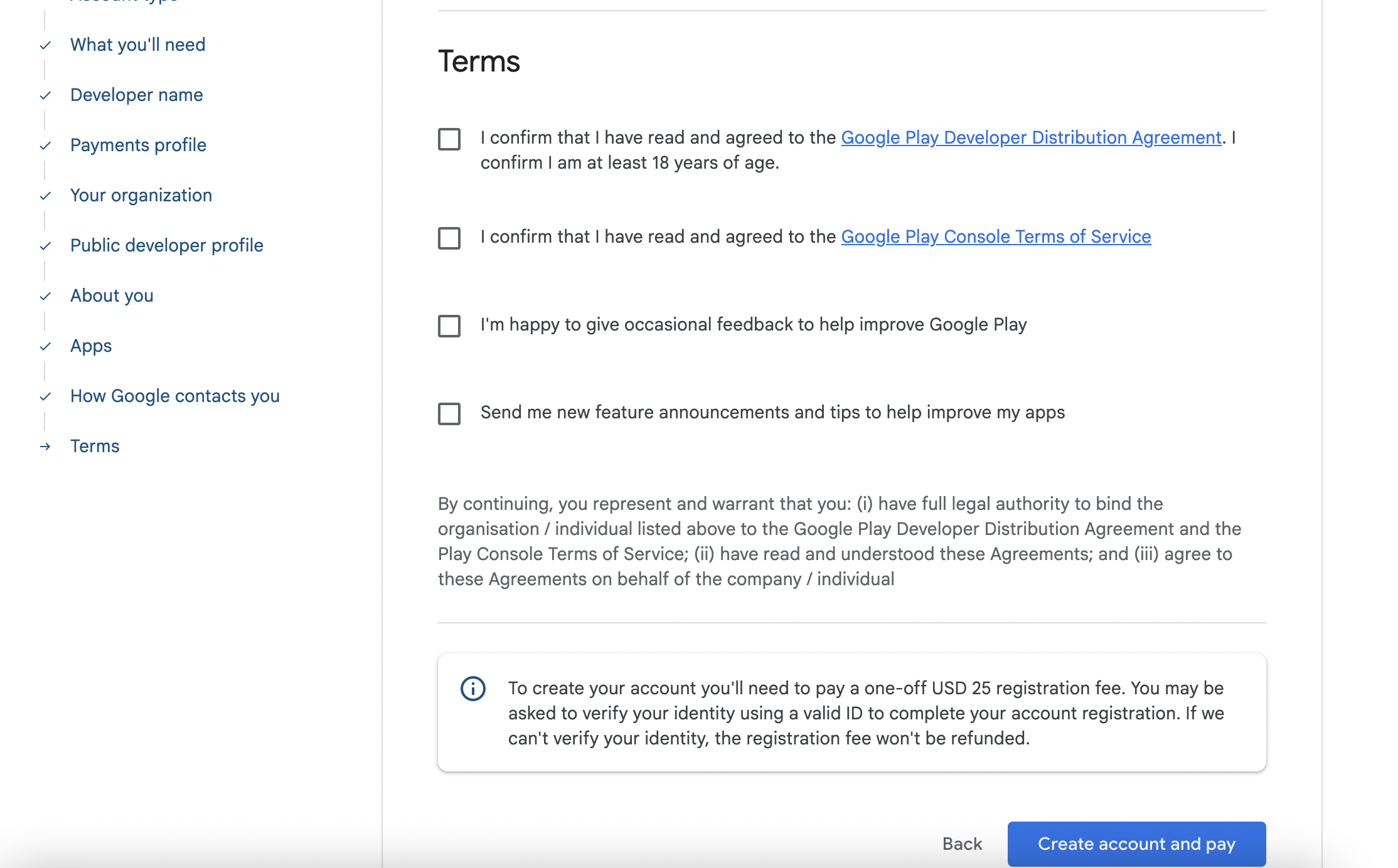
Step 11 : Agree to the Terms and Conditions and Click on “Create Account and Pay” CTA so that’ll you be asked to pay $25 fee and account gets created.
Once the account is created, Google will have to Verify the Account so that the app can be published. This article will walk you the steps for verification.
In order to publish the app on your behalf, you’ll need to provide access to Superfans. Read this article to provide access to Superfans.