Webhooks in Klaviyo allow you to send real-time event data from Klaviyo flows to third-party tools and applications using HTTP POST requests. This enables integration with other systems to trigger actions based on subscriber or customer events.
Key points:
Webhooks are one-directional: Klaviyo → external system.
Cannot bring data back into Klaviyo.
Require developer knowledge or technical expertise for proper setup.
Webhooks are ideal for users who want to extend Klaviyo flows beyond email and SMS, integrating with external platforms for automation, notifications, or reporting.
Recommended users:
Developers or technical teams who can configure, validate, and troubleshoot webhooks.
Marketing teams working with technical resources to automate processes like sending transactional data to other platforms.
Businesses using multiple platforms (e-commerce, CRM, loyalty programs, direct mail, surveys) that require real-time data transfer.
Not recommended for non-technical users without developer support, as misconfigured webhooks can fail or send incorrect data.
Trigger: The event that initiates the webhook (e.g., Placed Order, Started Checkout).
Message (Payload): Data sent to the receiving system, formatted in JSON.
Destination URL: Endpoint that receives the webhook. Must start with https://, have a valid SSL certificate, and cannot redirect.
Headers: Optional key-value pairs for authentication or additional information.
Webhooks can only fire from events that can trigger flows:
Started Checkout
Placed Order
Viewed Product
Subscribed to List
Added to Segment
Unsupported triggers:
Unsubscribed from List
Email opens or engagement
Profile property changes
Coupon codes, web feeds, and product feeds
List- and segment-triggered flows: profile properties.
Metric- or price-drop-triggered flows: profile properties + dynamic event data, such as:
Customer name, email, address
Items purchased, item price, cart total
Abandoned cart contents
Any variables associated with the triggering event
Limitations:
Cannot include subsequent actions taken by the customer (e.g., email sent after Viewed Product).
Only variables from the original triggering event can be used.
Payload supports Django template logic for dynamic data:
Conditional data inclusion/exclusion
Calculations (e.g., add points to loyalty accounts based on purchase amount)
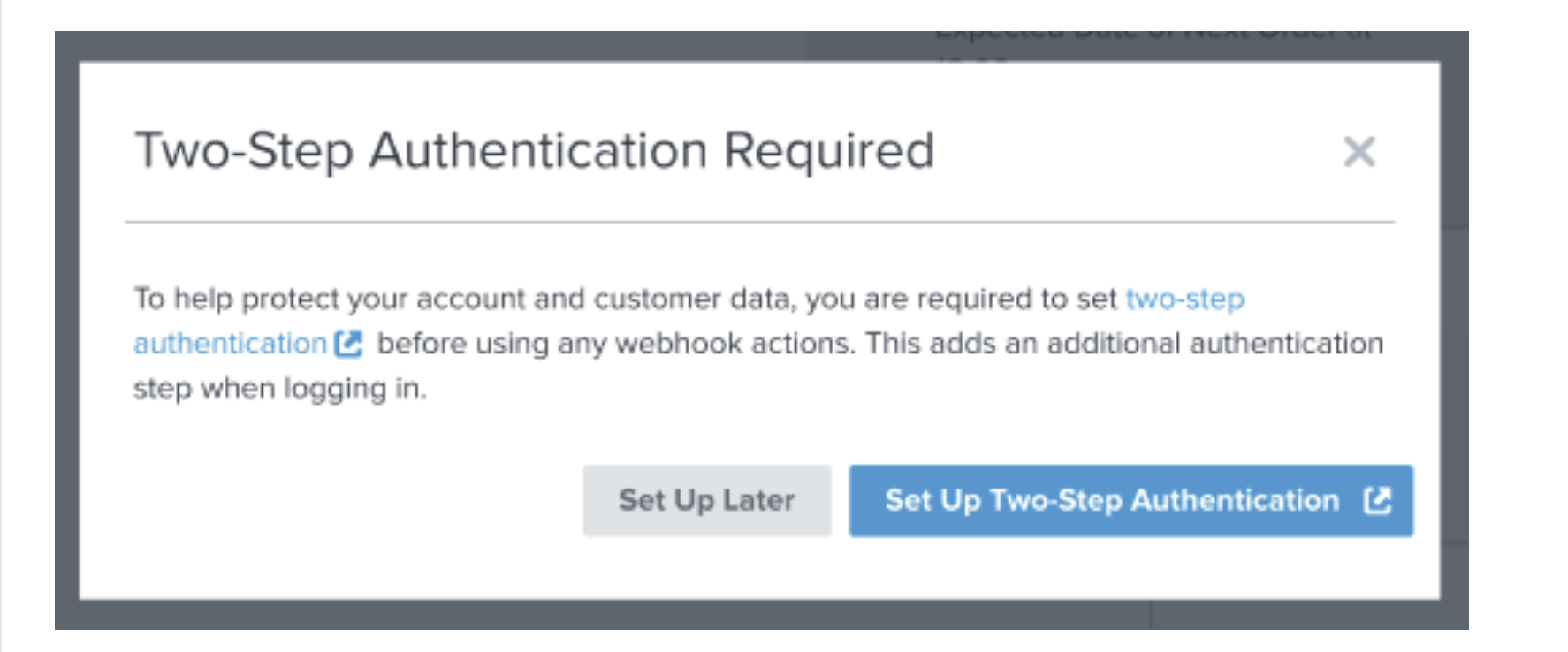
Two-step authentication must be enabled.
User roles: Manager, Admin, or Owner.
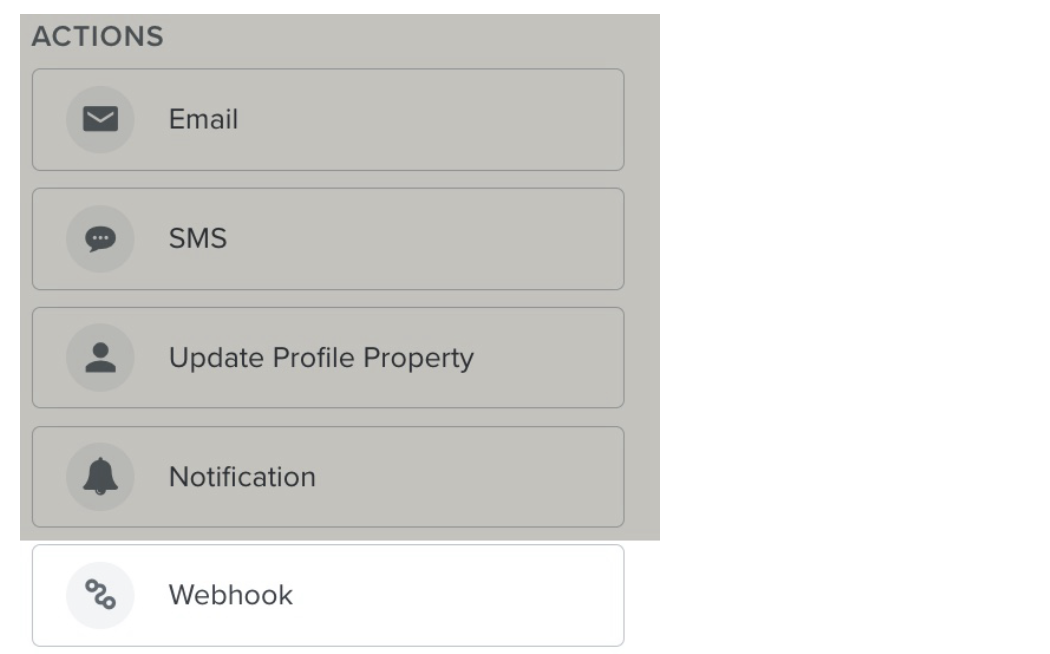
Drag the Webhook action into the flow builder.
Enter the destination URL.
Add headers if needed for authentication.
Input JSON payload with profile or event variables.
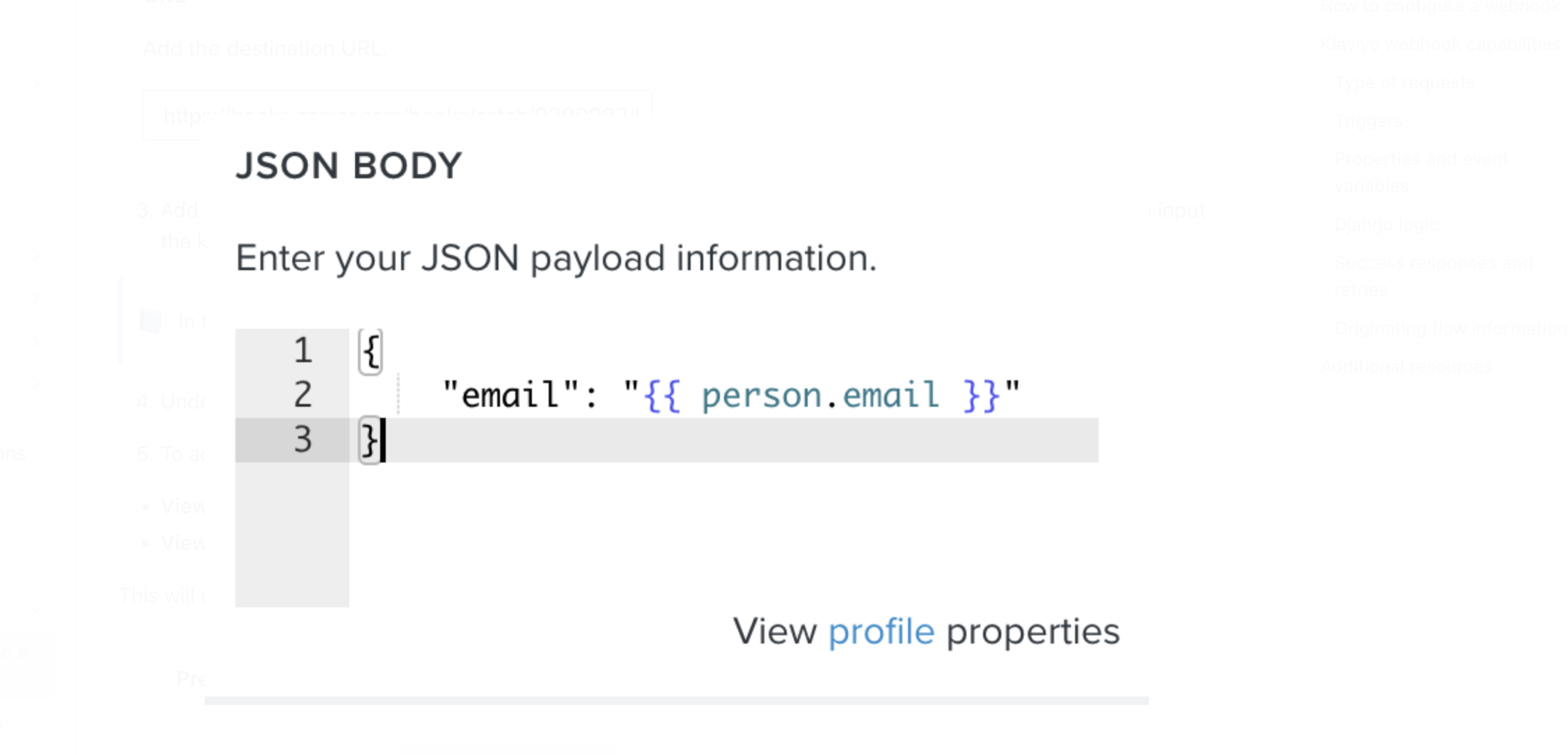
Optionally, include Django logic to manipulate payload data.
Click Save to activate the webhook.
Only POST requests are supported.
Requests include header X-Klaviyo-Flow-ID, identifying the originating flow.
Do not use webhooks to subscribe profiles to new lists.
Click the webhook action in the flow builder.
Click View All Activity in the left panel.
Logs display:
Status of each request
Number of subscribers affected
Email address of recipient
Error messages (if applicable)
Timestamp
Retryable Errors:
HTTP 429 – Rate limit exceeded.
HTTP 500 – Destination server error.
HTTP 502 – Invalid response from server.
HTTP 503/504 – Server unavailable or timed out.
Retry Behavior:
Retried up to 17 times over 24 hours with exponential backoff.
Status during retries: Waiting to Retry.
If retries fail: Skipped status.
Non-Retryable Errors:
Any other codes are moved to the Skipped queue for manual troubleshooting.
E-commerce:
Send order details to fulfillment, accounting, or ERP systems.
Trigger direct mail (e.g., catalogs) after purchase.
Pass abandoned cart data to a retargeting platform.
Marketing Automation:
Send loyalty points after a purchase.
Trigger NPS surveys or feedback requests.
Re-engage lapsed customers through third-party platforms.
Subscriber Management:
Send new subscriber data to CRM or analytics tools.
Notify external systems when users are added to specific segments.
Custom Logic:
Use Django logic to manipulate payloads based on events (e.g., conditional promotions, calculations).
Webhooks are not a two-way sync; Klaviyo cannot receive data through webhooks.
Only events that trigger flows can initiate webhooks.
Success depends on how the receiving system processes the payload.
Klaviyo monitors webhook delivery but cannot troubleshoot external system issues.
Developer resources are recommended for setup, testing, and validation.

