

Add customizable headings, promotional messages, or engaging copy to any app screen with the Rich Text block. This powerful widget gives you full control over the look and feel of your text, allowing you to create beautiful, branded content that perfectly complements your visuals.
Features & Controls
Customize your Rich Text block using the controls on the right panel.
Properties Panel
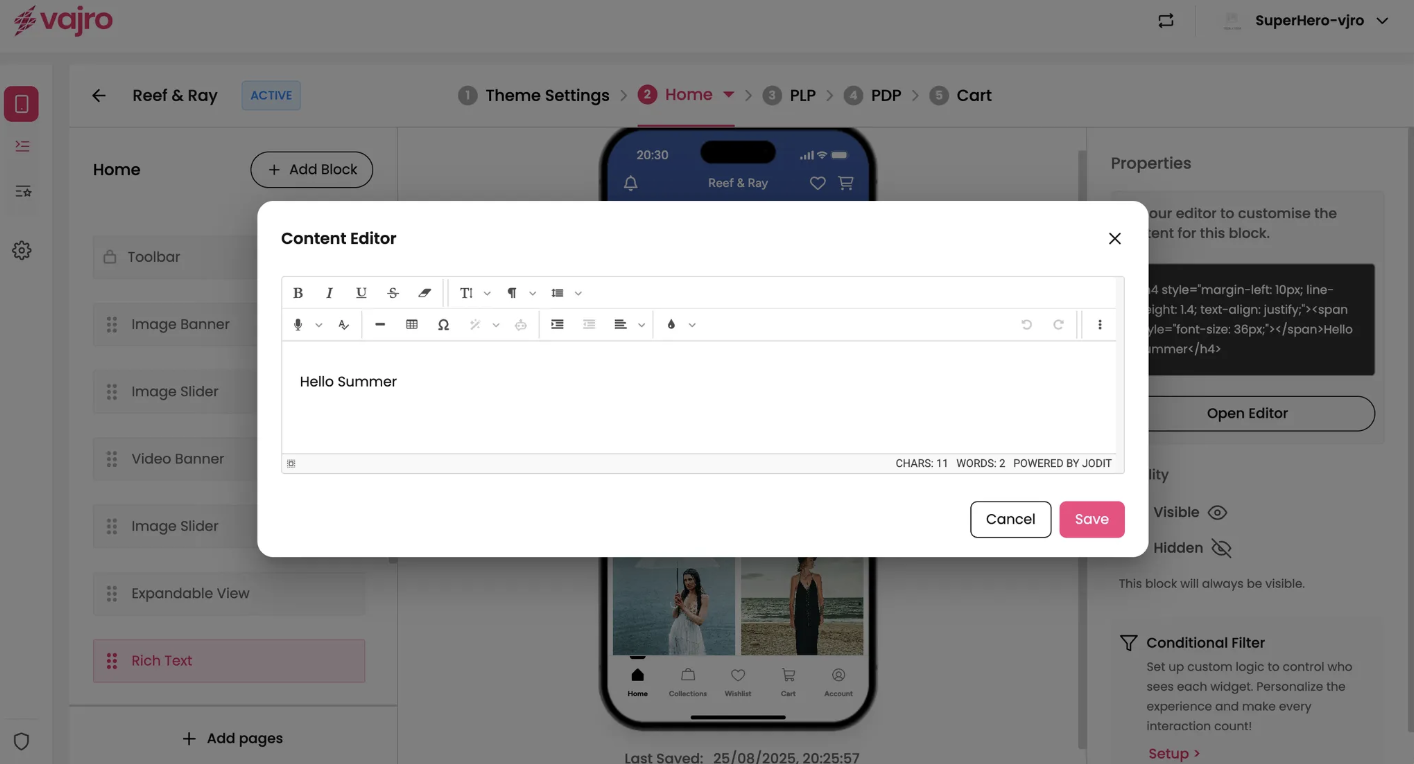
This section is where you write and format your content.
Text Editor: This is the core of the Rich Text block.
Open Editor: Click the Open Editor button to access a full-featured text editor. Here, you can type your content and use a range of formatting options to customize it.
Formatting: Within the editor, you can:
Change font size, color, and style.
Apply bold, italics, and underlines.
Adjust text alignment (left, center, right, justify).
Insert links to direct customers to other pages or external sites.

** Rich text will be removed from Super Dashboard soon