This document walks you through the steps involved in getting the API keys for iOS app.
Step 1: Log in to App Store Connect account.
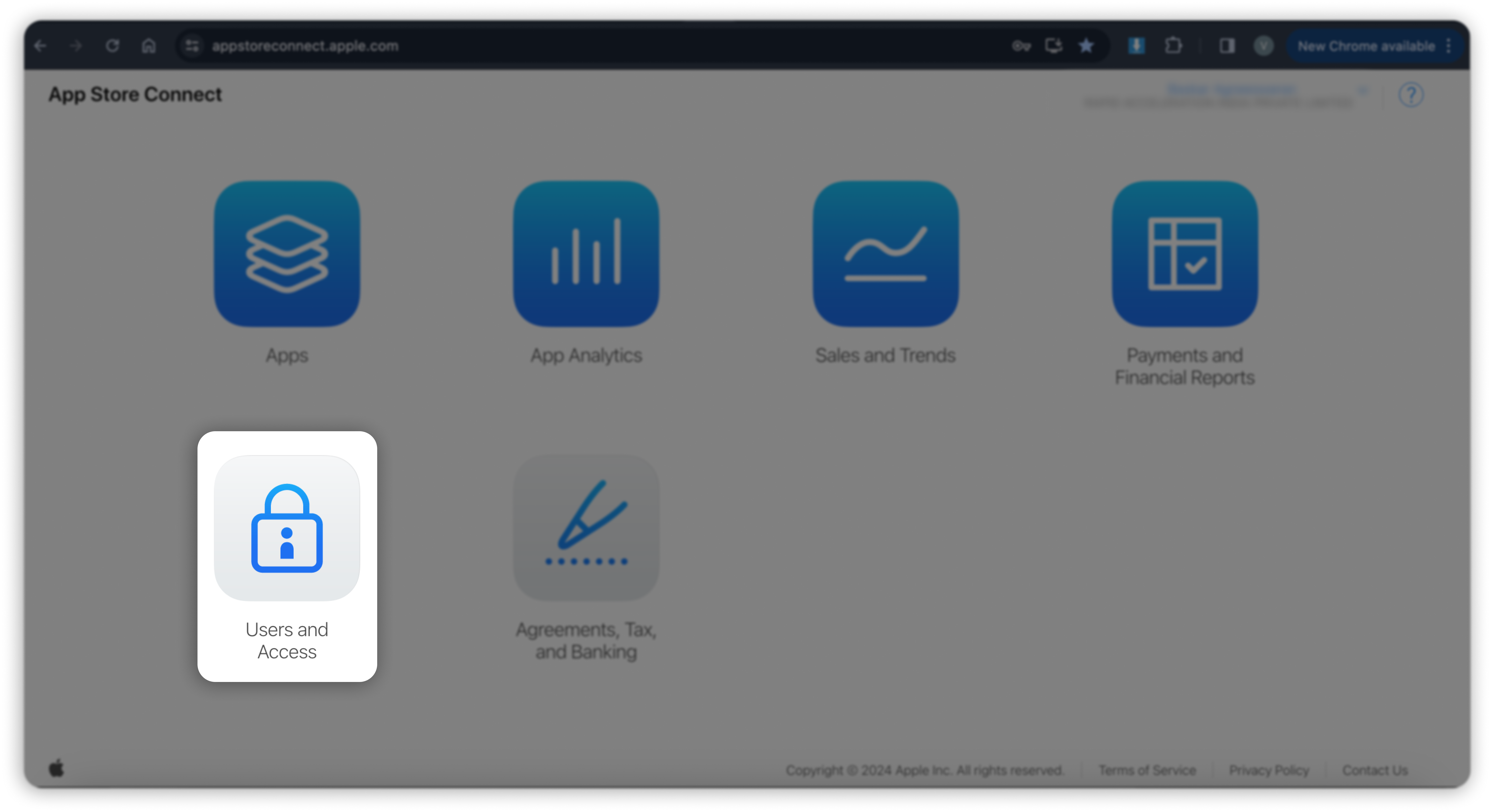
Step 2: Click on Users and Access.
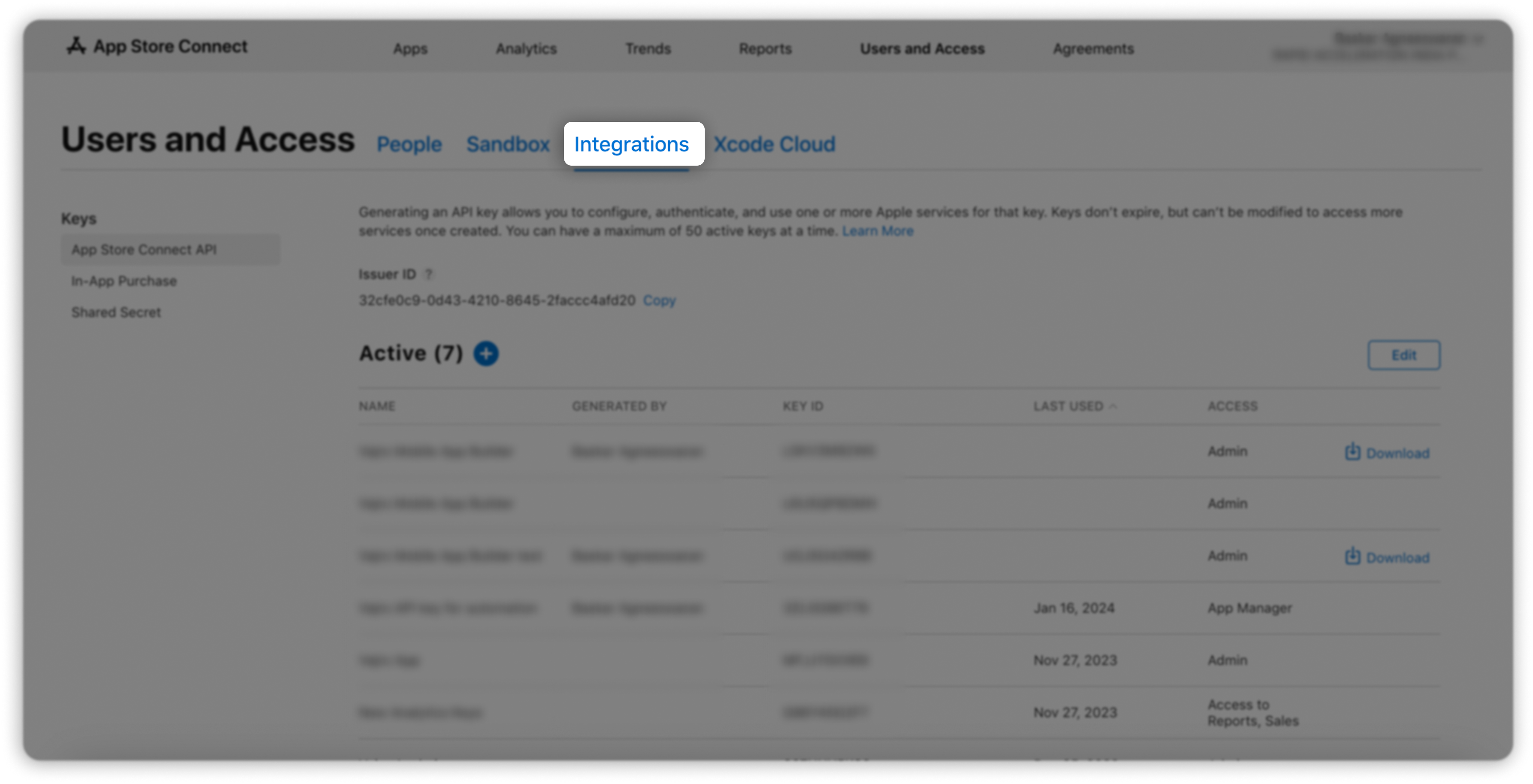
Step 3: Click on the Integrations tab.
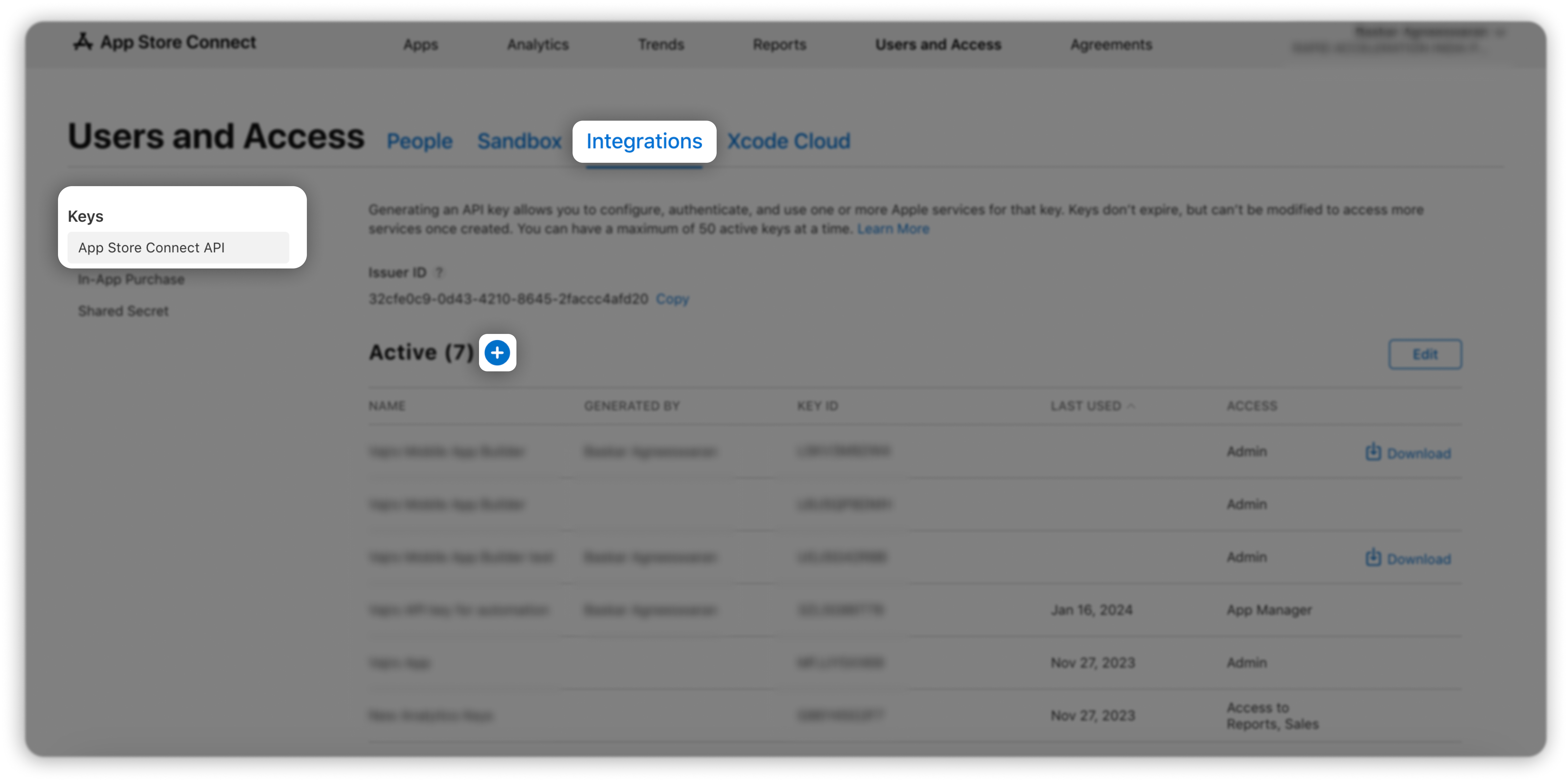
Step 4: Under Keys, choose App Store Connect API, and click on the + button.
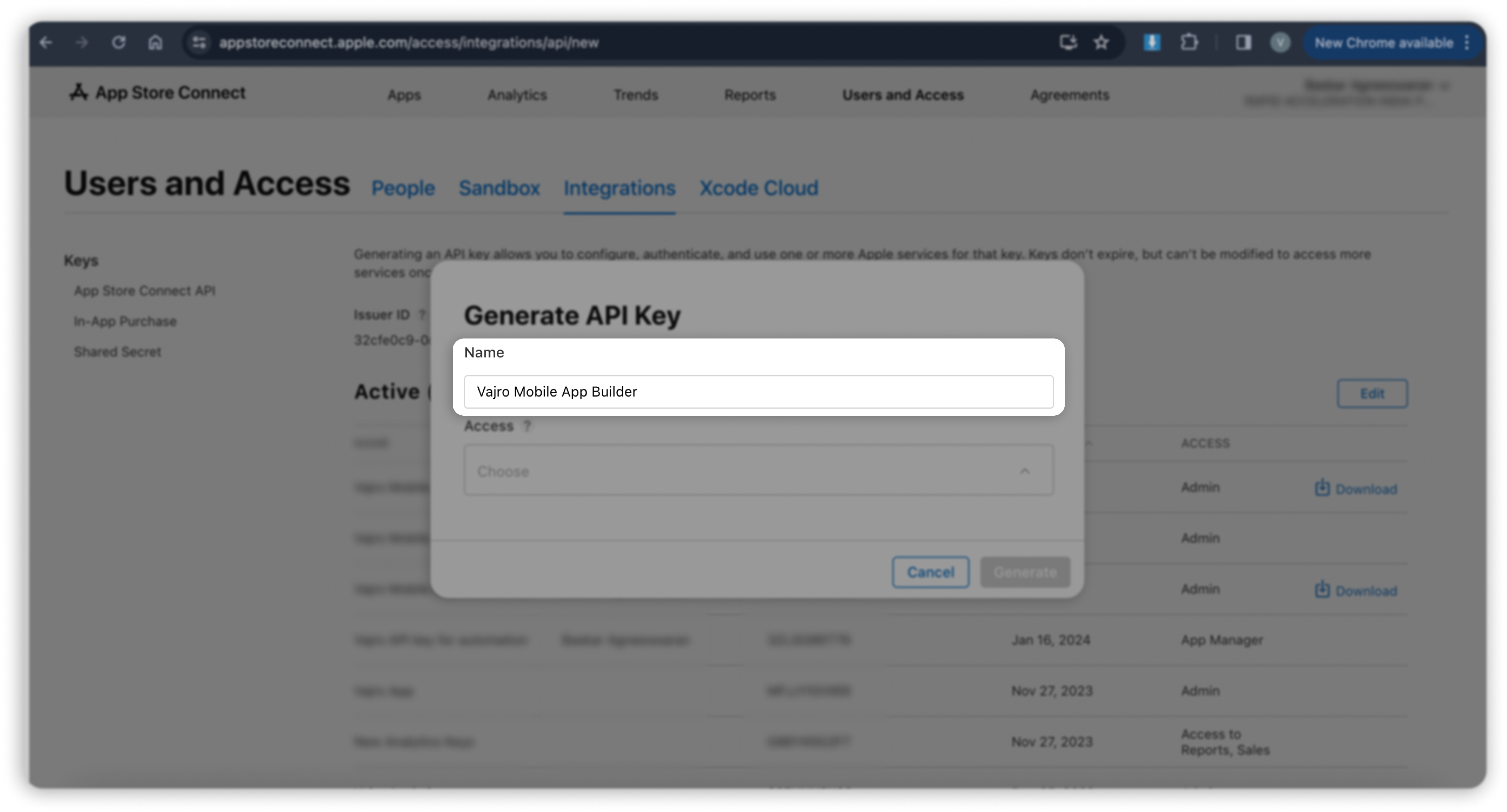
Step 5: The Generate API Key popup will appear.
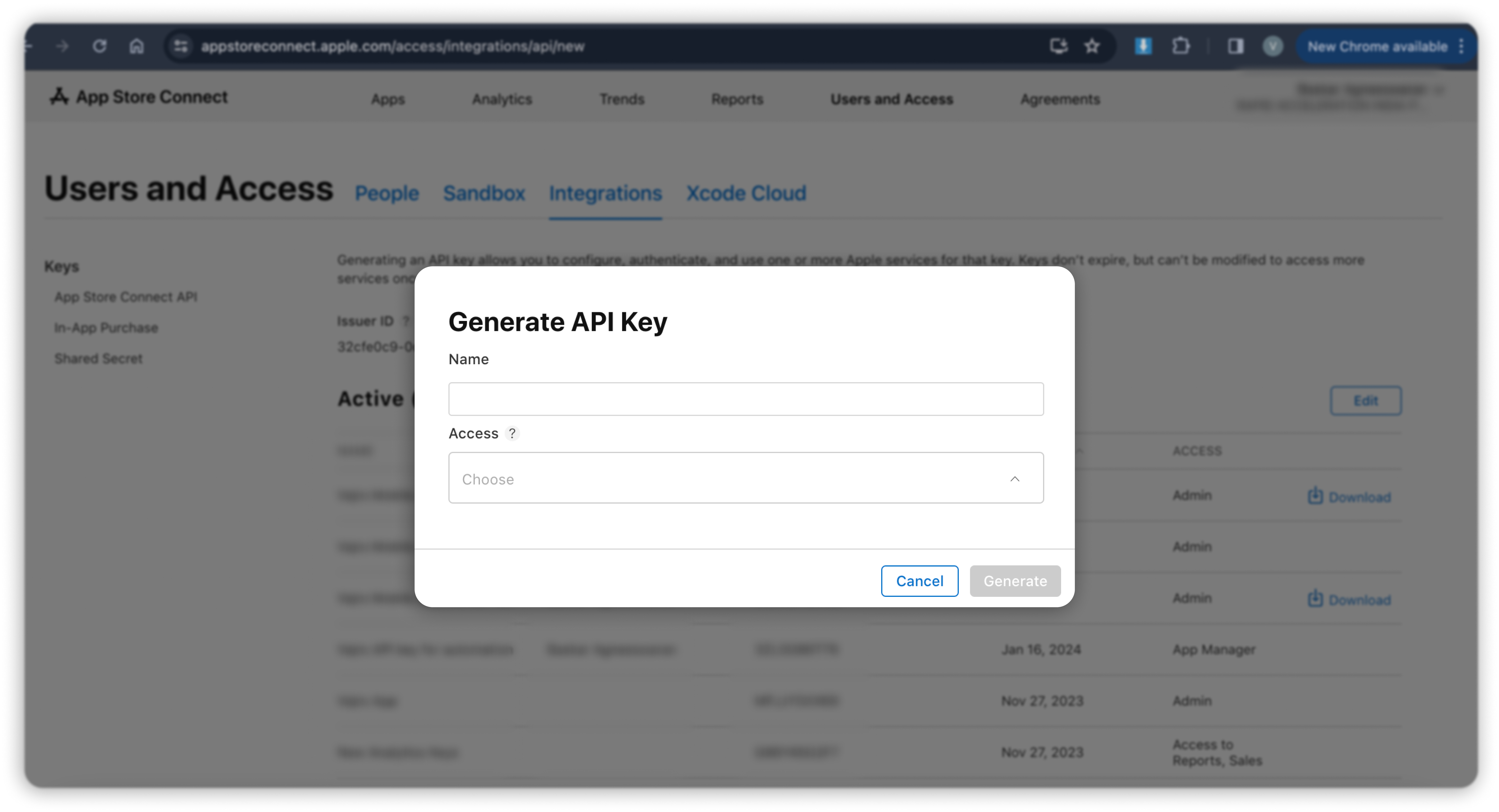
Step 6: Input Vajro Mobile App Builder as the name for the API key.
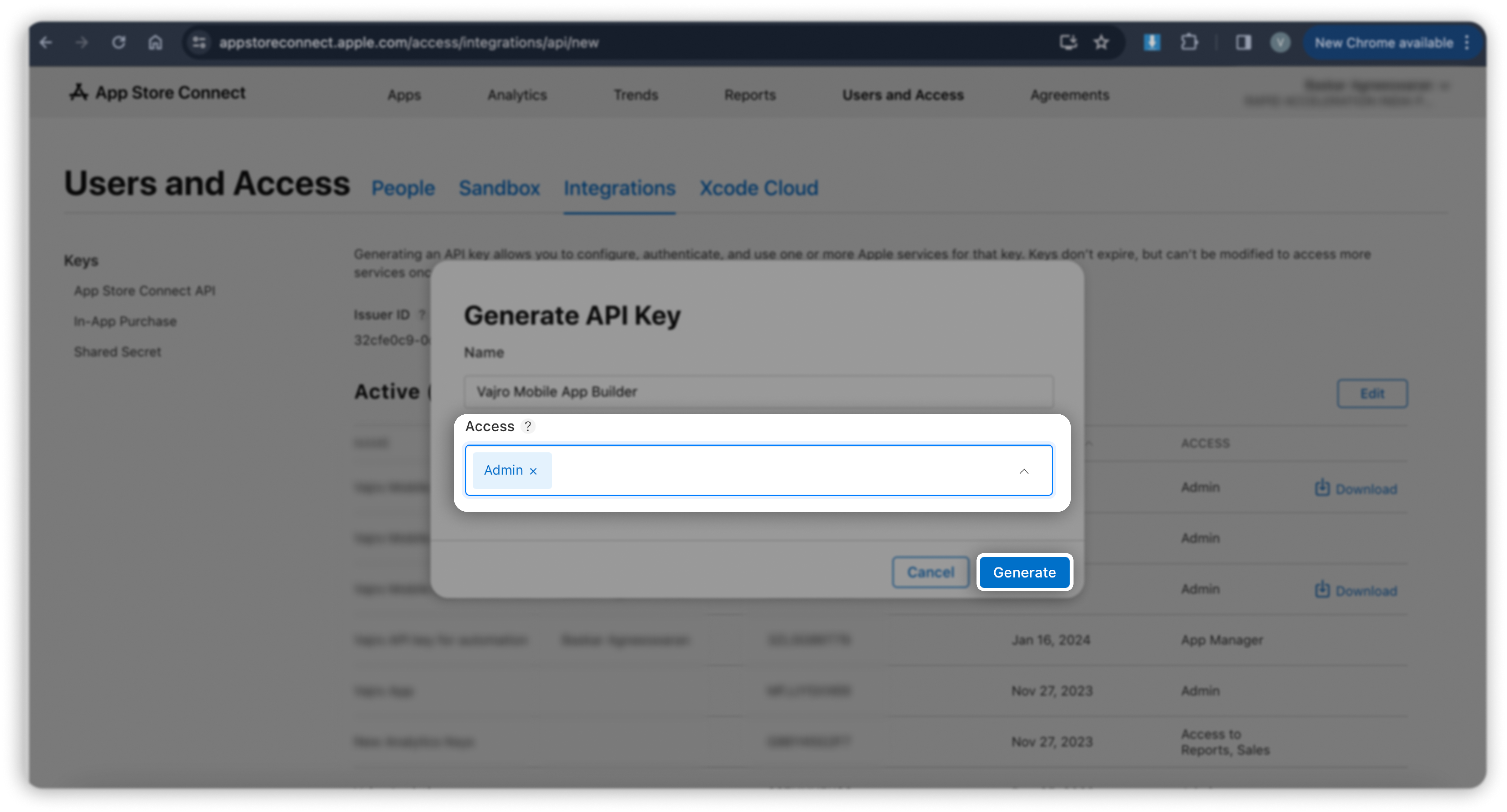
Step 7: Under Access, select the Admin role for the key and click Generate.
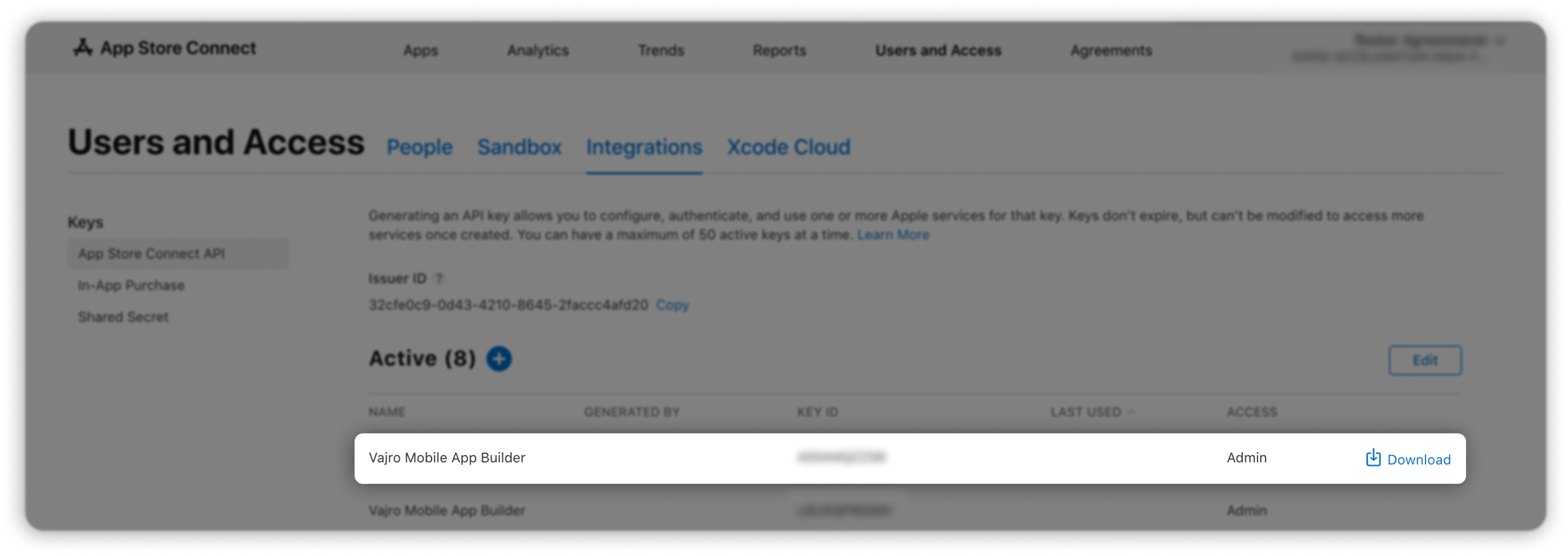
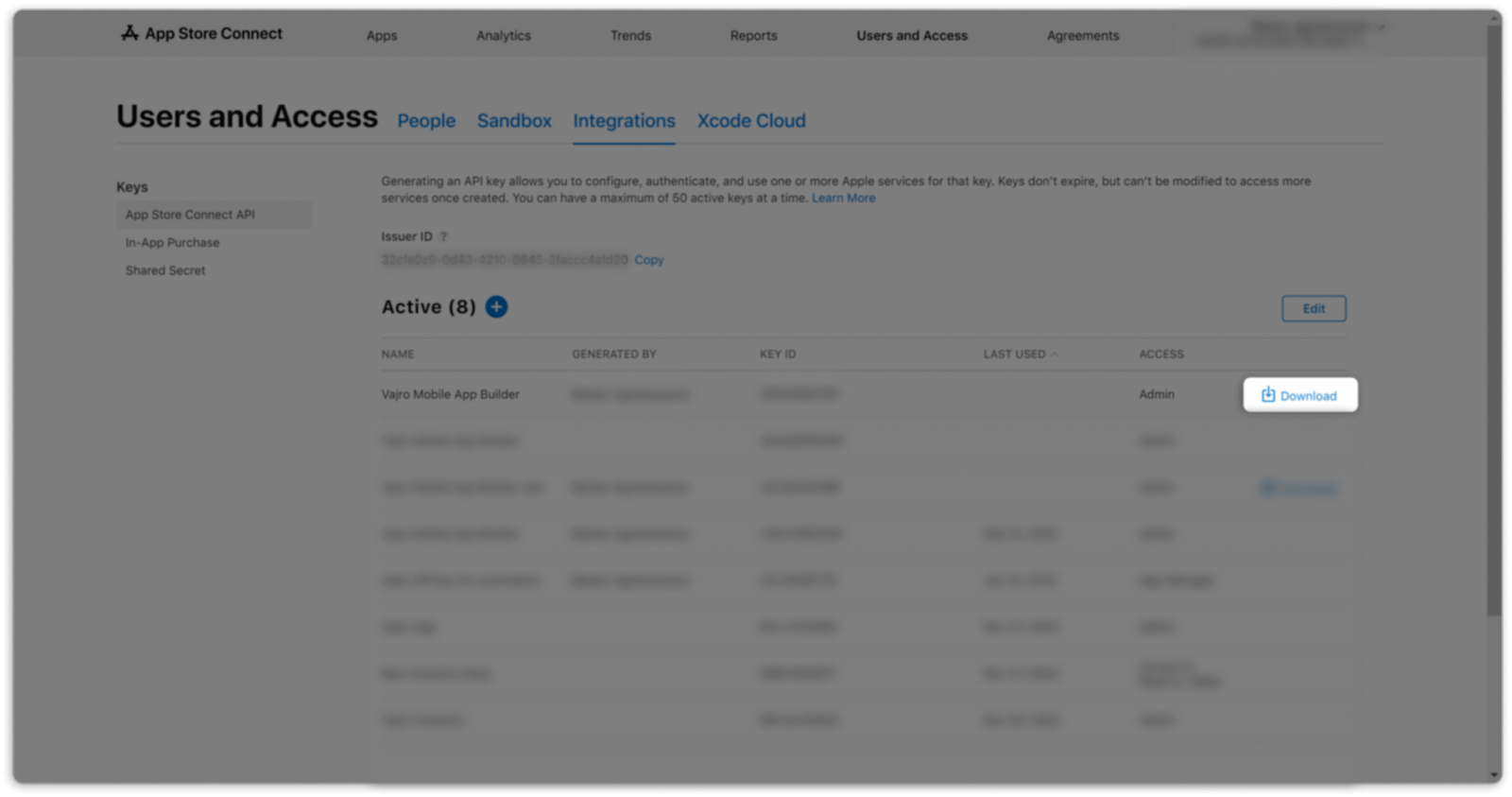
Step 8: The new key's name, KEY ID, download link, and other information will appear.
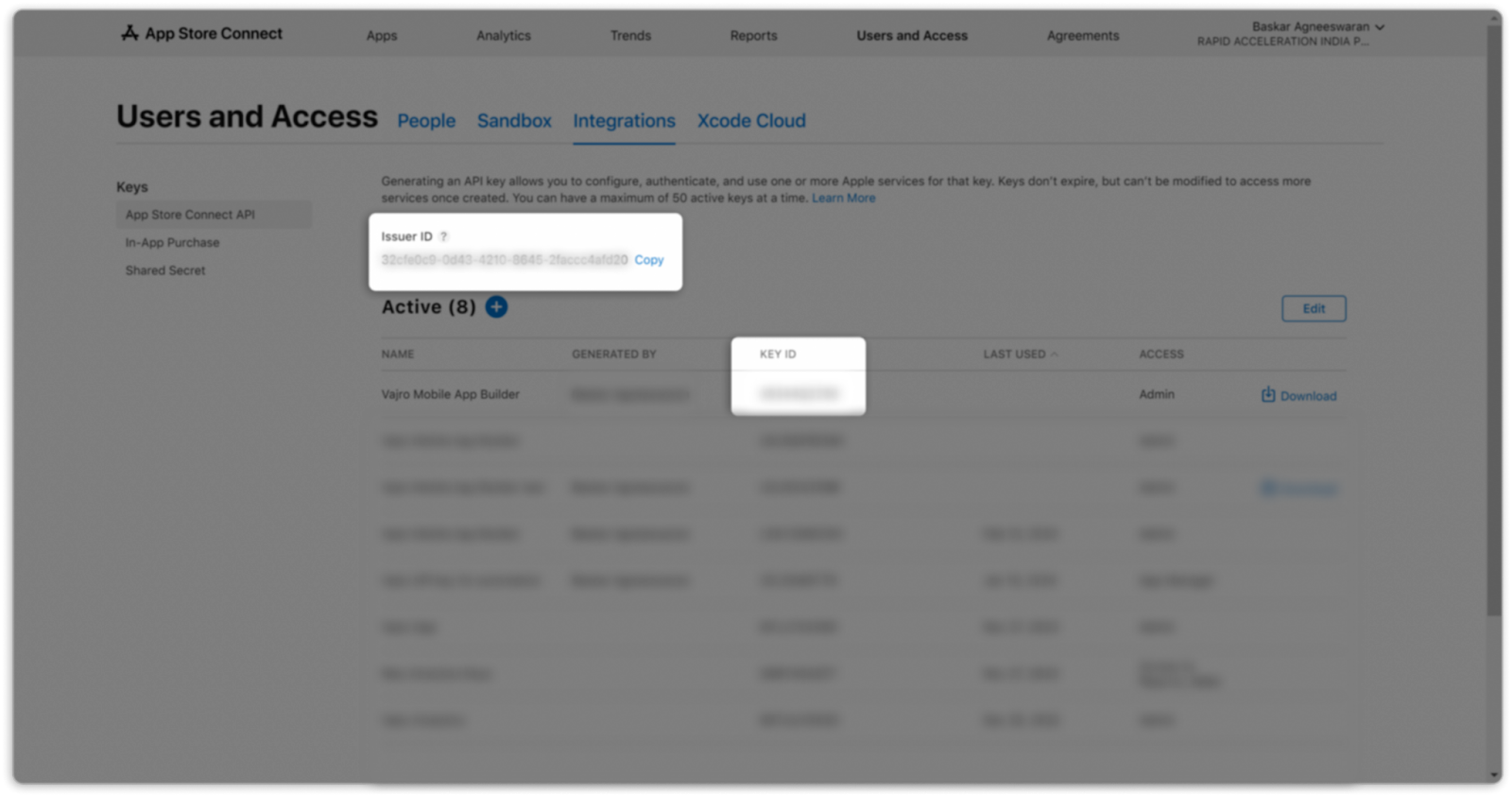
Step 9: Copy the Issuer ID and KEY ID. Note that this will be required during the key submission.
Step 10: Save the API key as a .p8 file by clicking the Download button.
Step 11: Navigate to the Business tab
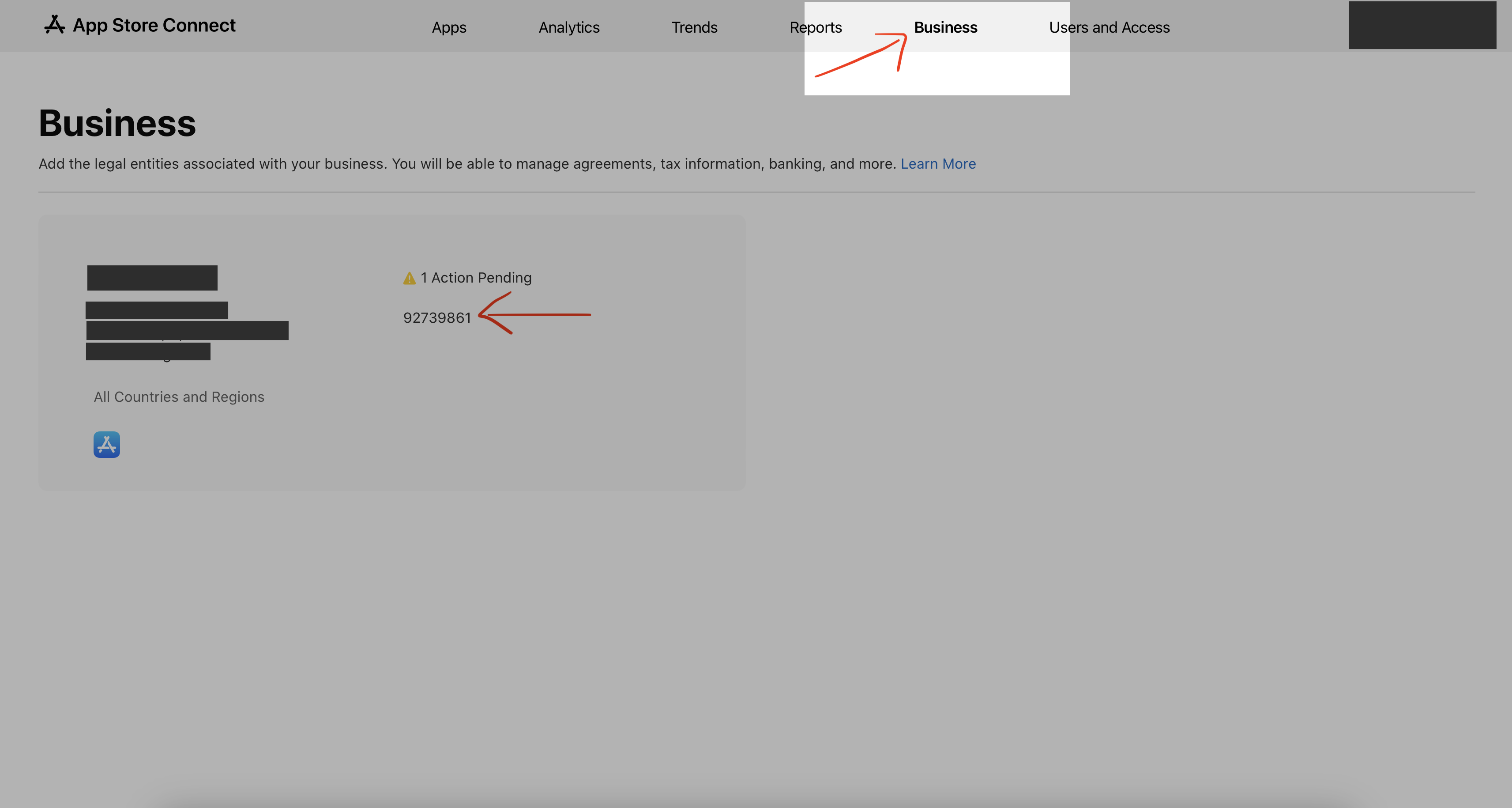
Step 12: Copy the 8 digit Vendor#. It should be there right next to your business name & address. Note that this will be required during the key submission.
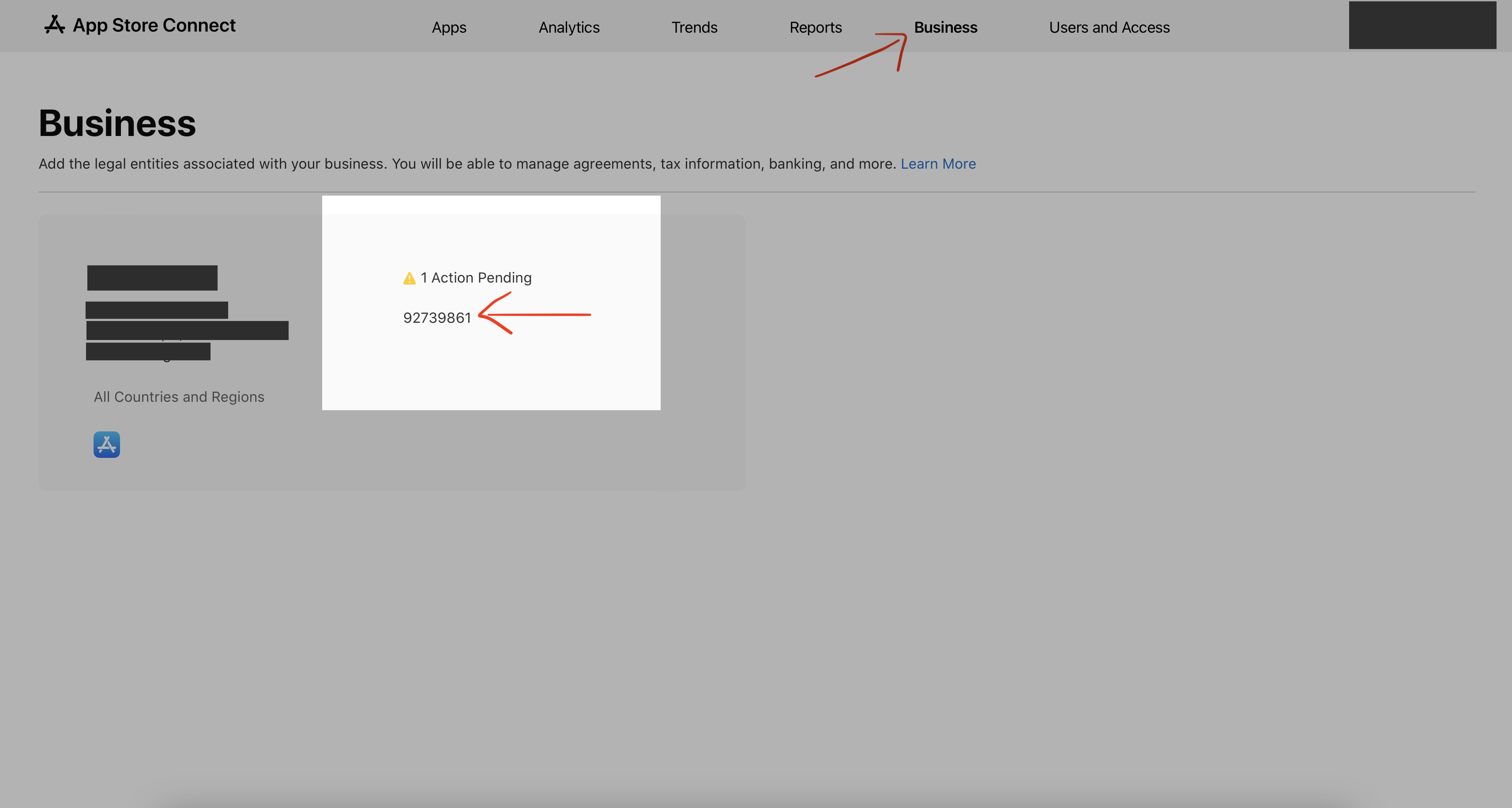
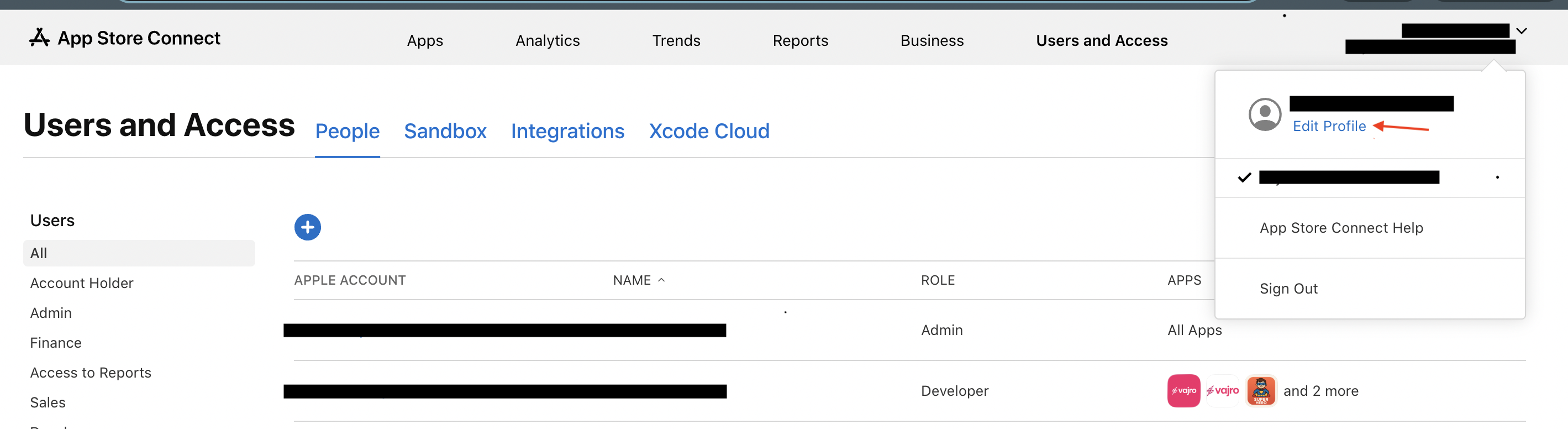
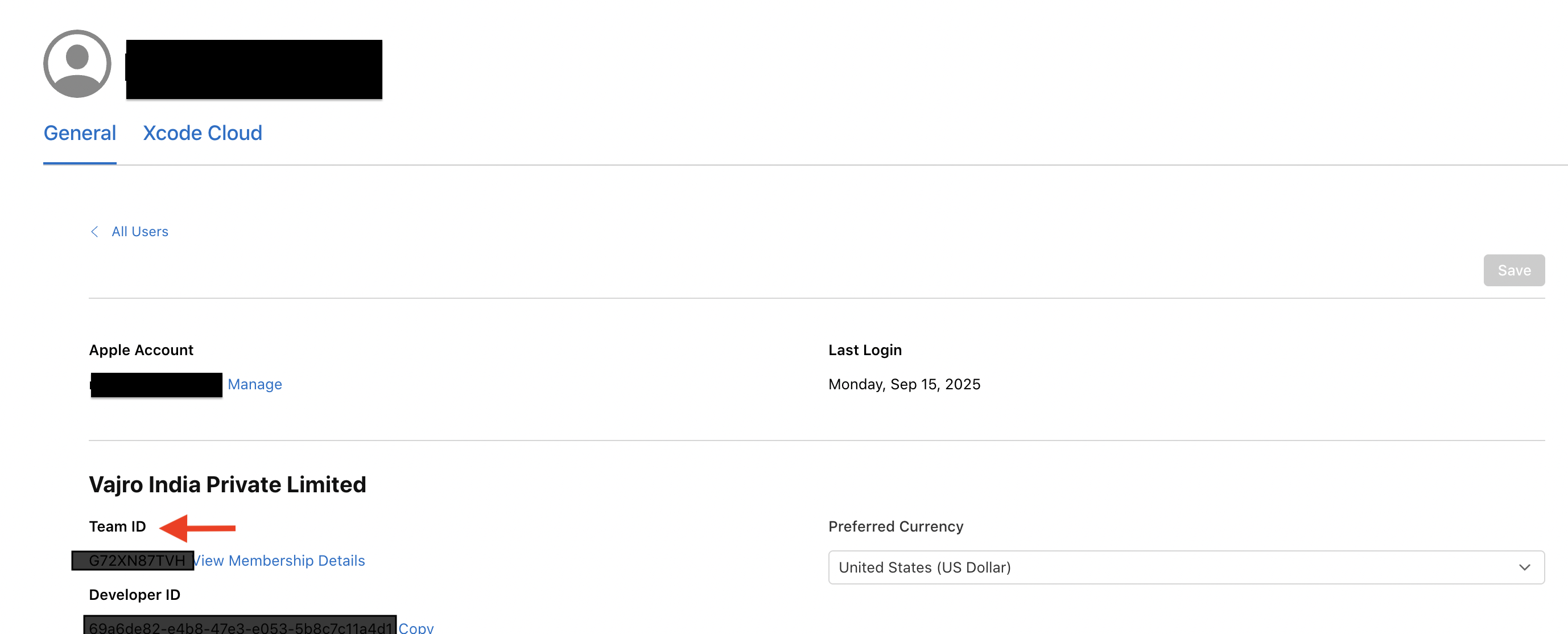
Step 13: In order to get Team ID, Click on the name which is on the top right corner. In the dropdown menu, click on edit profile.
Step 14 : Copy the Team ID which appears under the General tab. (Note: The Team Id is a 10 digit character string)
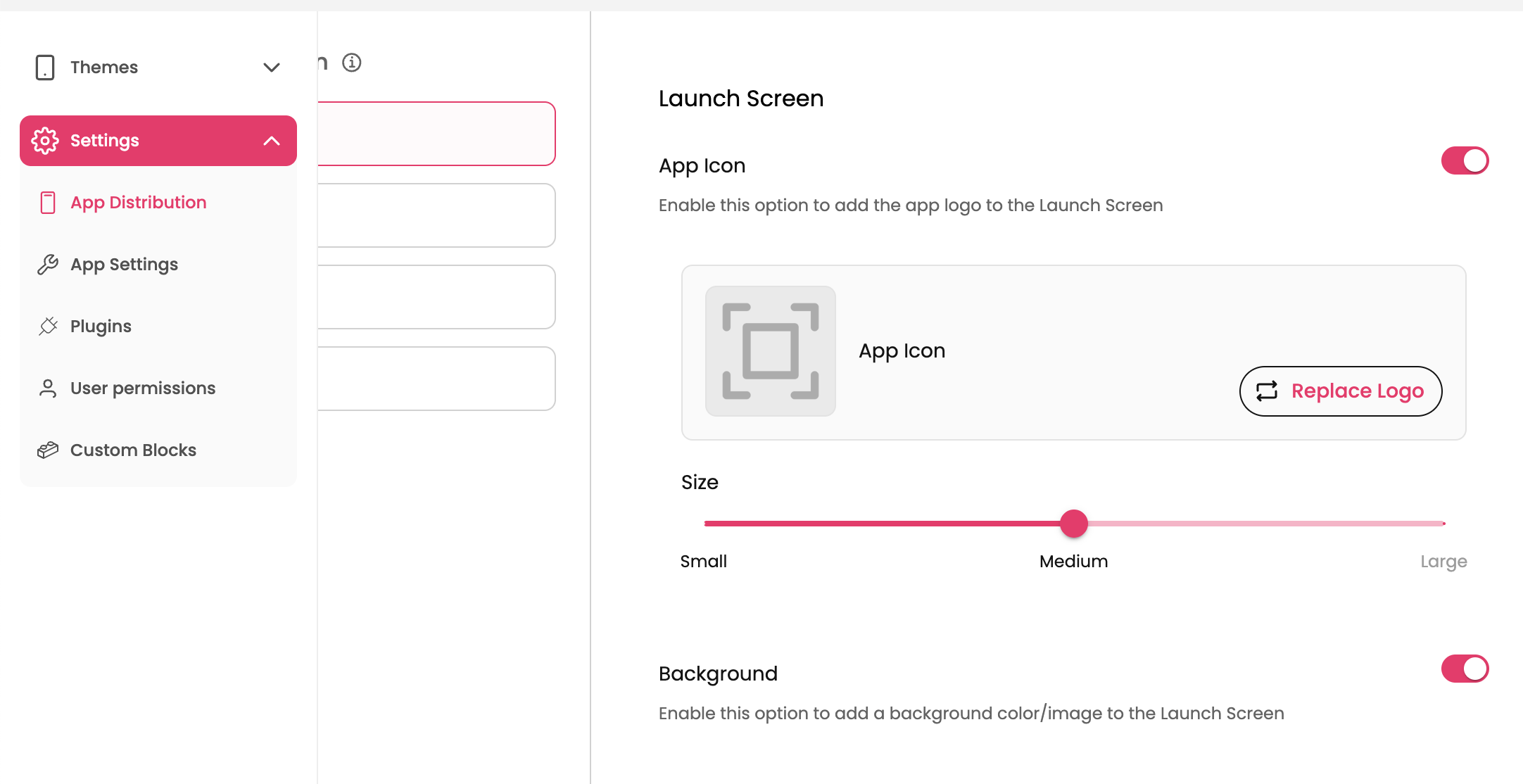
Step 15: Go to the Settings menu of the Super dashboard and navigate to App Distribution Section.
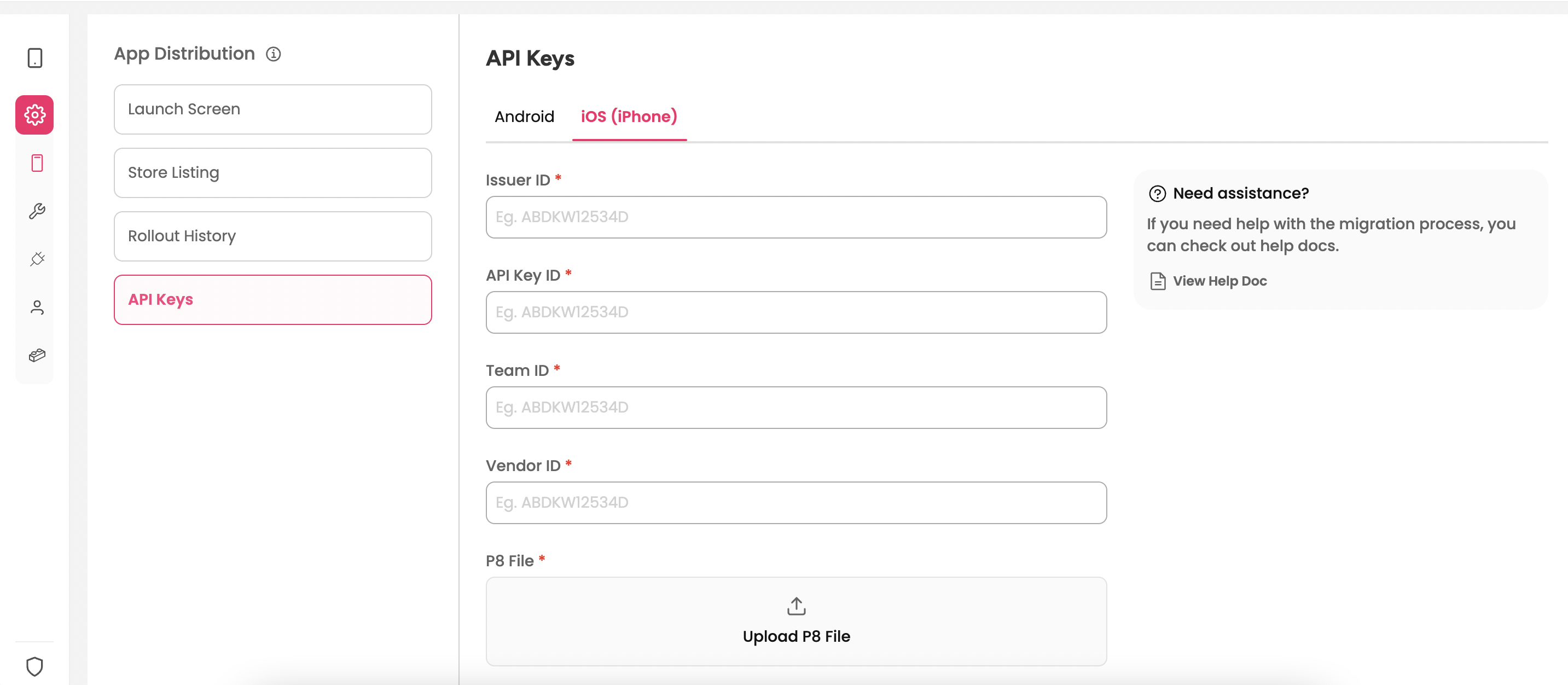
Step 16: Click on API Keys section and go to the iOS(iPhone) tab.
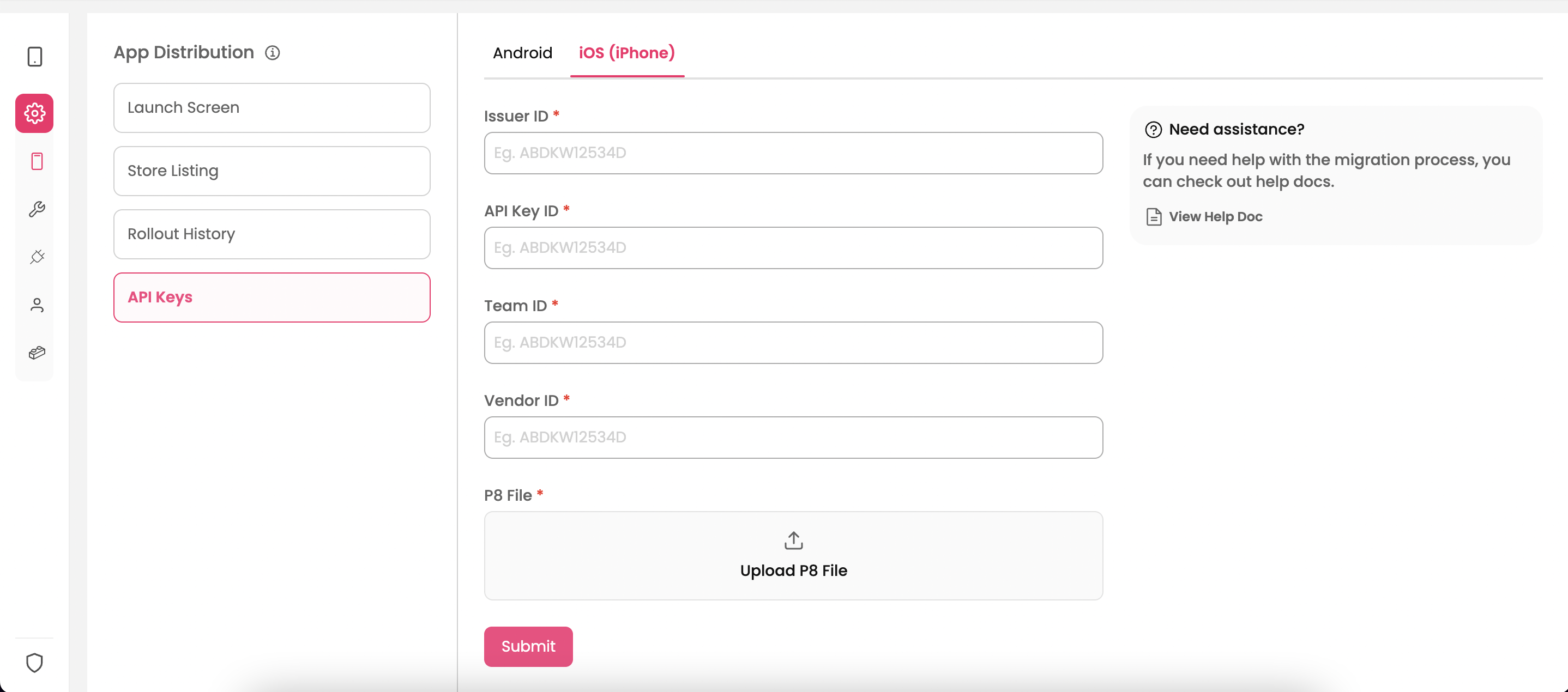
Step 17 : Fill in the following details in the Dashboard which are retrieved from various steps and click on Submit.
Issuer ID → Retrieved from Step 9
API Key ID → Retrieved from Step 9
P8 file → Retrieved from Step 10
Vendor ID → Retrieved from Step 12
Team ID → Retrieved from Step 14
Pro Tip: Copy the values in Notes or any preferred app for easy upload on the dashboard.
What is an API Key?
API keys are secure keys that allow us to publish your app on your behalf, under your own account.
Why is it important ?
When we publish your app to the Google Play Store, it must be done through your own developer accounts so that:
The app belongs to you and your brand (not us).
You stay fully compliant with Google and Apple’s rules.
Customers see your company name as the app owner, which builds trust.
To make this smooth, we ask for your API keys.
What are JKS files?
The JKS file is your app’s unique digital signature that ensures ownership and security.
How to get the JKS files?
Connect with your previous app builder and they should be able to give you the JKS file.
Can I make my apps live without API Keys?
No. API keys are important without which the apps can’t go live.