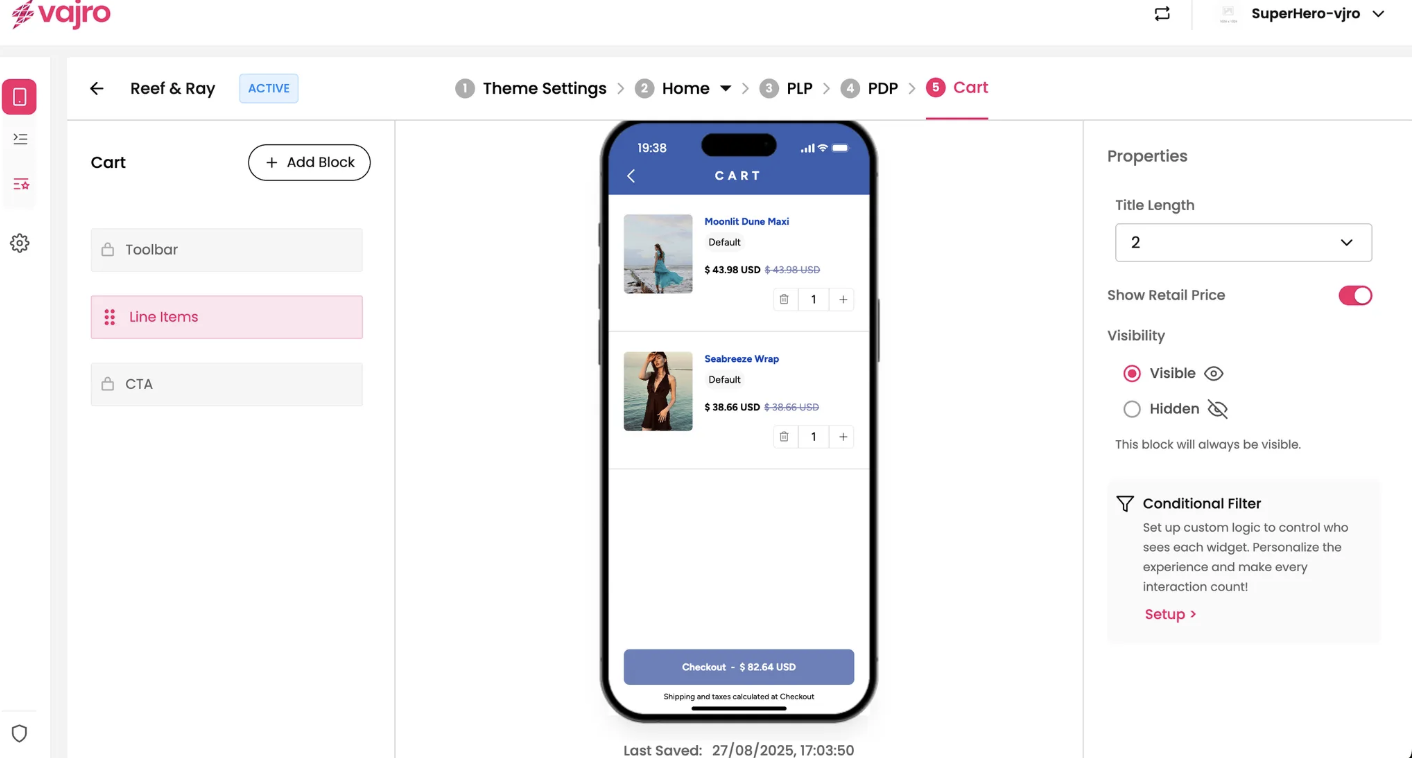

The Line Items block displays a detailed list of all the products your customer has added to their cart, including product images, names, prices, and quantities.
Features and Controls
The properties panel for the Line Items block allows you to customize how product details are displayed.
Properties Panel
This section is where you manage the visual presentation of the items in your cart.
Title Length: Set the maximum number of lines for the product title to display. For example, "2" means the title will be limited to two lines.
Show Retail Price: This toggle controls whether the original retail price (if different from the current price due to a discount) is displayed.