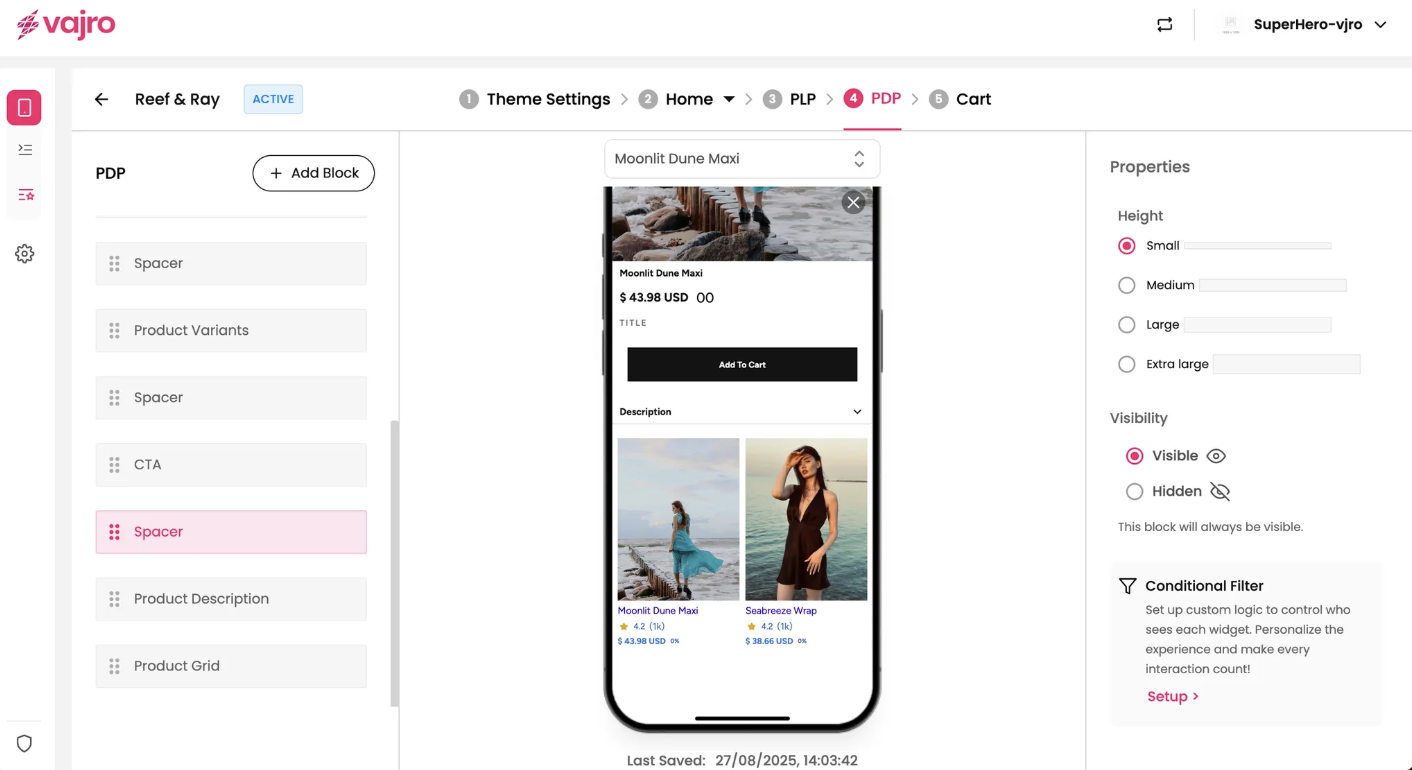
The Product Details Page (PDP) is a crucial component of your mobile app that provides customers with detailed information about a single product. It is where you display product images, prices, descriptions, ratings, and more. This page is designed to inform the customer and encourage a purchase.
Spacer
The Spacer block is a simple but essential tool for designing your PDP. It allows you to add blank vertical space between other content blocks, helping you improve the visual layout and readability of your page. You can use it to separate distinct sections or simply make the page look cleaner.
Features and Controls
The properties panel for the Spacer block allows you to customize its size and visibility.
Properties Panel
This section is where you manage the visual presentation of your spacer.
Height: You can adjust the height of the space by selecting from predefined sizes: Small, Medium, Large, and Extra large.