

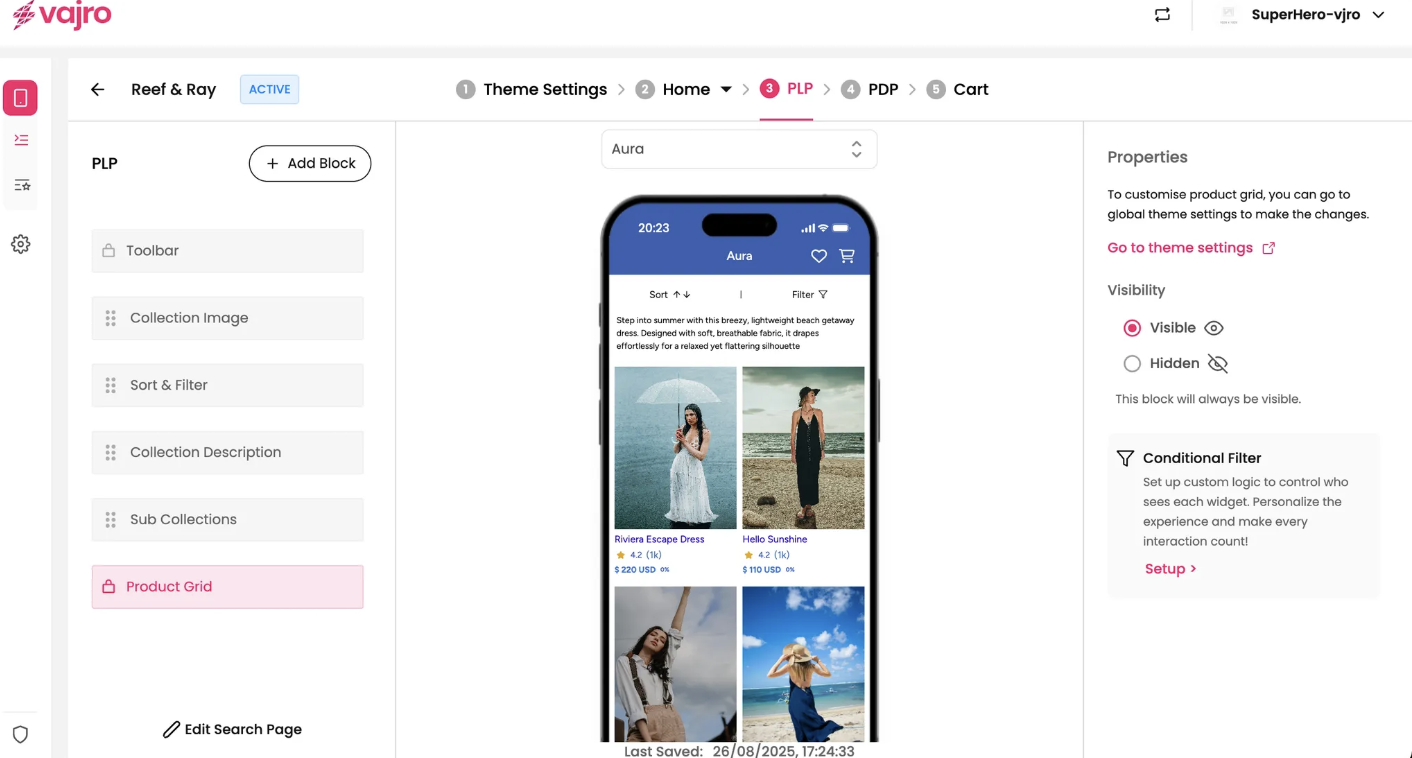
The Product Grid automatically appears on your Product Listing Pages (PLPs) because it's the default, essential template for displaying products. The app builder pre-adds this core component to ensure collection pages immediately function by showcasing your items in an organized grid, streamlining your setup and meeting customer browsing expectations.
Global Theme Settings
For more extensive customization of the product grid, you can access the global theme settings. This is useful for consistent styling across multiple product grids in your app.
Go to theme settings: Click this link to navigate to the global theme settings where you can make changes that will apply to all product grids, unless overridden at the block level.