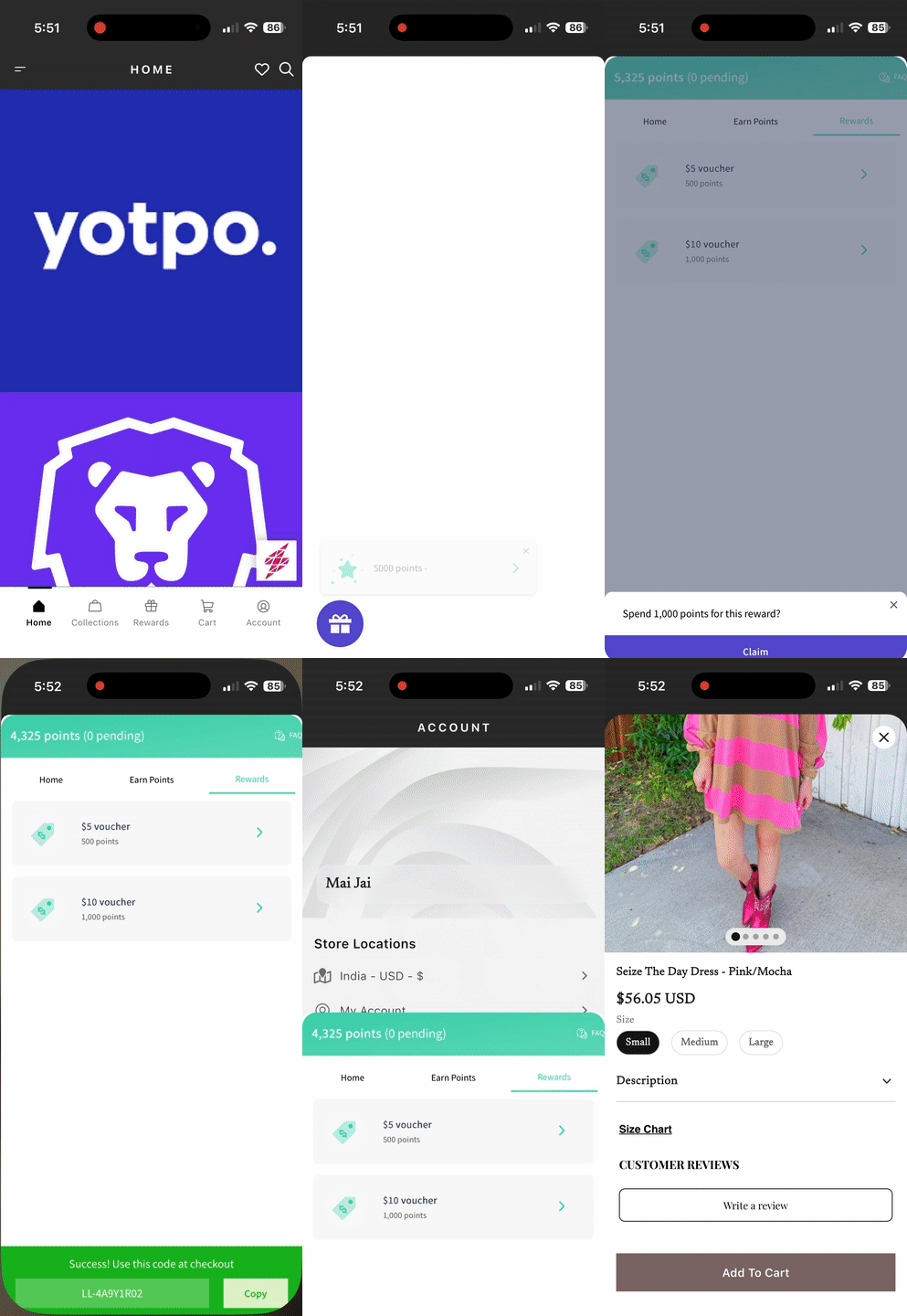
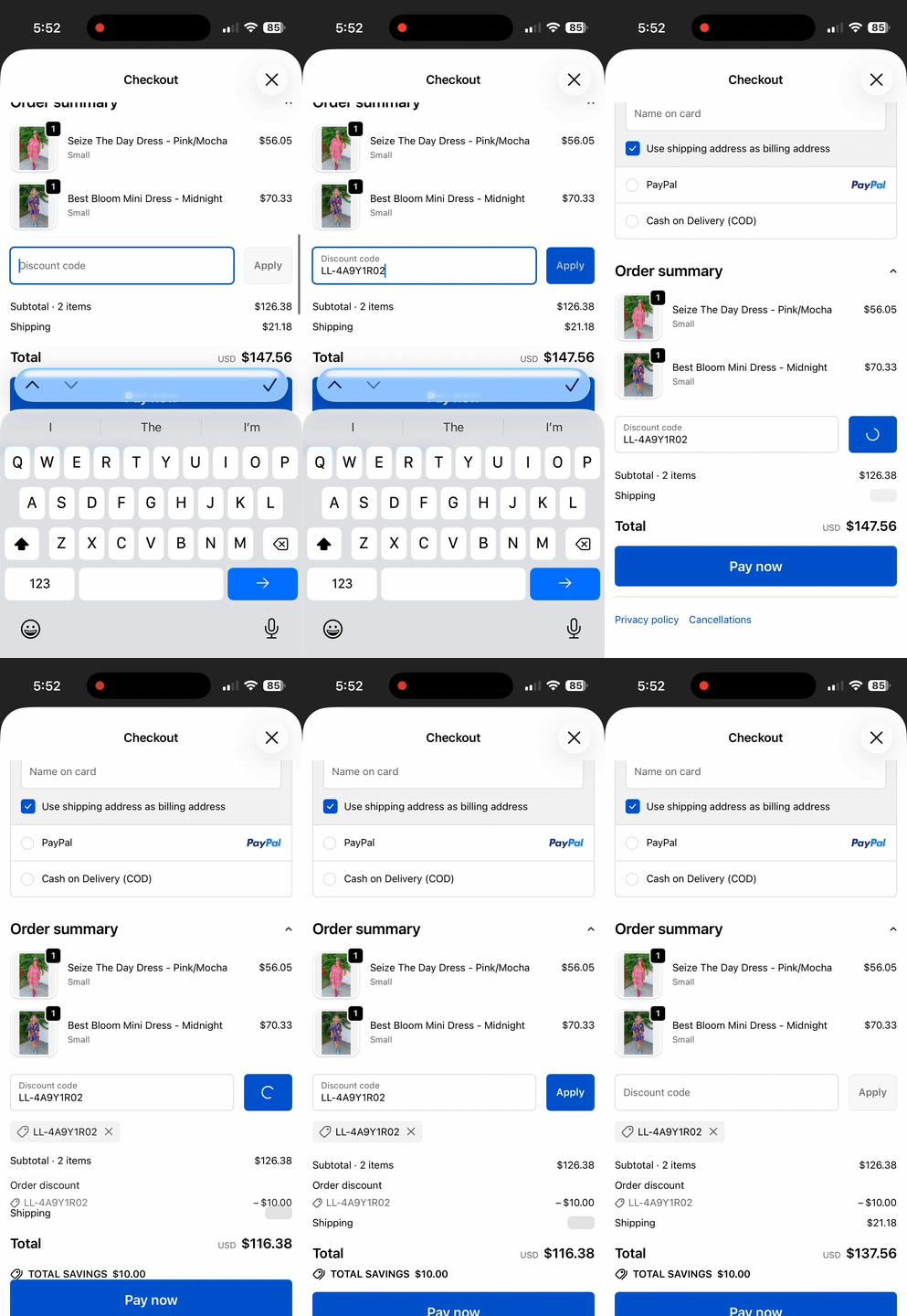
Superfans integrates with LoyaltyLion, enabling a data-driven loyalty program within your mobile app. This integration allows you to reward your app users for their loyalty, increasing retention and customer lifetime value through a seamless, mobile-first interface.
LoyaltyLion is a leading loyalty and engagement platform that allows you to:
Reward customers for site visits, purchases, and referrals.
Increase engagement through "hidden" tiers and specialized rewards.
Drive repeat purchases with automated loyalty emails and notifications.
Automated Vouchers: Rewards redeemed in the app generate codes that are ready to use at checkout.
Referral Support: Customers can access and share their unique referral links directly from their mobile device.
Real-Time Updates: Points are updated instantly as soon as an order is placed or a reward is redeemed.
Zero Maintenance: Syncs automatically with your existing LoyaltyLion configuration on Shopify.
There are 2 steps to enable the LoyaltyLion on the product page of the app.
Enabling the plugin on the Superfans Dashboard
Placing the block on the app
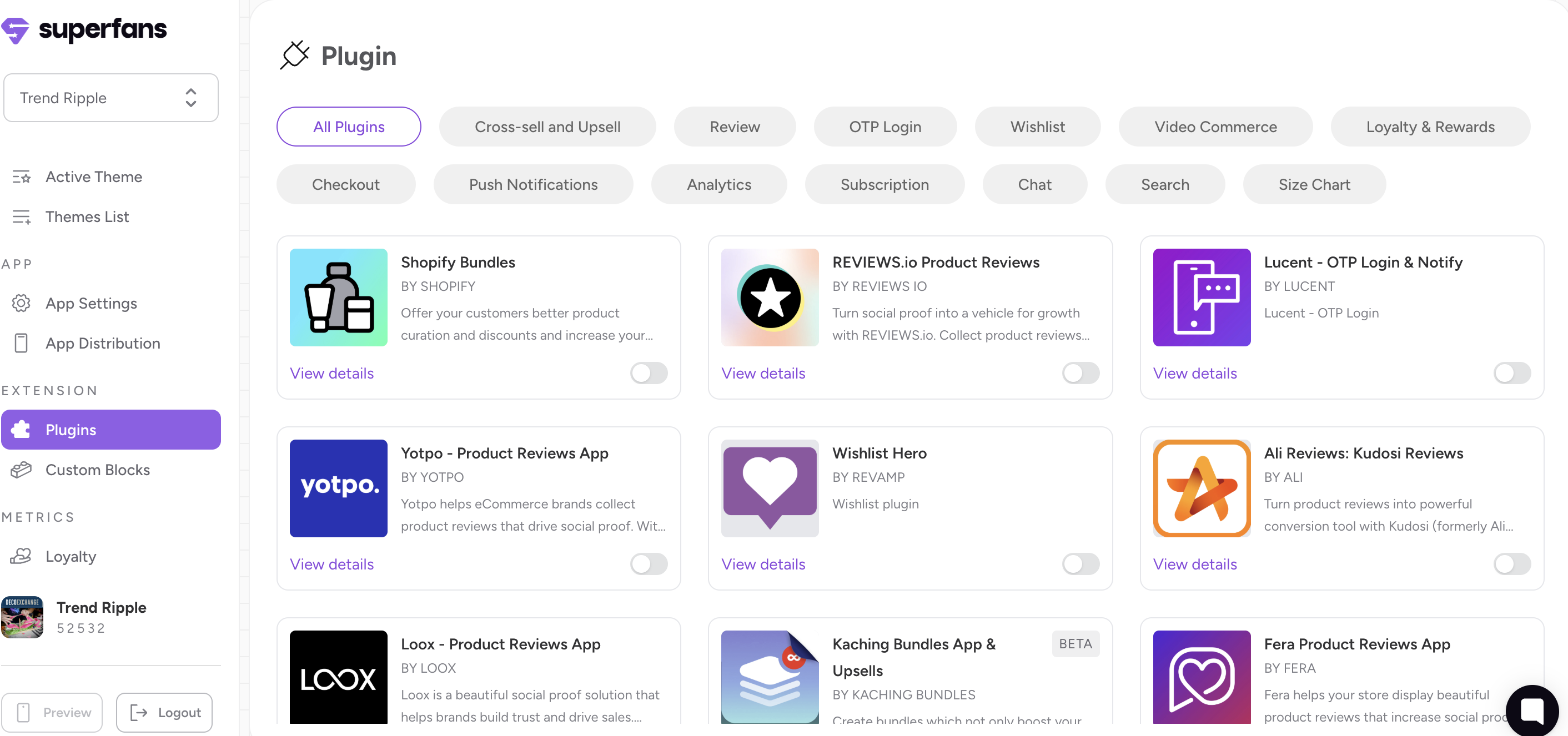
Step 1: Navigate to the Plugins section on the dashboard.
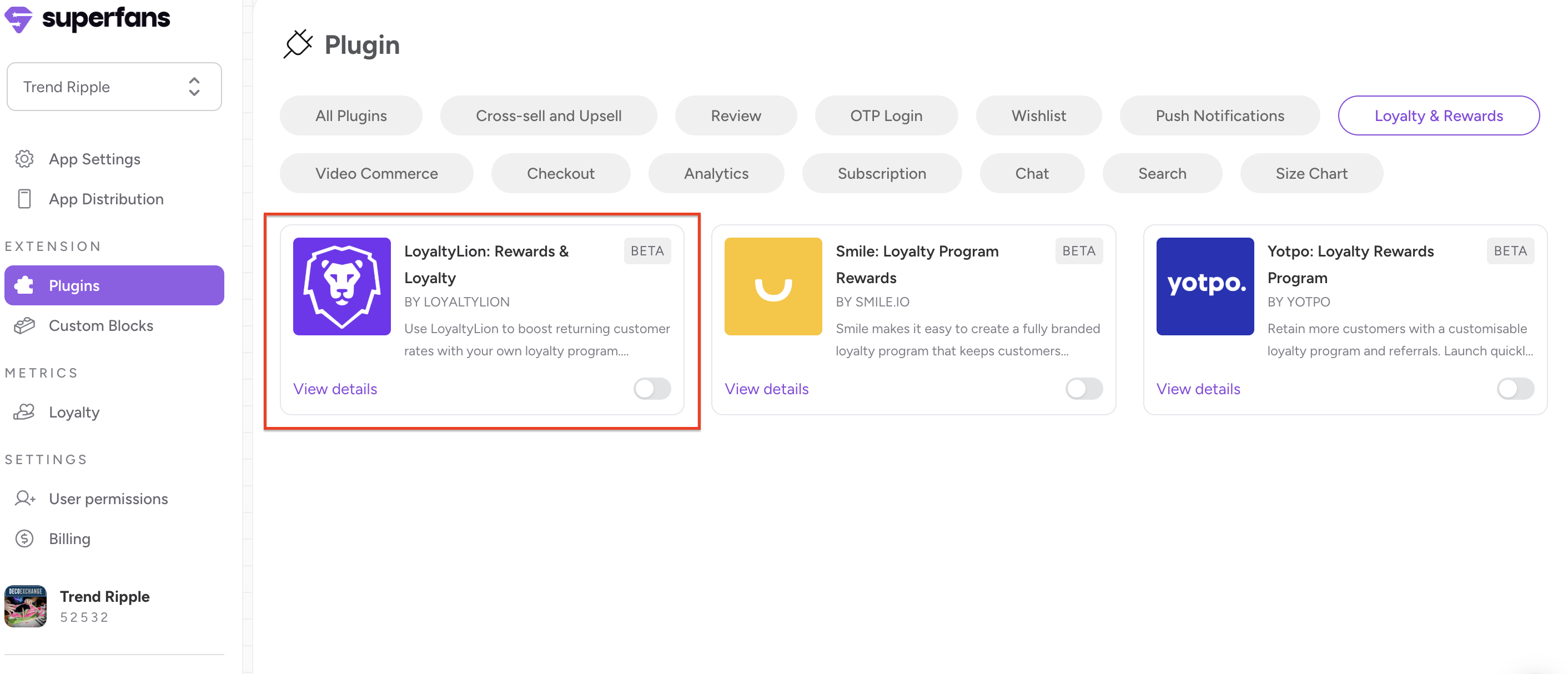
Step 2: Select the “Loyalty & Rewards” category and toggle the LoyaltyLion plugin.
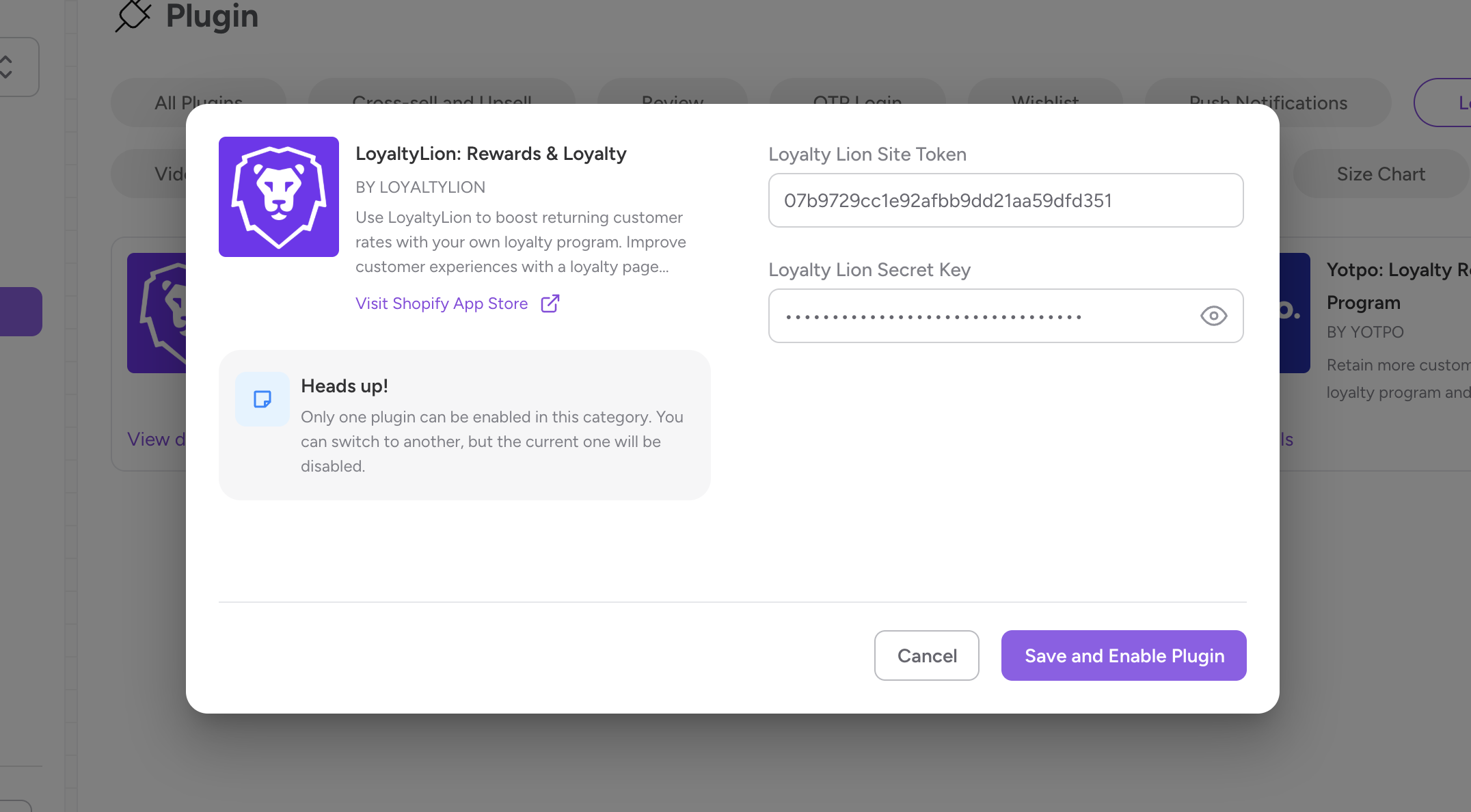
Step 3: Provide the Token and Secret and click on “Save and enable plugin”.
How to retrieve LoyaltyLion Token and Secret
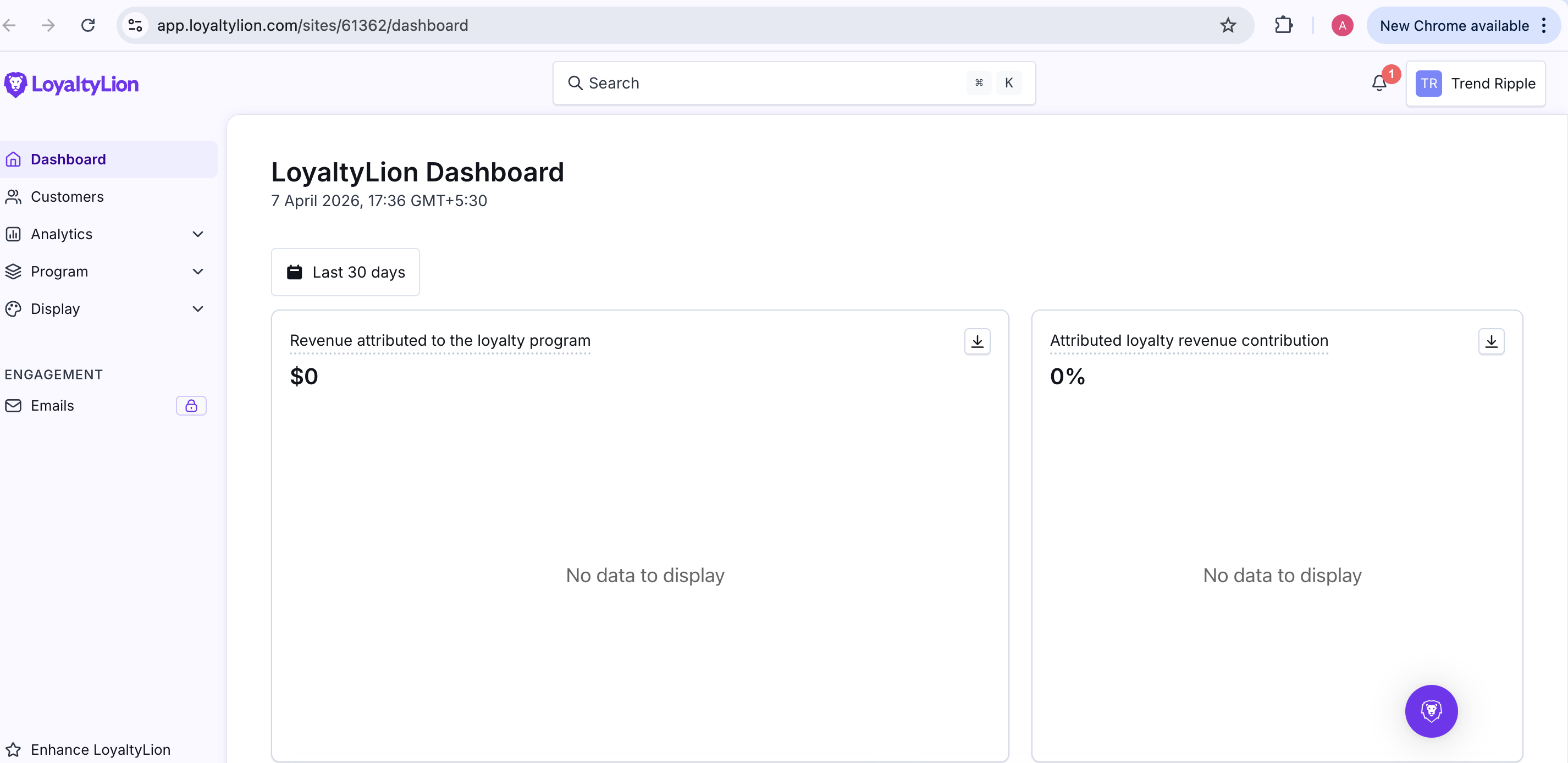
Step 1: Log in to your LoyaltyLion admin dashboard.
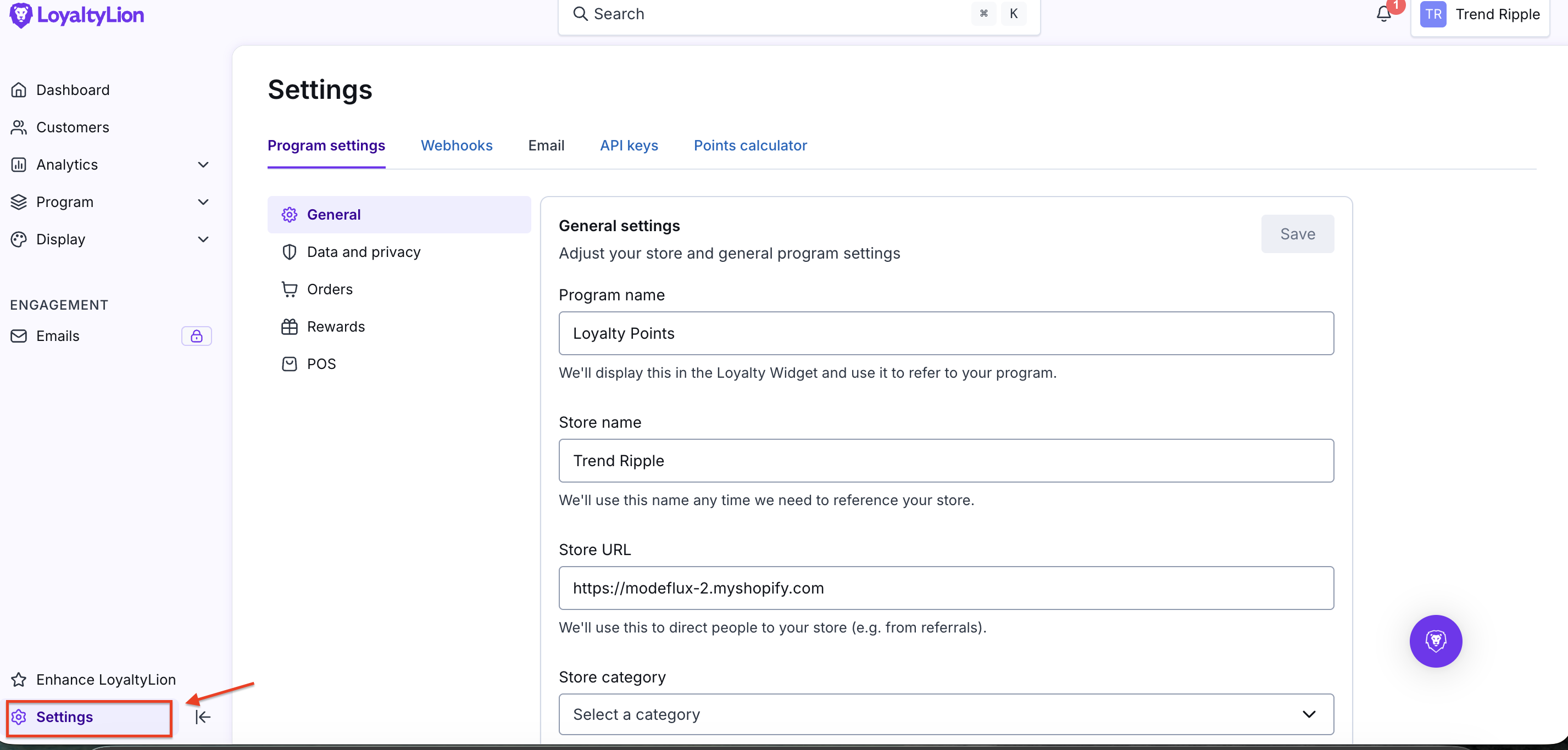
Step 2: Navigate to Settings > Configuration.
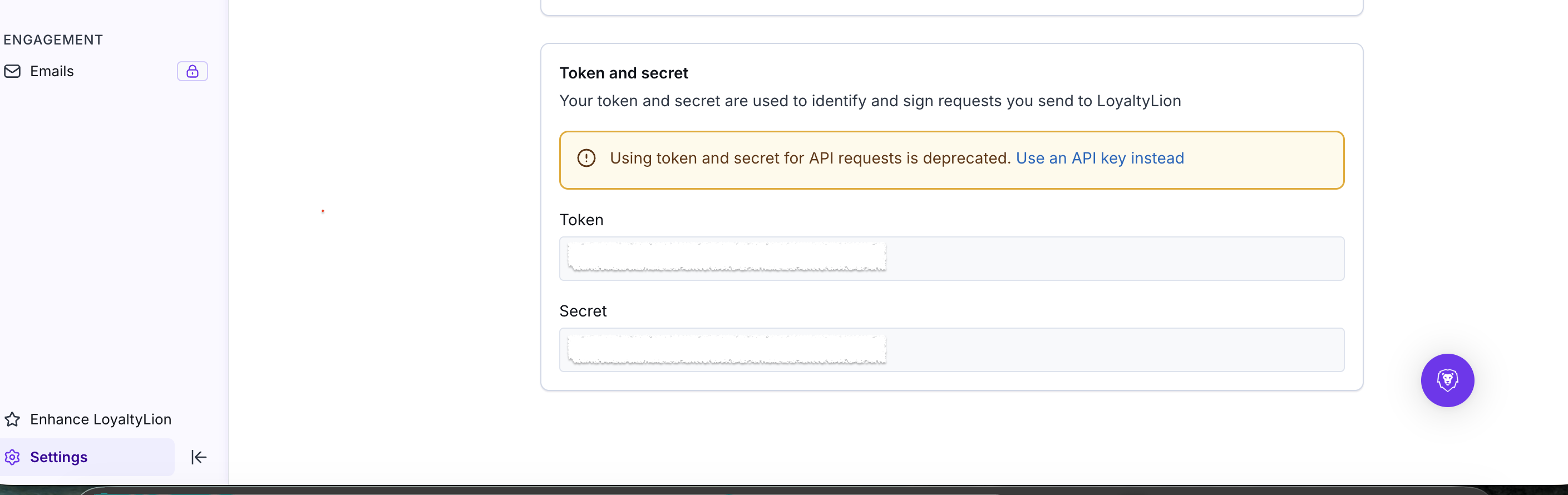
Step 3: Locate your Token and Secret under the "API Credentials" section. Copy these for the Superfans dashboard.

Step 1: Navigate to App Settings > Login & Account Page section.
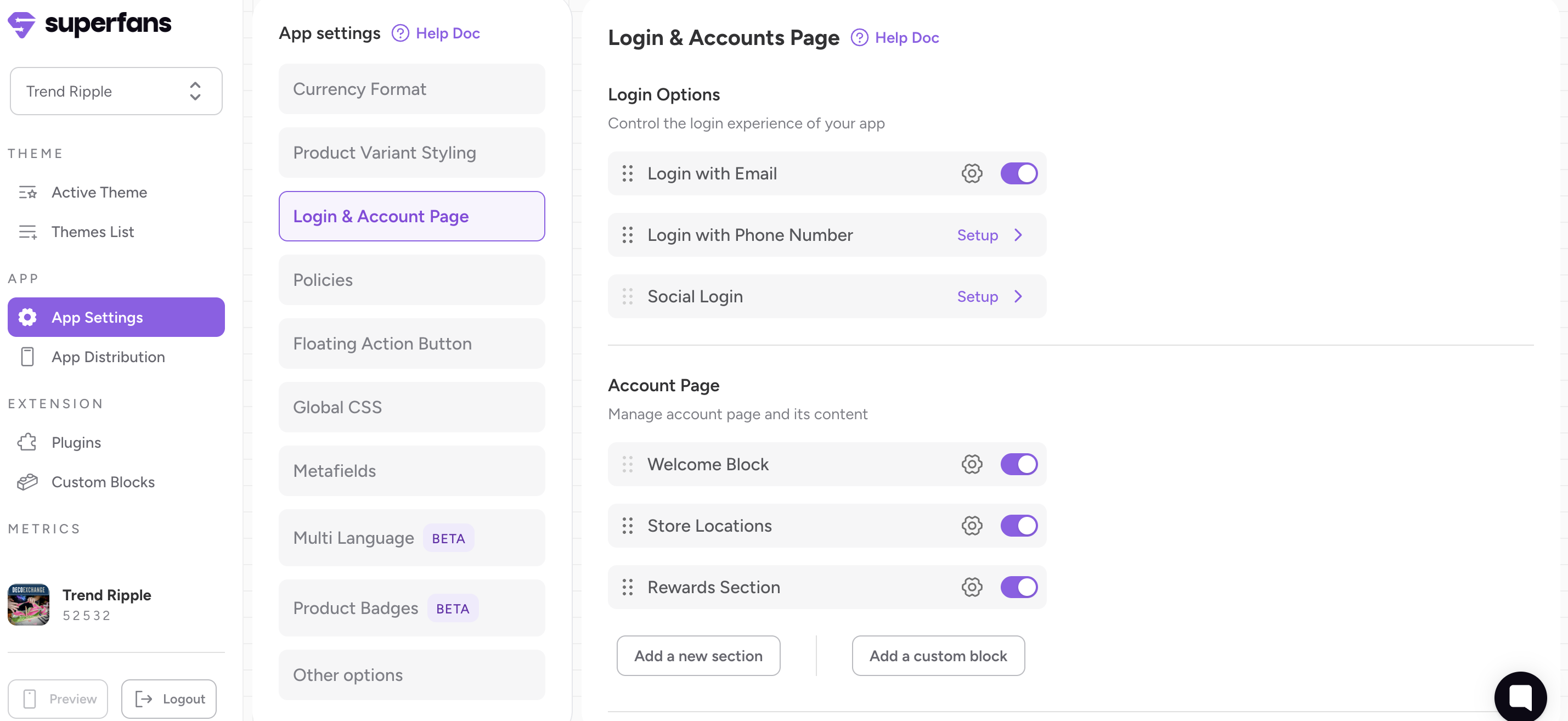
Step 2: Click “Add New Section” to create a loyalty area on the Account page.
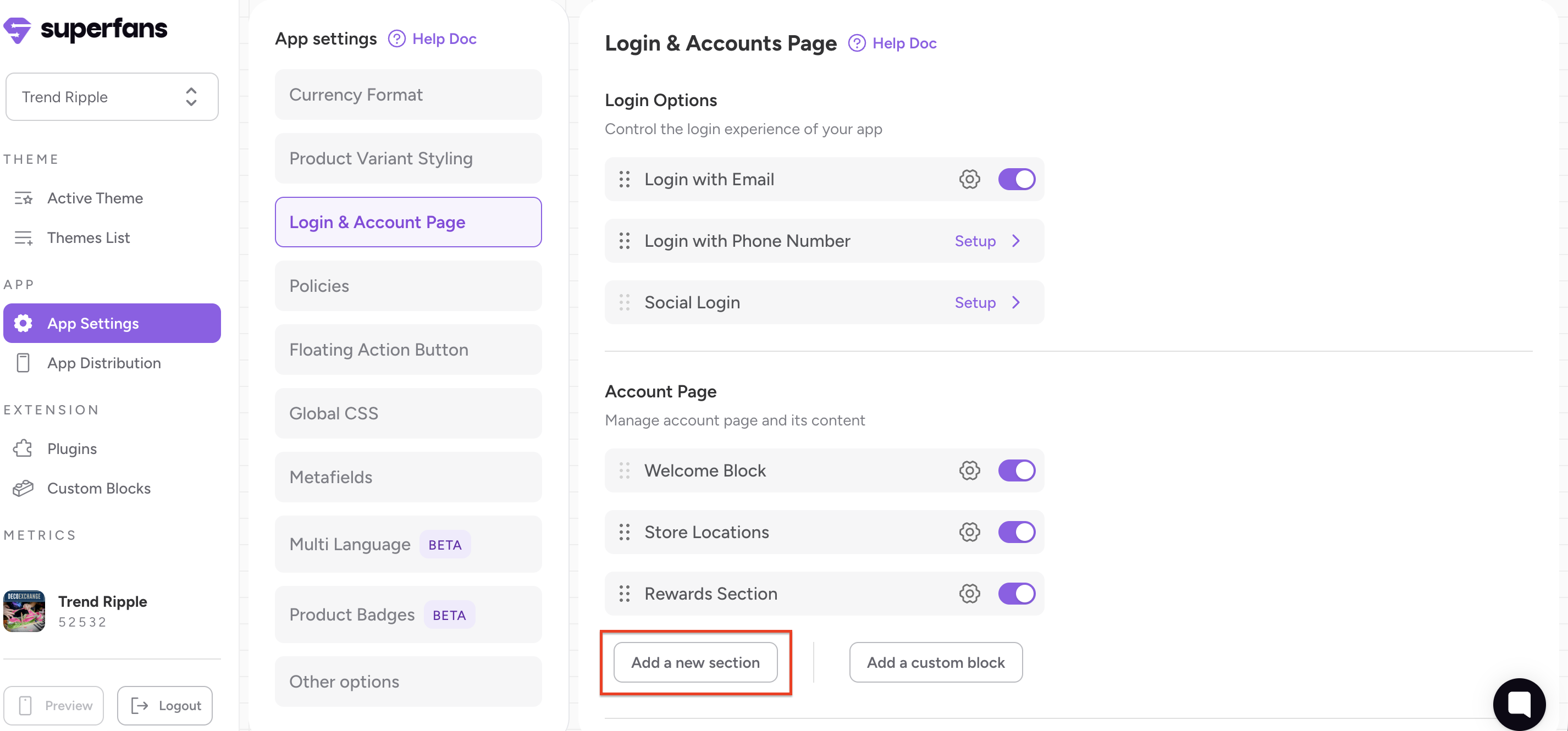
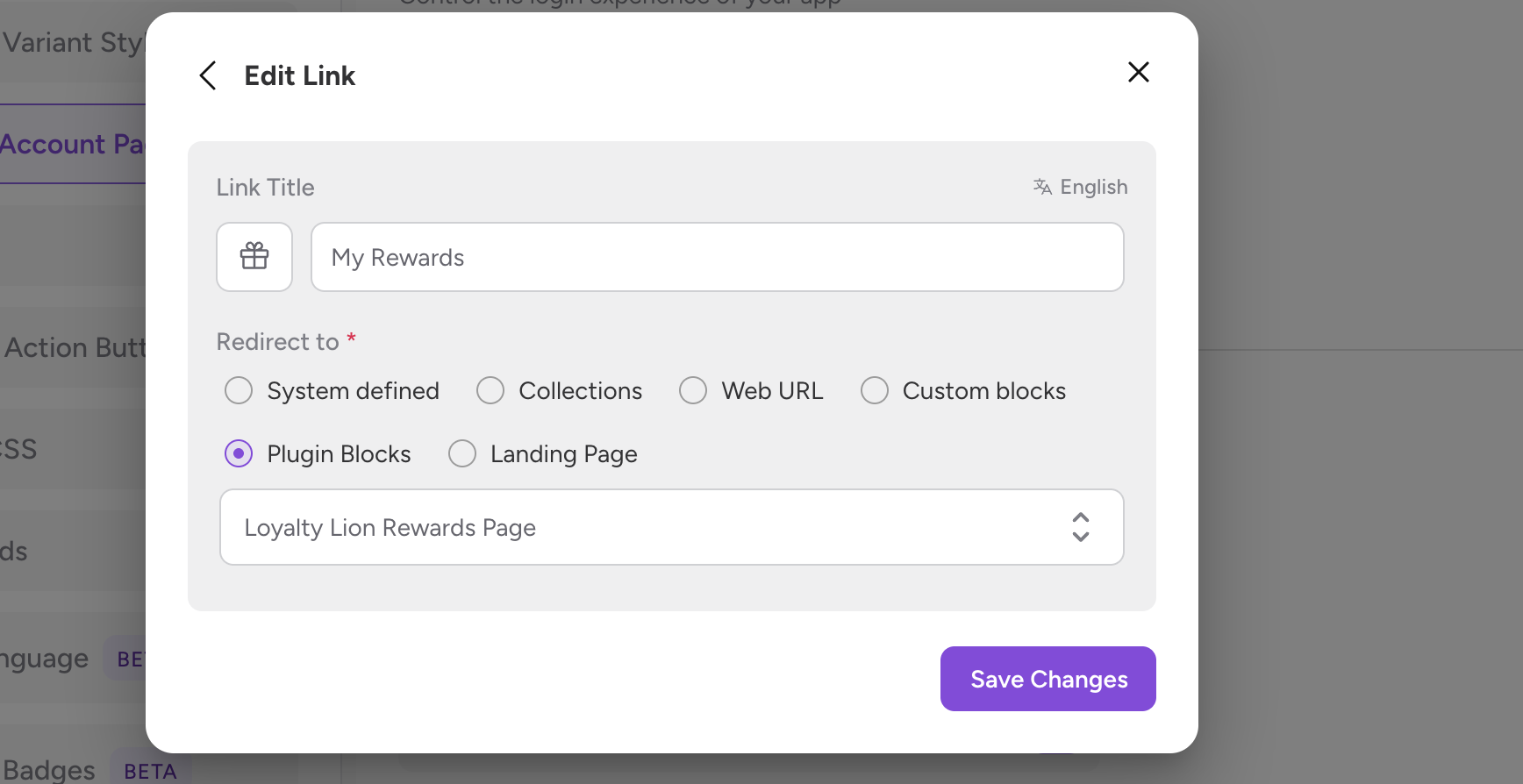
Step 3: Provide a Title (e.g., "My Rewards") and click on Add New Link.
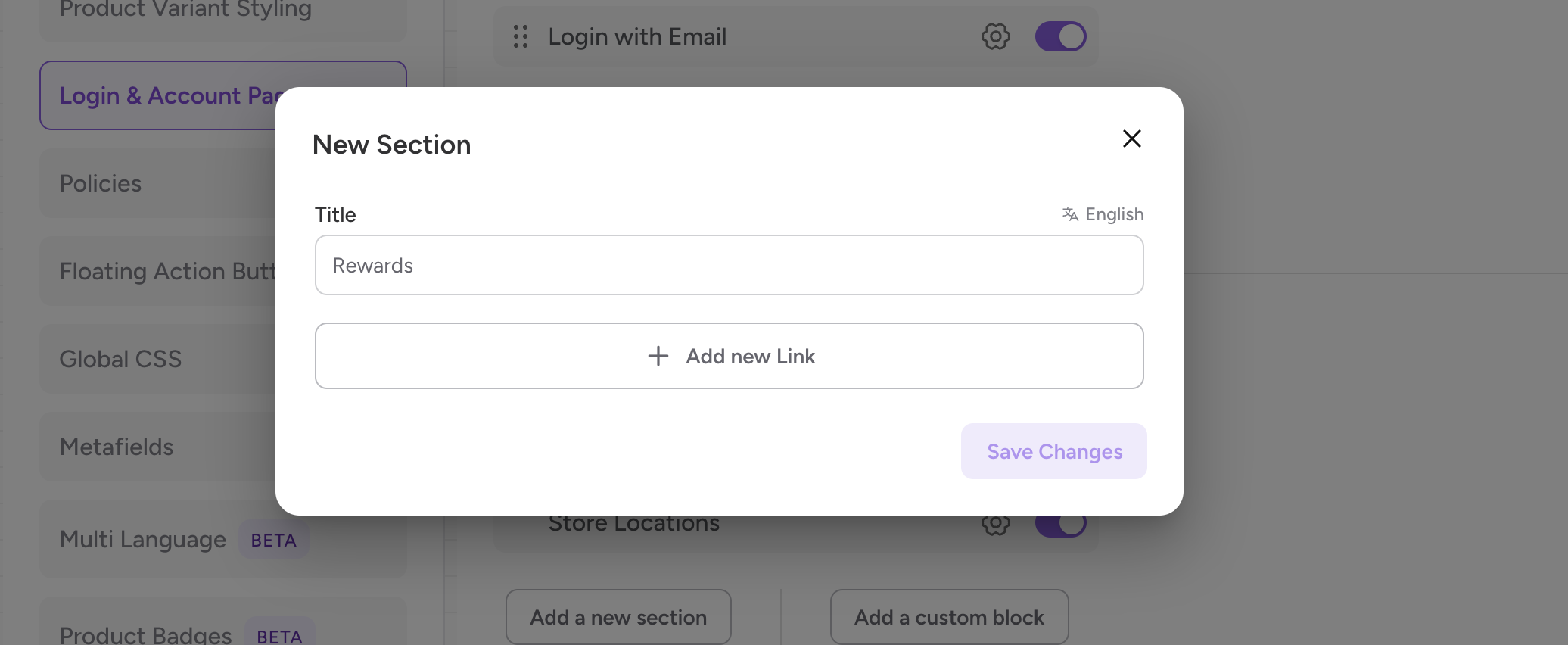
Step 4: Provide the icon, name for the link and select the “Redirect to” property as Plugin blocks and choose Yotpo Rewards Page from the dropdown.
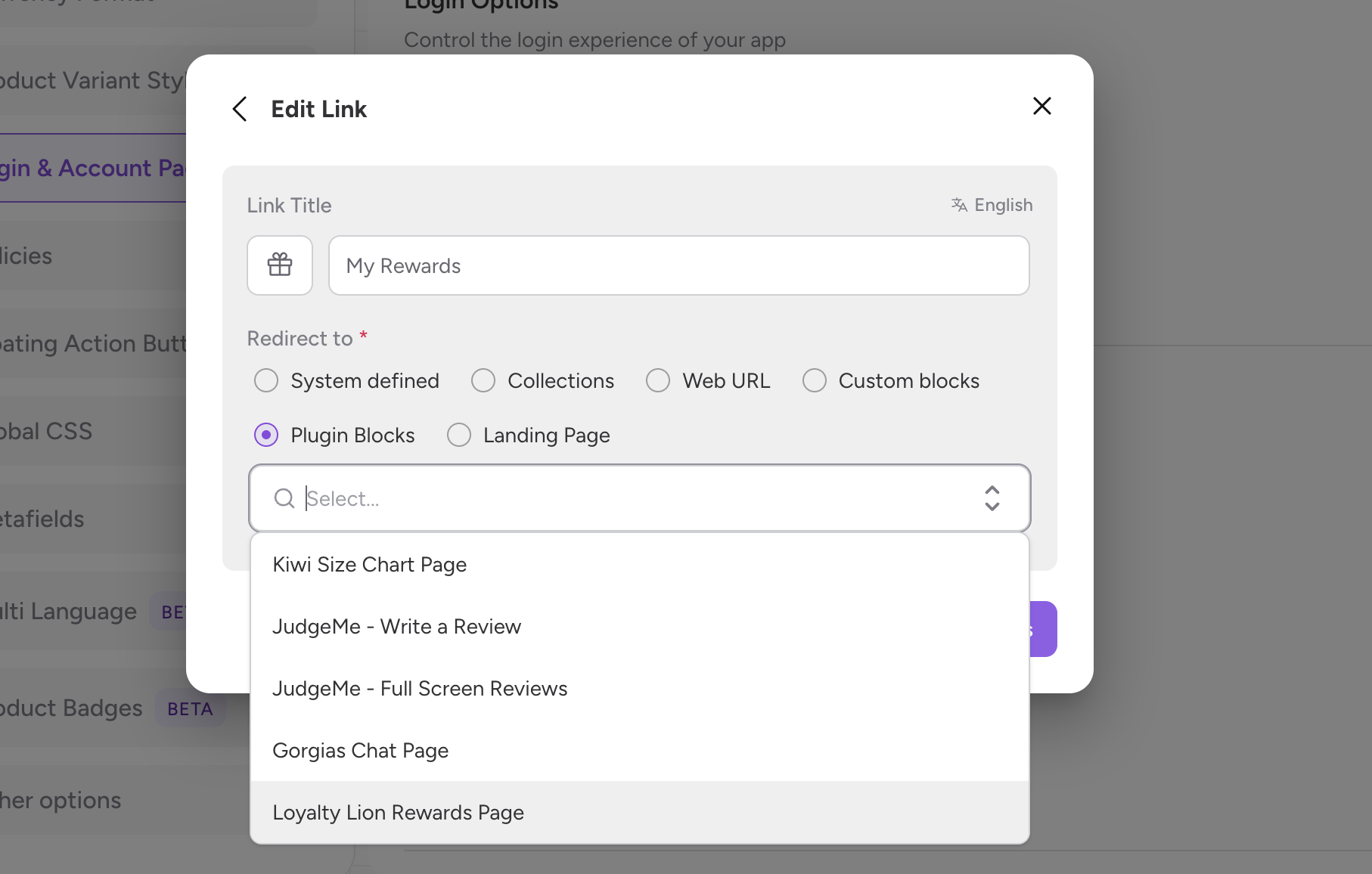
Step 5: Click “Save Changes”.
Loyalty Lion on the app works similar to how it works on the website. Based on the configurations you have on Loyalty Lion, the rewards points will get accumulated on placing order and you can redeem the points as well.