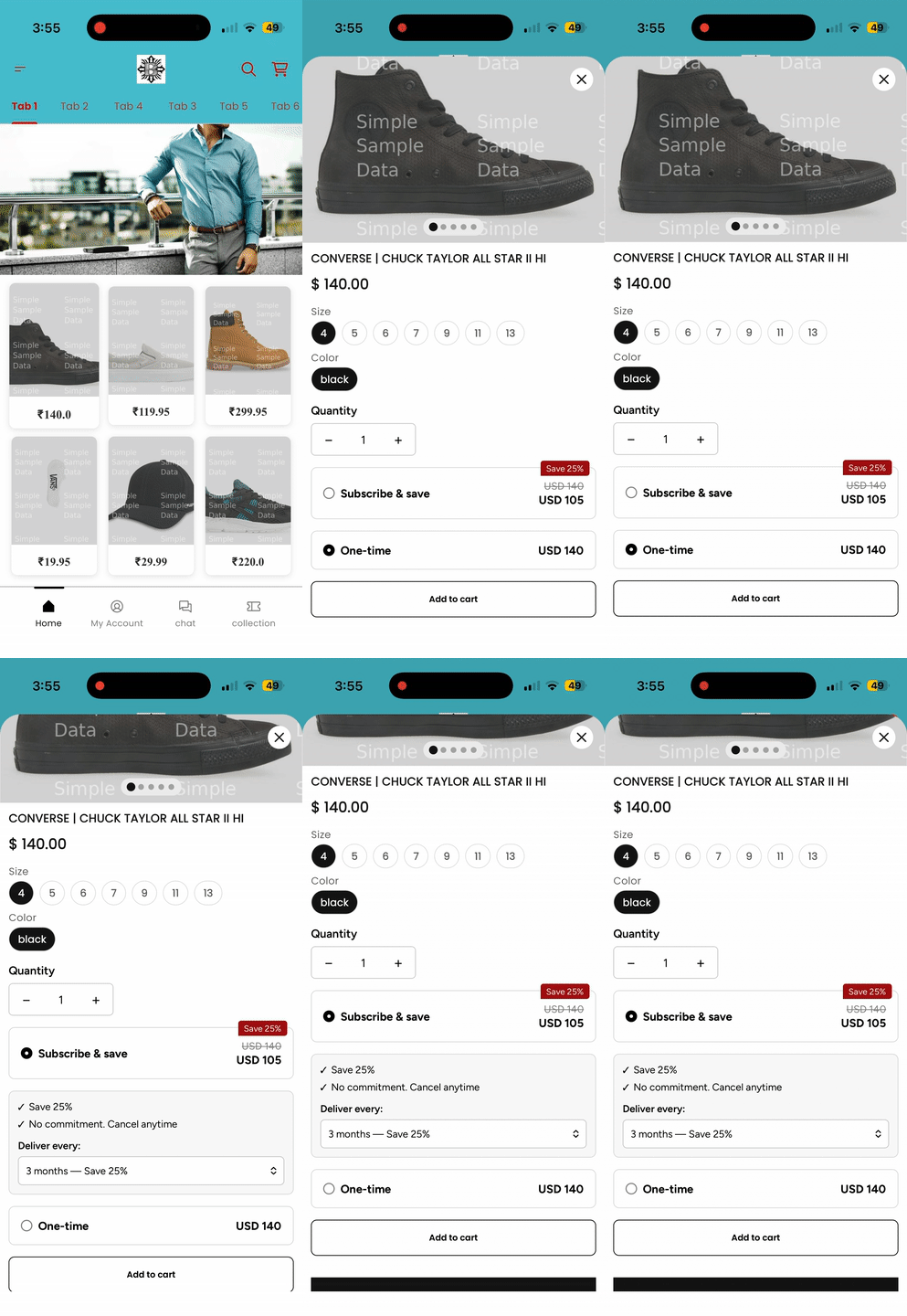
Superfans supports seamless integration with Recharge Subscription, allowing merchants to offer subscription-based products directly inside their mobile app. With this integration, customers can subscribe to products, manage their subscriptions, and enjoy recurring deliveries—all within the app experience.
Recharge is a leading subscription management platform for Shopify that allows merchants to:
Offer recurring subscriptions
Provide flexible delivery intervals
Enable subscription discounts
Manage customer subscription portals
With the Superfans integration, Recharge’s Subscription functionality is embedded into the app using the Superfans SDK for a smooth and consistent mobile experience.
1. Predictable Recurring Revenue
Subscriptions help generate stable, repeat revenue streams.
2. Increased Customer Lifetime Value (LTV)
Subscribers typically purchase more frequently and remain loyal for longer periods.
3. Seamless Shopify Sync
Superfans pulls subscription plans and product eligibility directly from Recharge—no duplicate setup required.
4. Reduced Support Dependency
Customers can manage their own subscriptions, minimizing manual support requests.
There are 2 steps to enable the subscription on the product page of the app.
Enabling the plugin on the Superfans Dashboard
Placing the block on PDP
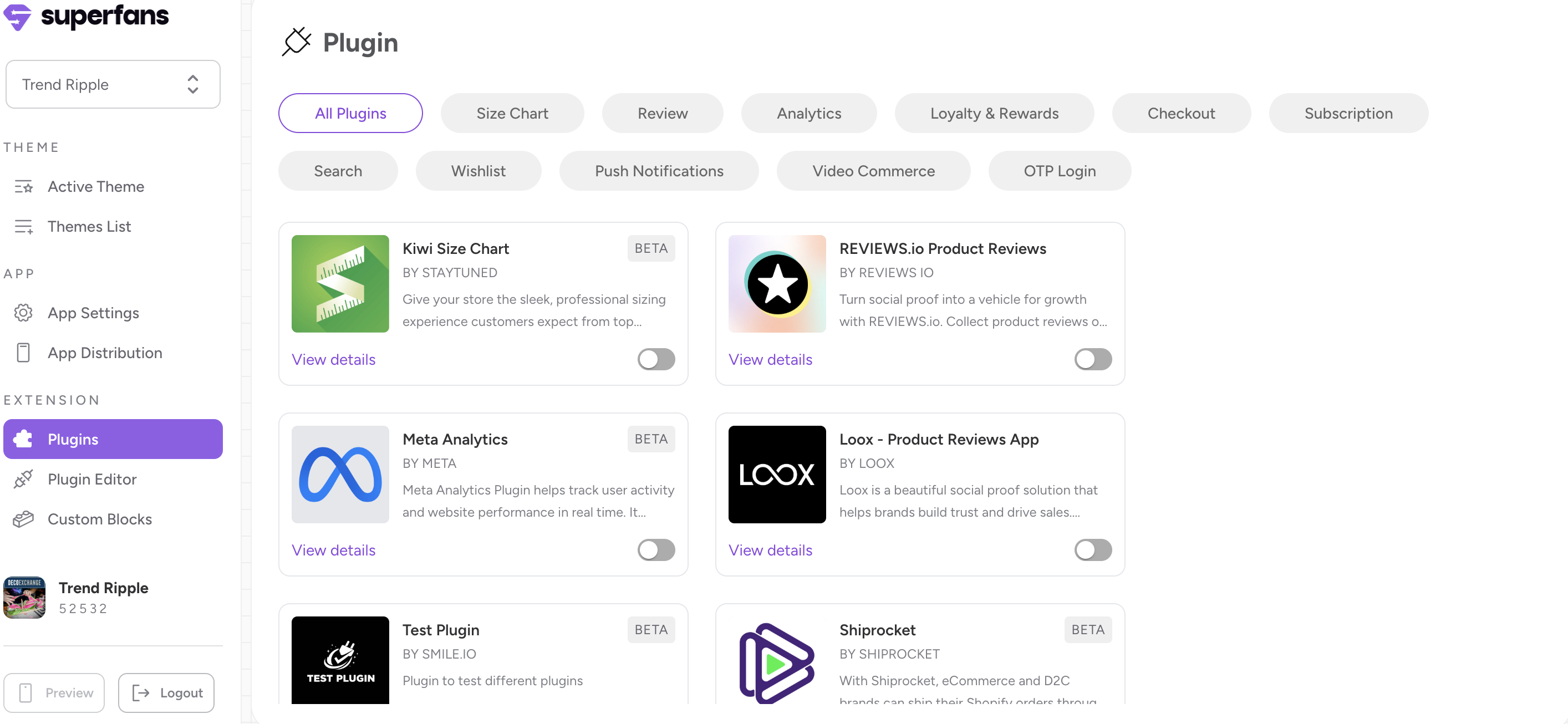
Step 1 : Navigate to the plugins section on the dashboard from side menu.
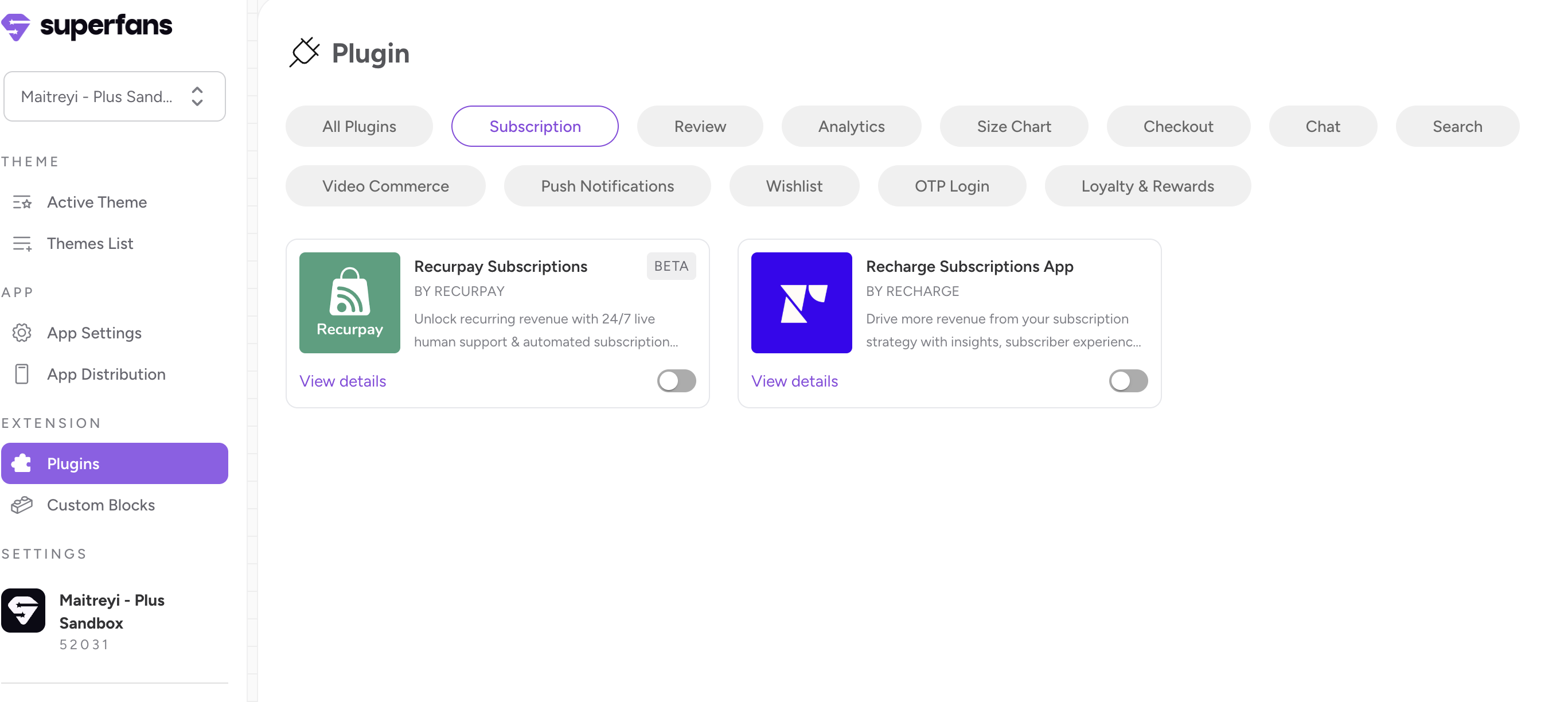
Step 2 : Select the “Subscription” category from top and toggle the “Recharge” Subscription plugin.

Step 1 : Go to the Active theme that is live on the app.
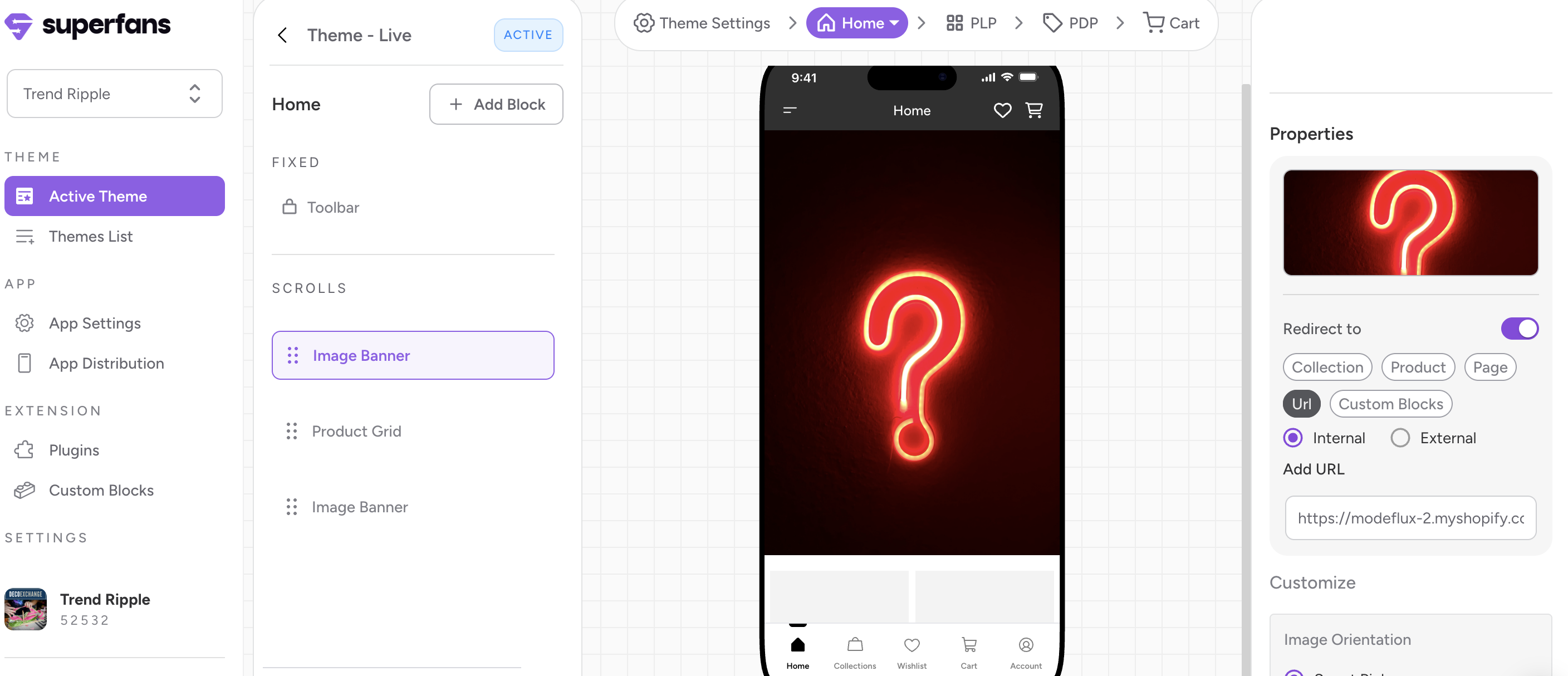
Step 2 : Click on the “PDP” from the top floating menu.
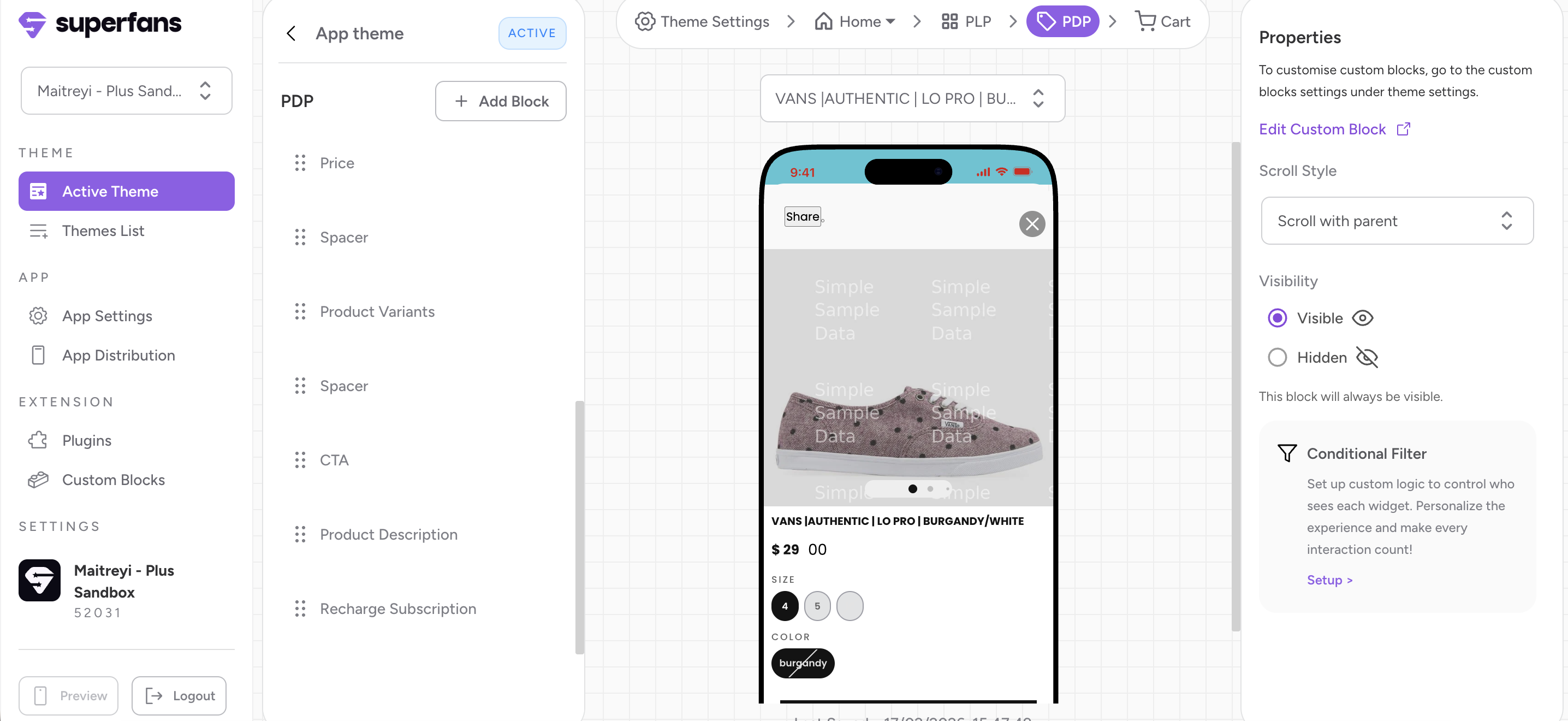
Step 3 : Click on “Add Block” CTA from the left panel.
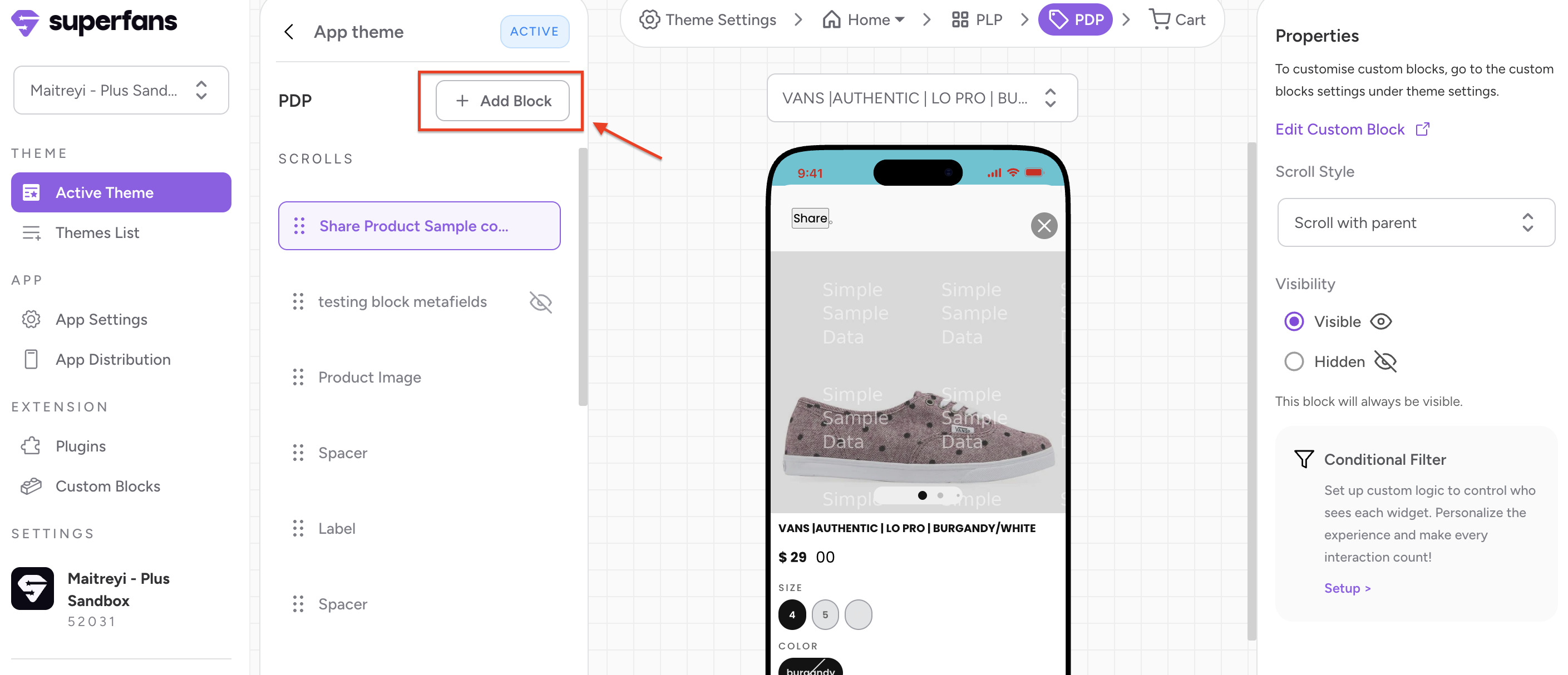
Step 4 : Select the block type as “Plugin” and click on “Add” CTA of the Recharge Subscription block to have the block on the Product page.
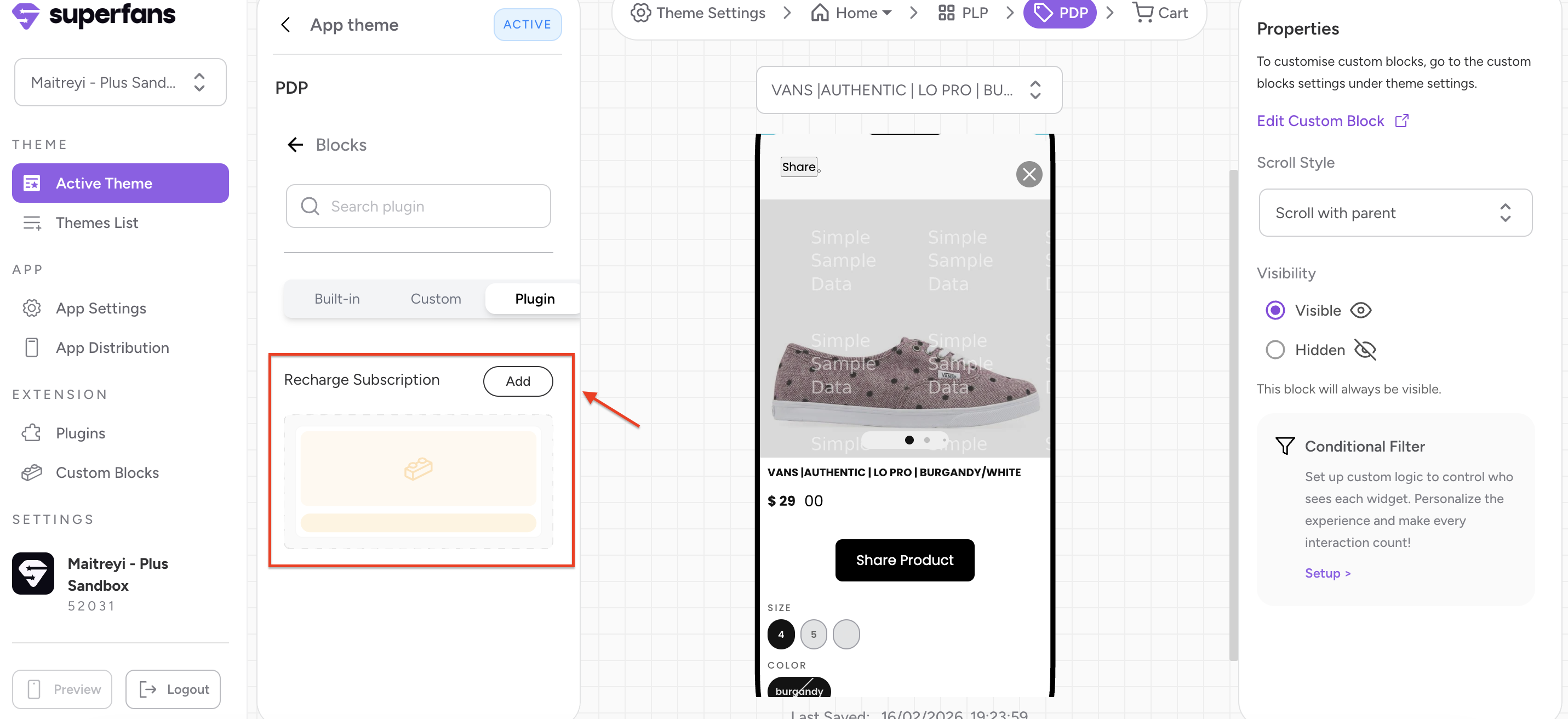
Step 5 : Drag the block to place it at the desired location on the PDP.
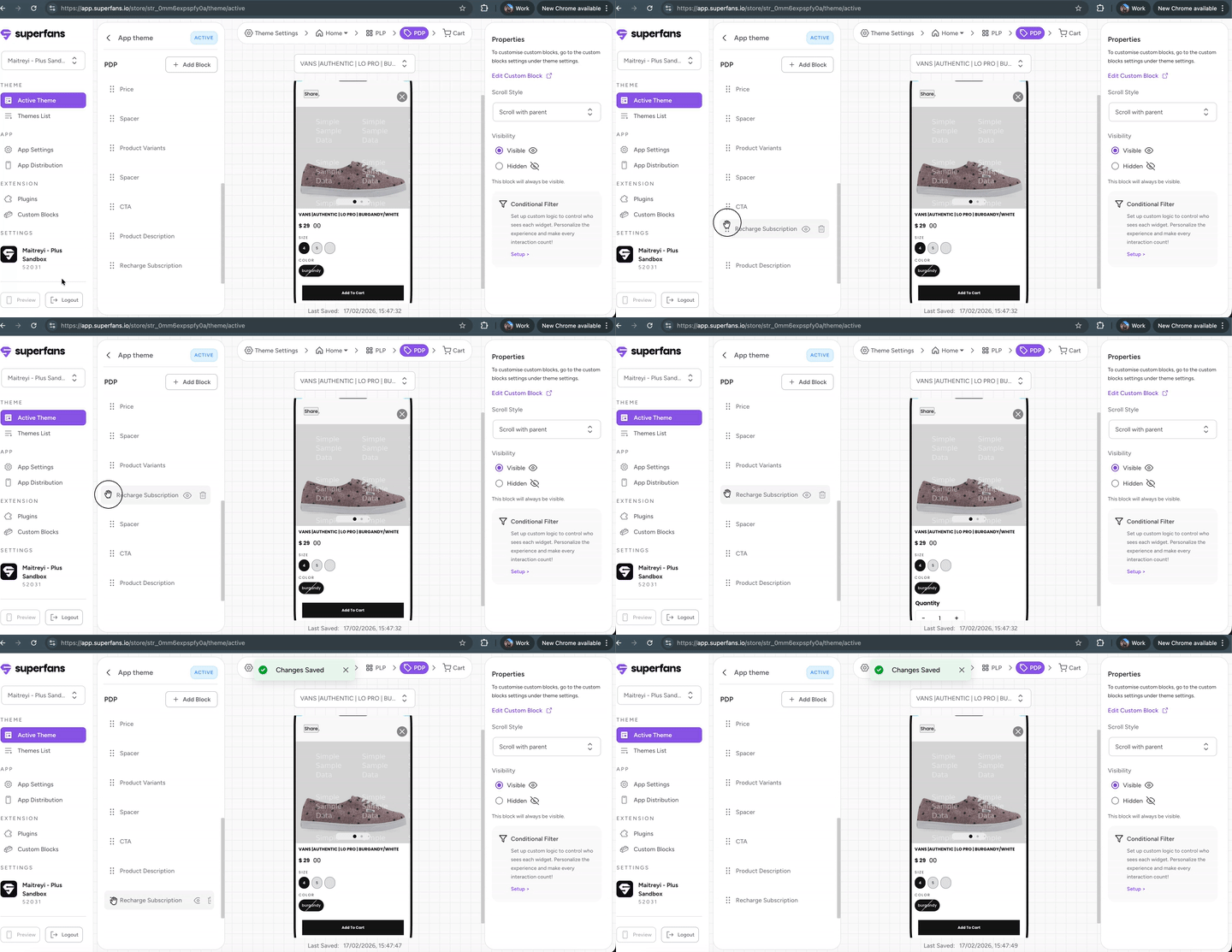
The subscription plans available for the product will be available on the PDP page and on clicking subscribing the product, the regular flow works similar to how it works on the website.