Multi-language support lets your store display content in multiple languages, providing a seamless and user-friendly experience for shoppers worldwide.
A feature that allows products, descriptions and other content to be presented in multiple languages, going beyond simple translation to offer culturally relevant and fully localized.
Expand Your Reach: Attract customers globally without separate stores.
Enhance User Experience: Shoppers feel comfortable and confident navigating in their language.
Increase Engagement & Retention: Users spend more time browsing and are more likely to return.
Boost Sales & Revenue: Localized content encourages purchases and improves ad targeting.
Gain Competitive Advantage: Stand out as a professional, user-focused store.
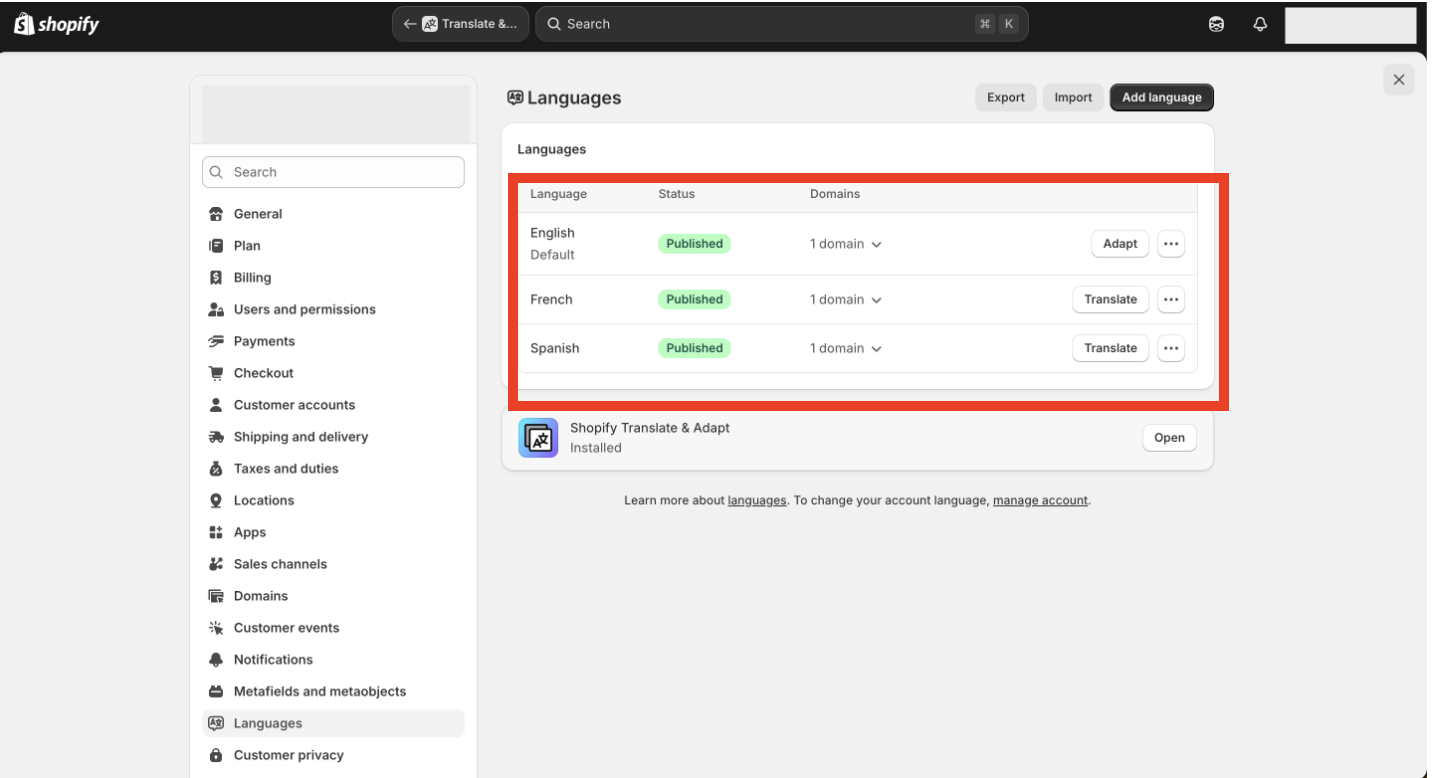
Whatever languages are enabled and published in shopify will be fetched in the Superfans dashboard.

Navigate to Settings > Languages from your Shopify admin, where you will find them listed under the languages section.
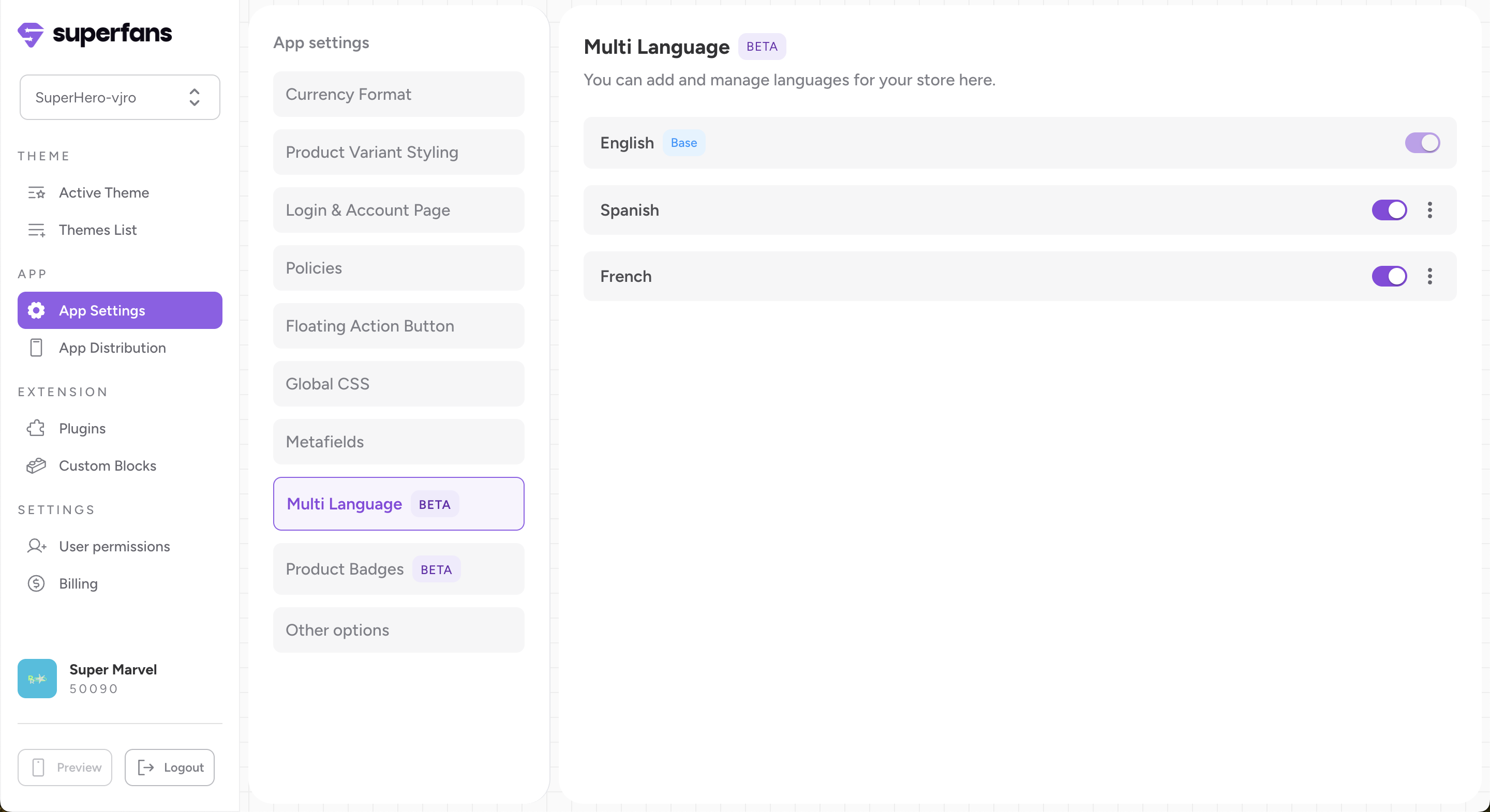
Step 1 - Go to your app settings, select ‘Multilanguage,’ and enable the languages you want in the mobile app.
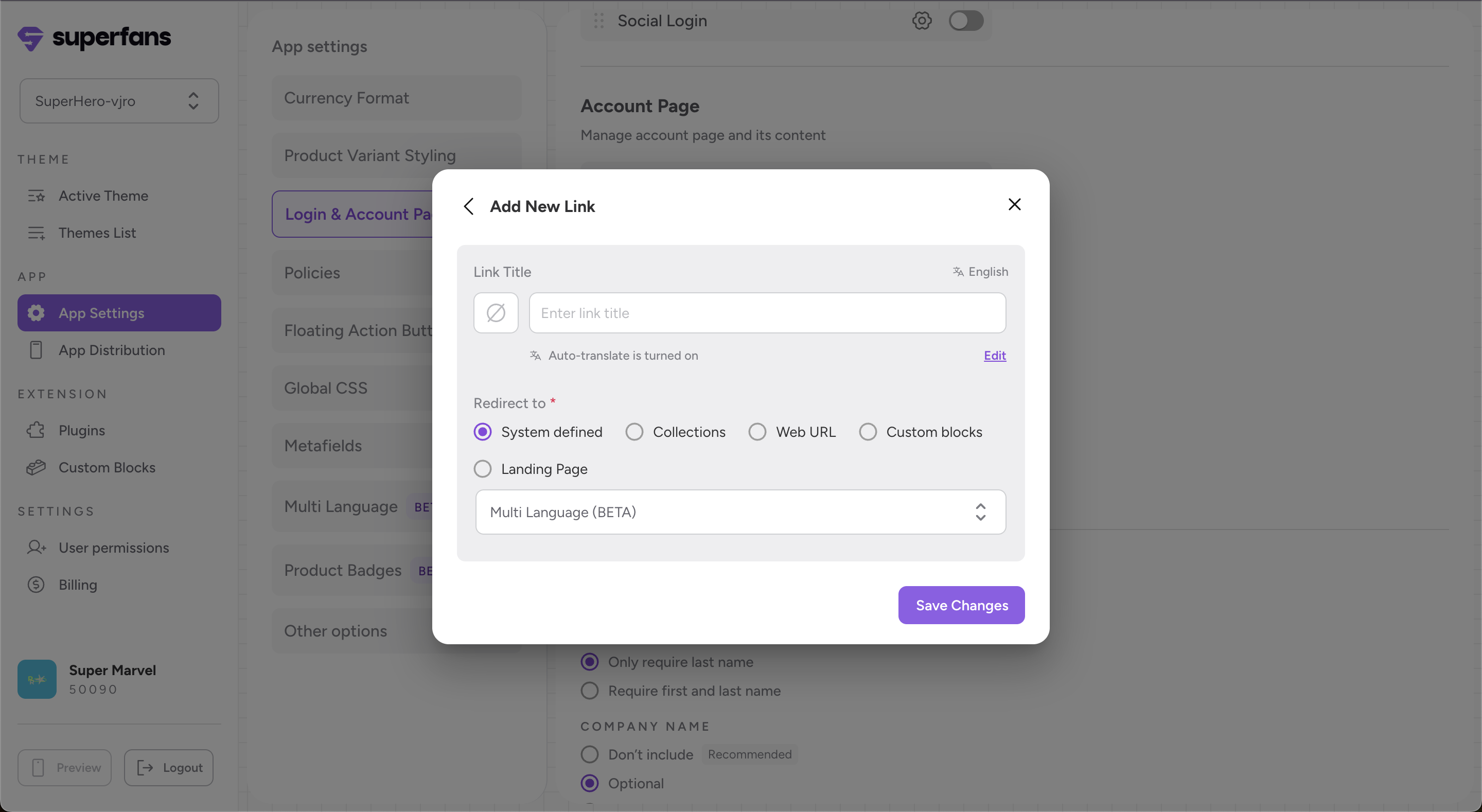
Step 2: Go to Login & Account → Add or Update Section → Add New Link. Enter Link Title → Set redirect to System-Defined + Multi Language → Save Changes.
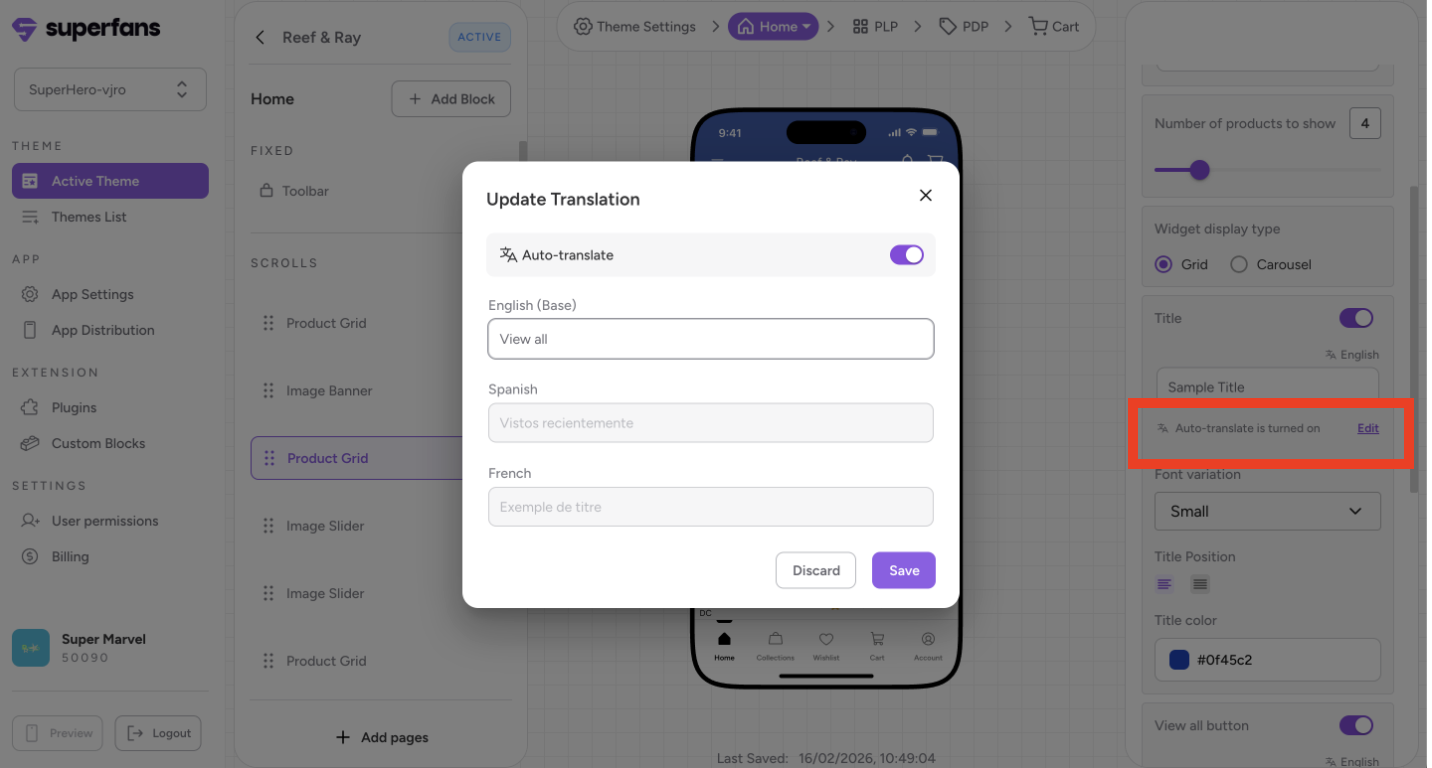
Any text field in any block can be translated. Default translations will be auto added on enabling a language.
You can manage these settings by clicking Edit next to the Auto-translate is turned on indicator.
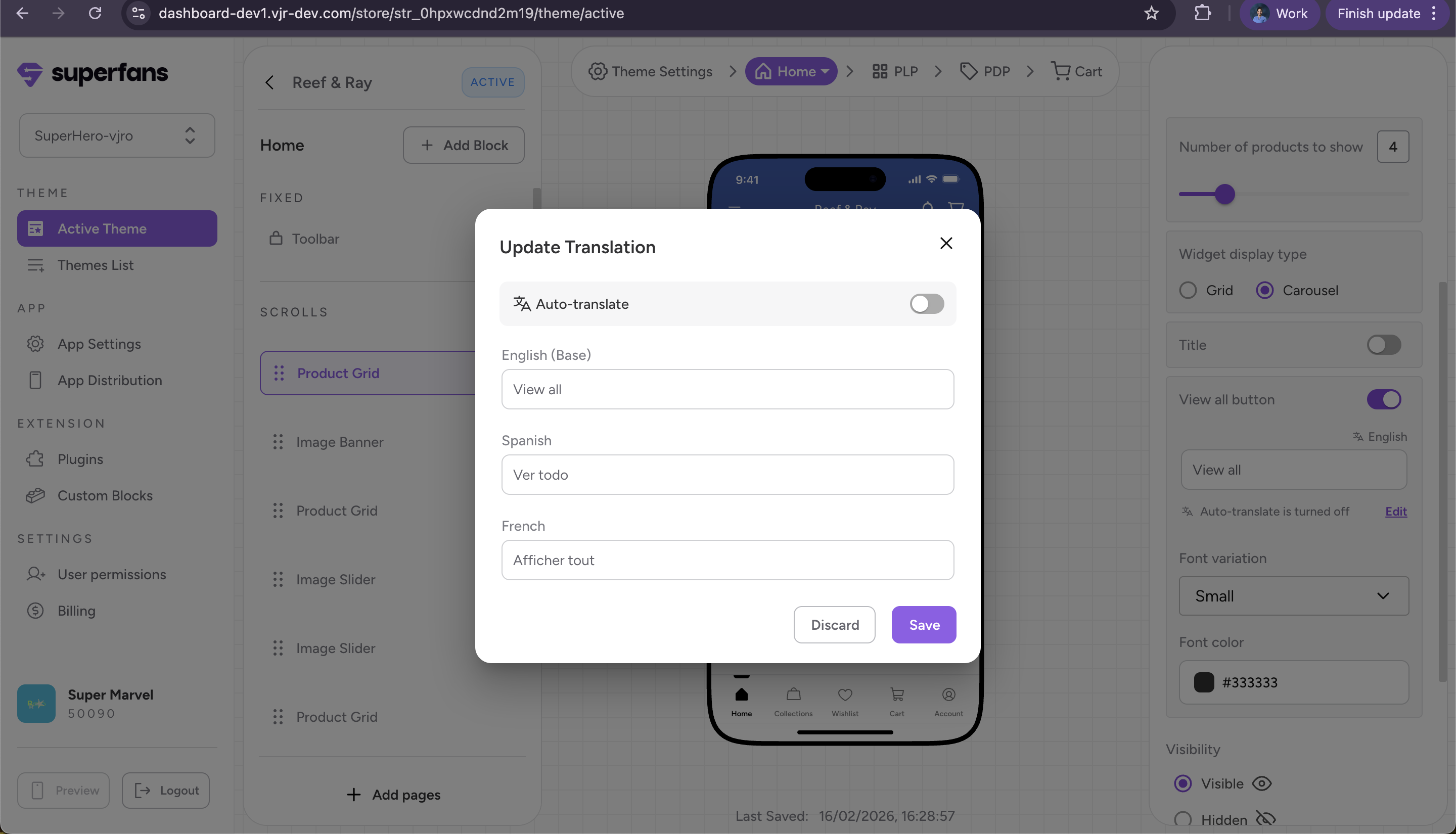
To add manual text, click Edit and toggle off Auto-translate to unlock the language fields for custom entry. Once disabled, you can manually type your preferred translations into each language field and click Save.
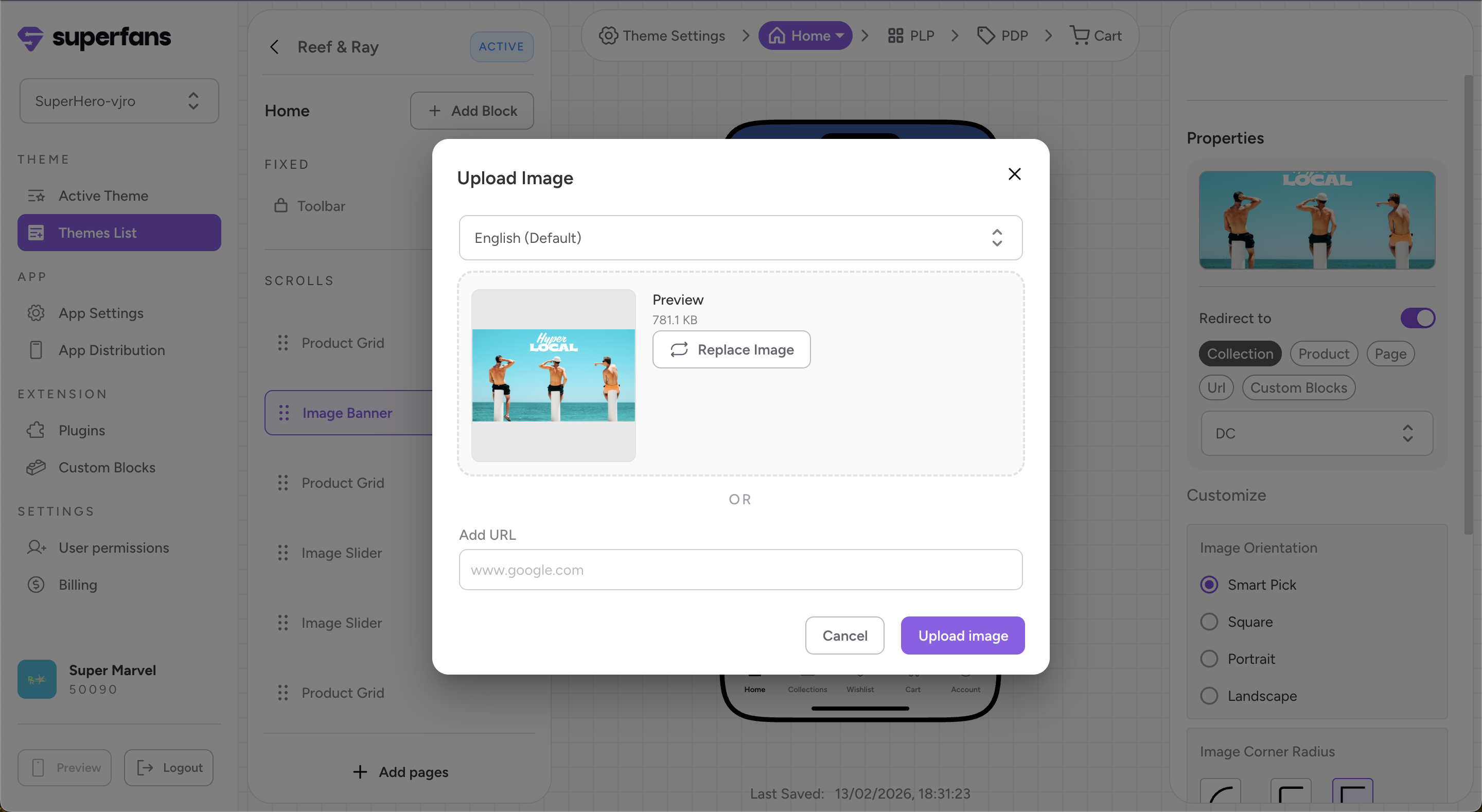
When English is set as the base language, images appear in English by default. To display translated images, click ‘Replace,’ upload the image with translated text, select the desired language (such as Spanish or French) by clicking on the dropdown, and click on upload image.
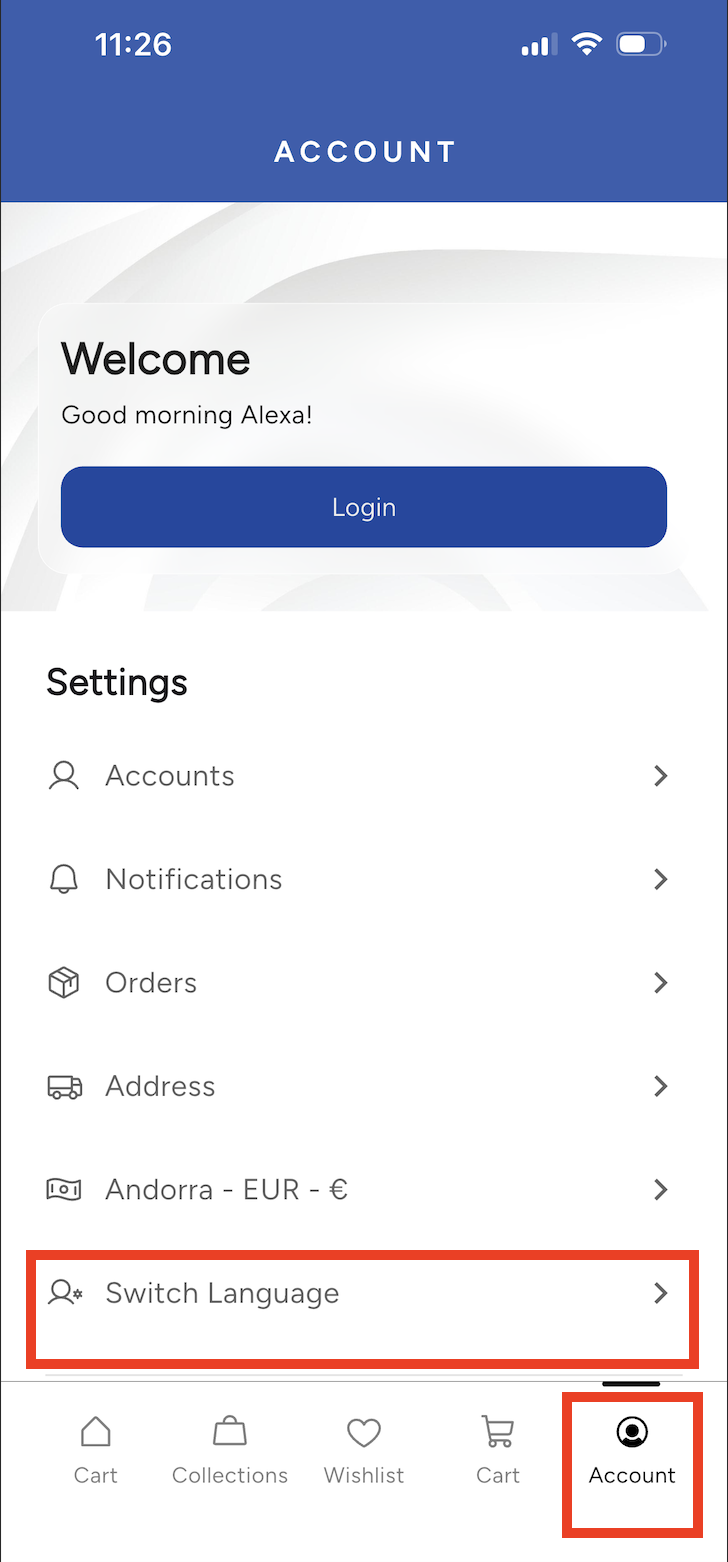
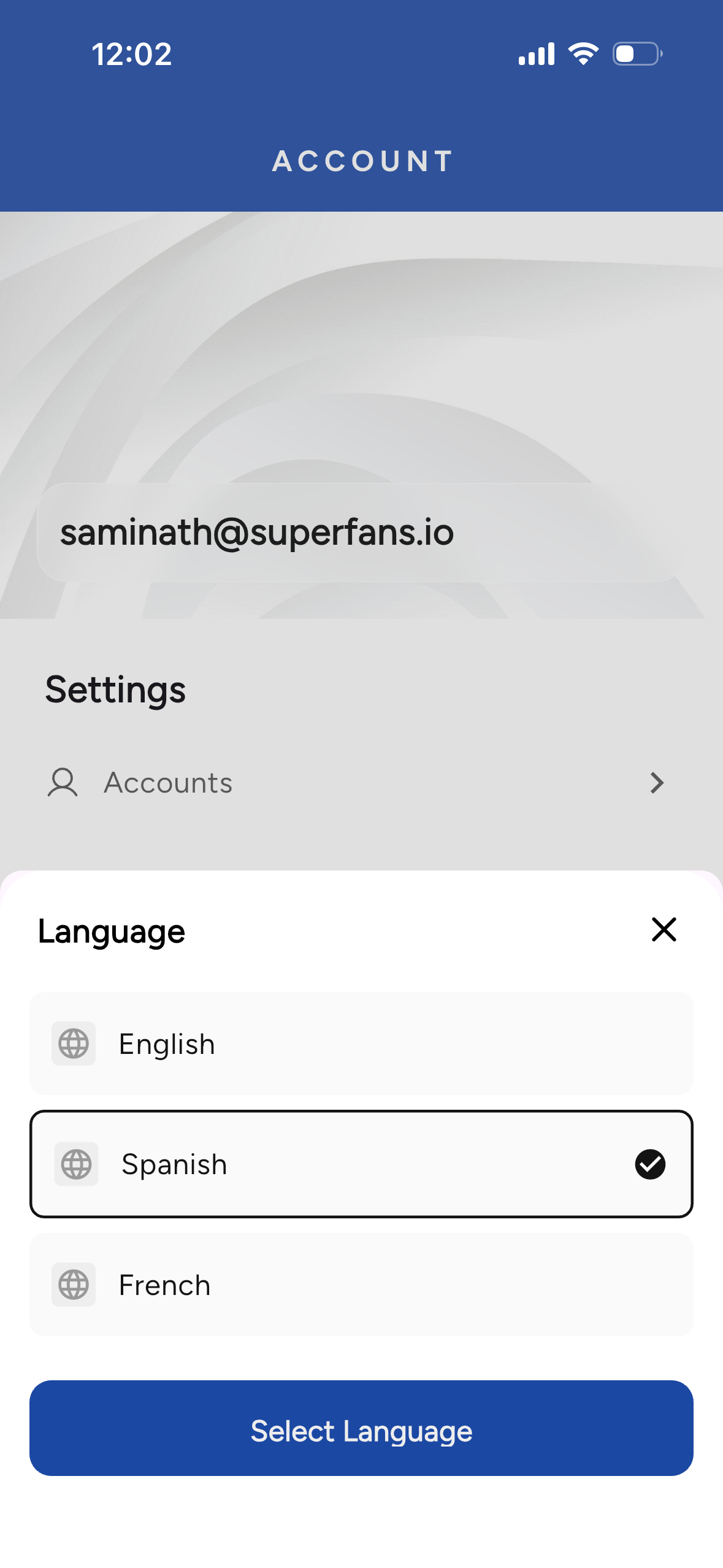
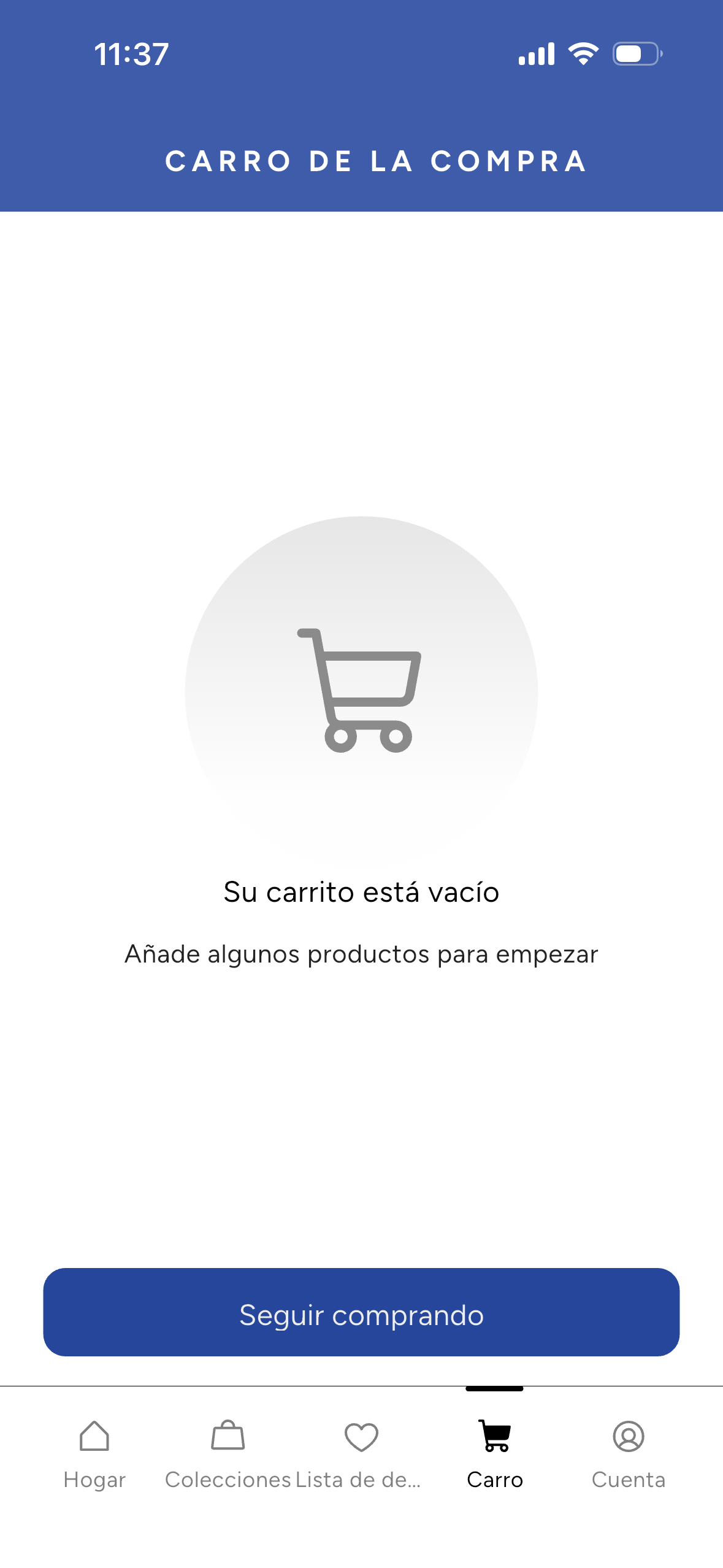
Users can switch to Spanish or French in the Account section under Settings by clicking Switch Language.