

Even experienced merchants can run into issues. Here’s how to fix common theme-level problems.
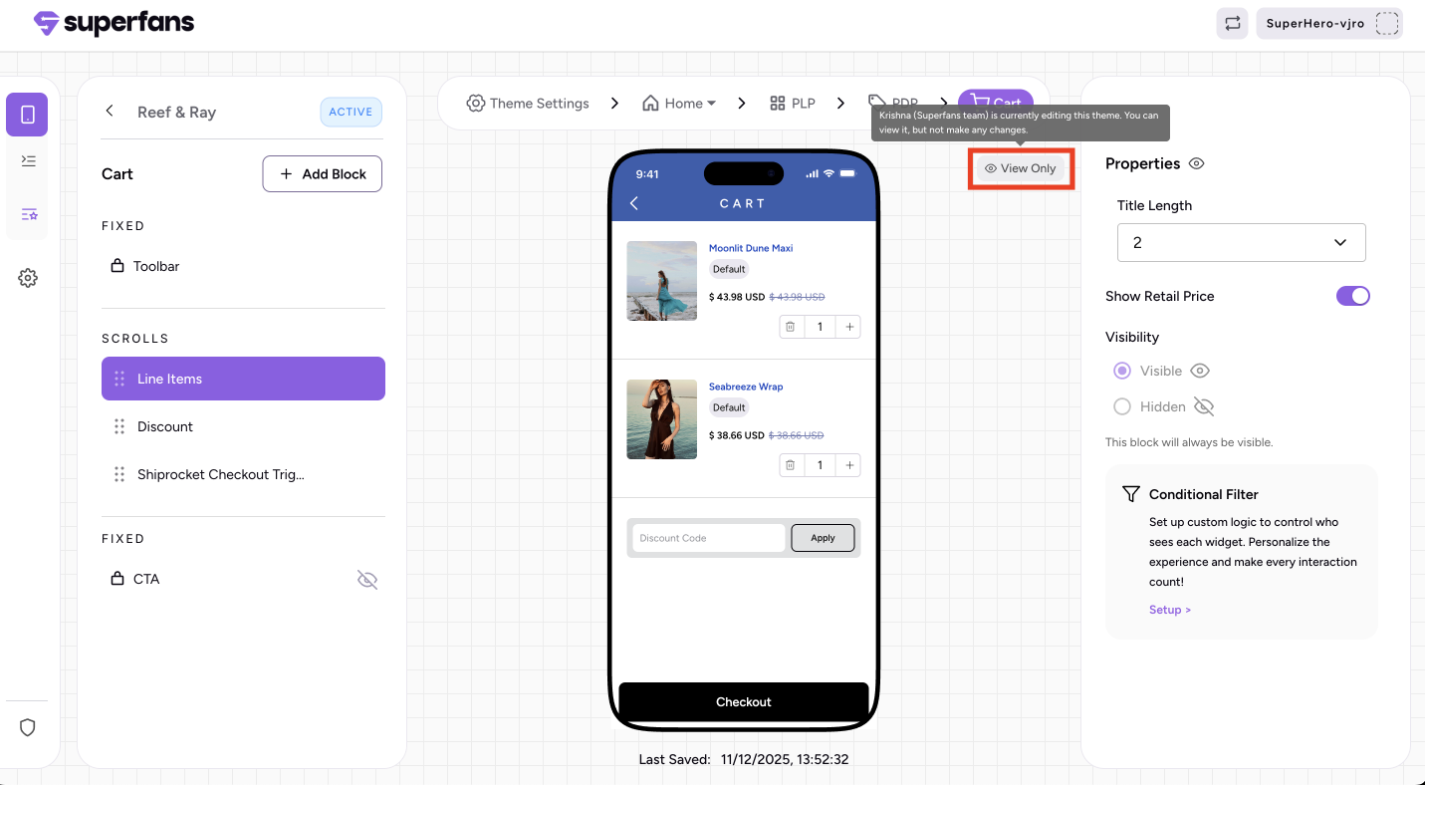
When someone is editing a theme:
Only that person can make changes.
Other users can still open the theme, but they are in view-only mode and cannot edit.
A popup appears for all other users showing who is currently editing.
Changes made by the editor become visible to others after they refresh the theme.
Fix: Check the popup before starting edits to avoid overlaps
2. Unable to publish the theme
Common causes:
Trying to publish the active theme instead of a draft.
Required fields missing.
Connectivity issues.
Fix: Edit a draft theme, fill all required fields, and try again.
3. Draft theme overwritten unintentionally
Occurs when:
Editing the active theme by mistake.
Multiple team members assume a draft exists.
Fix: Always duplicate the active theme before edits. Confirm you are working on the correct draft.
4. Theme not reflecting on the live app
Causes:
Wrong theme published.
Device caching issues.
App wasn’t reopened after publishing.
Fix: Publish the correct theme and ask users to reopen the app.