Swish Wishlist allows customers to save their favorite products for later and revisit them anytime. It makes shopping easier by keeping all desired items in one place for quick access and future purchases.
How to enable Swish?
In your Vajro dashboard, go to Settings → Plugins, then select Swish under the Wishlist category.

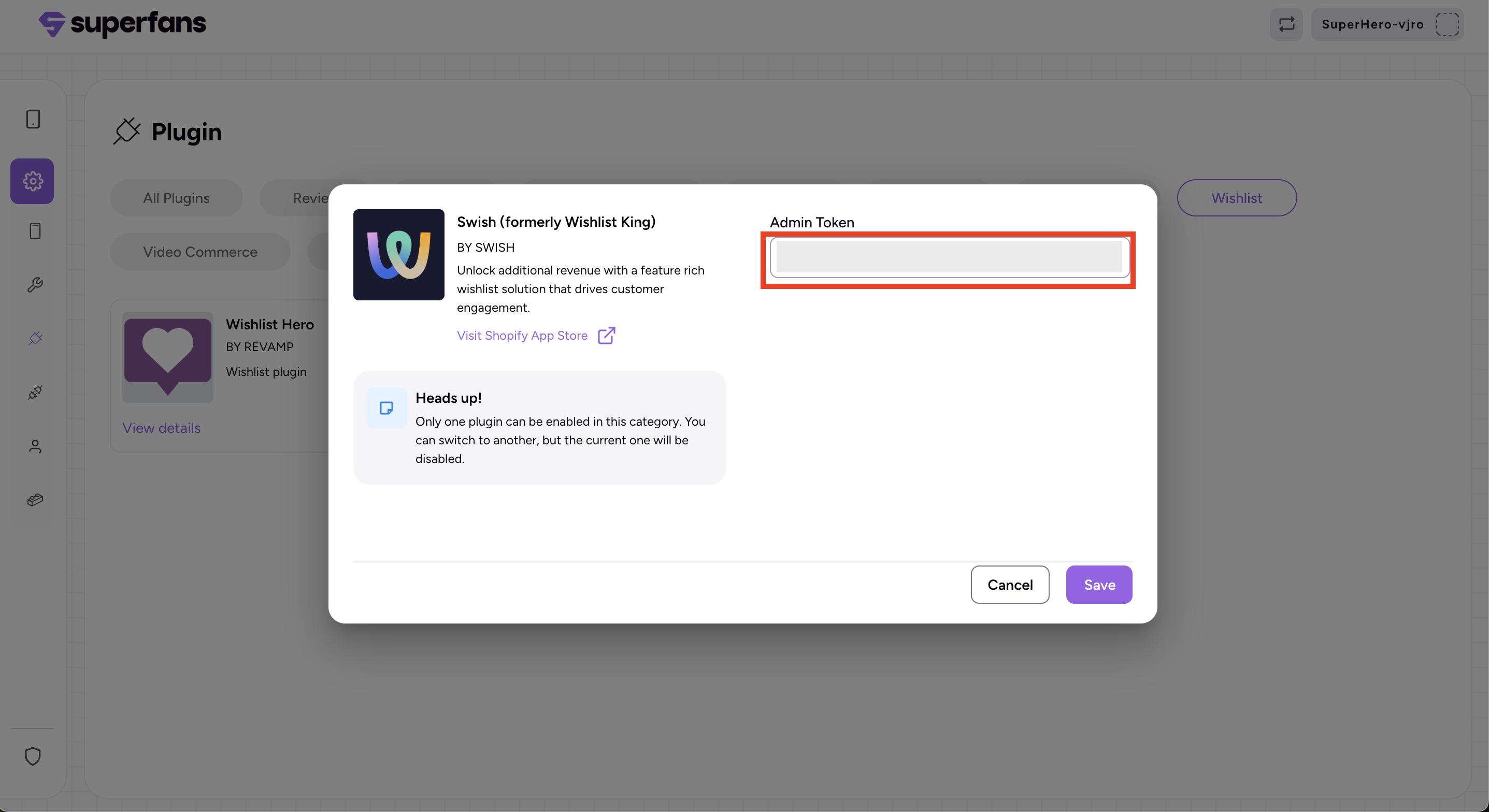
Paste the Admin token in the dialogue box, and click on Save & Enable plugin.
Where to get Admin token?
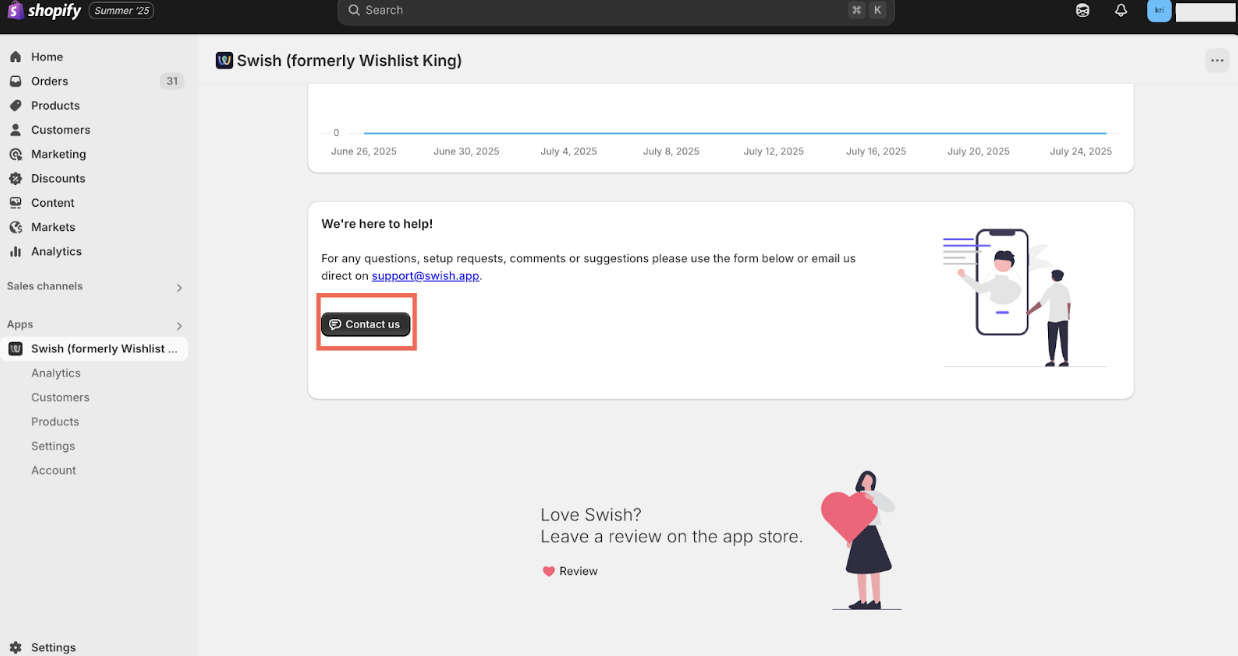
To obtain your Admin Token, log in to your Swish dashboard and navigate to the Contact Us section. Reach out to their support team directly to request the token.
How can customers use the Wishlist feature?
Customers can add products to their wishlist, revisit them anytime from wishlist page, and complete their purchase directly from there.


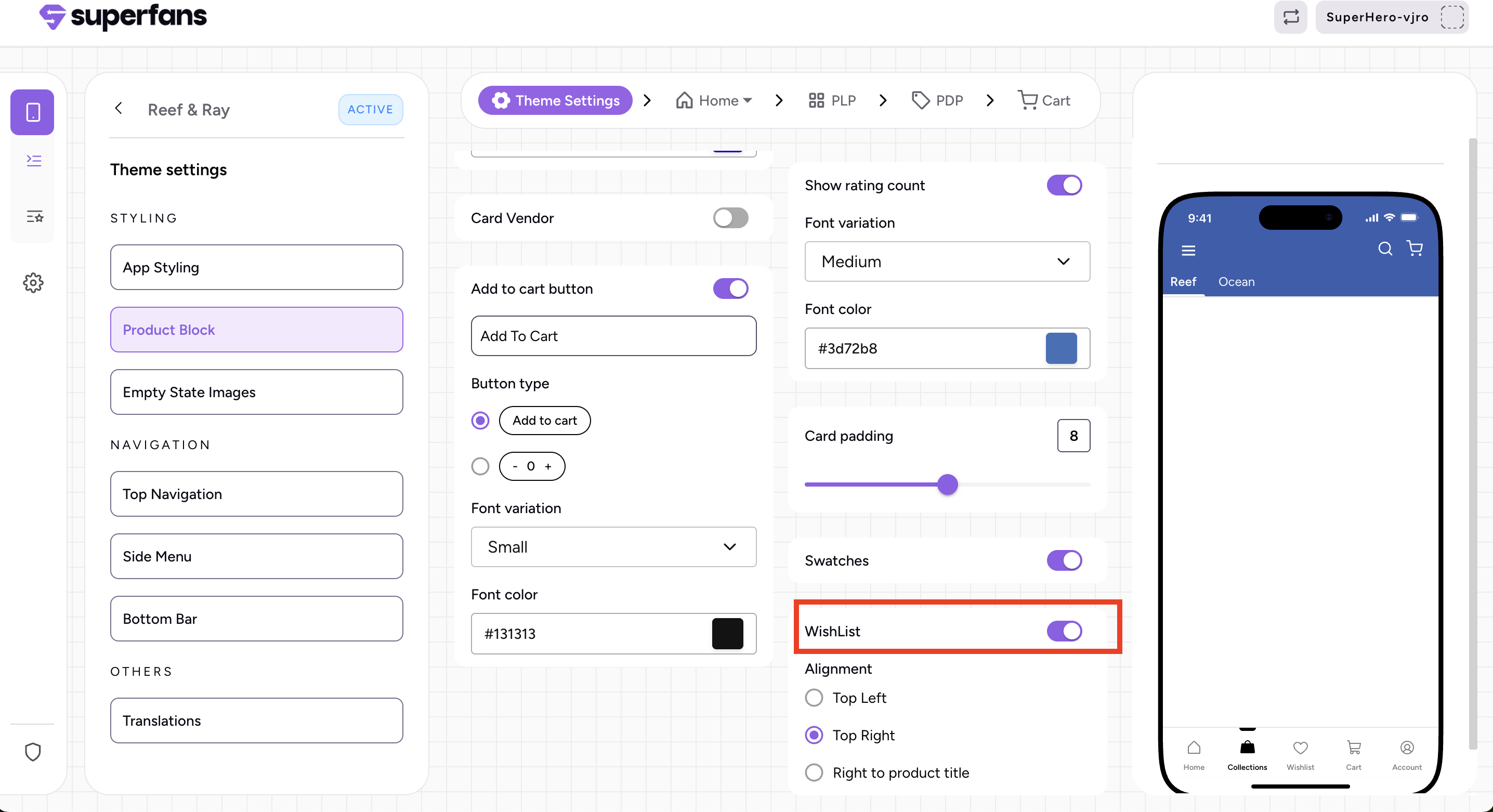
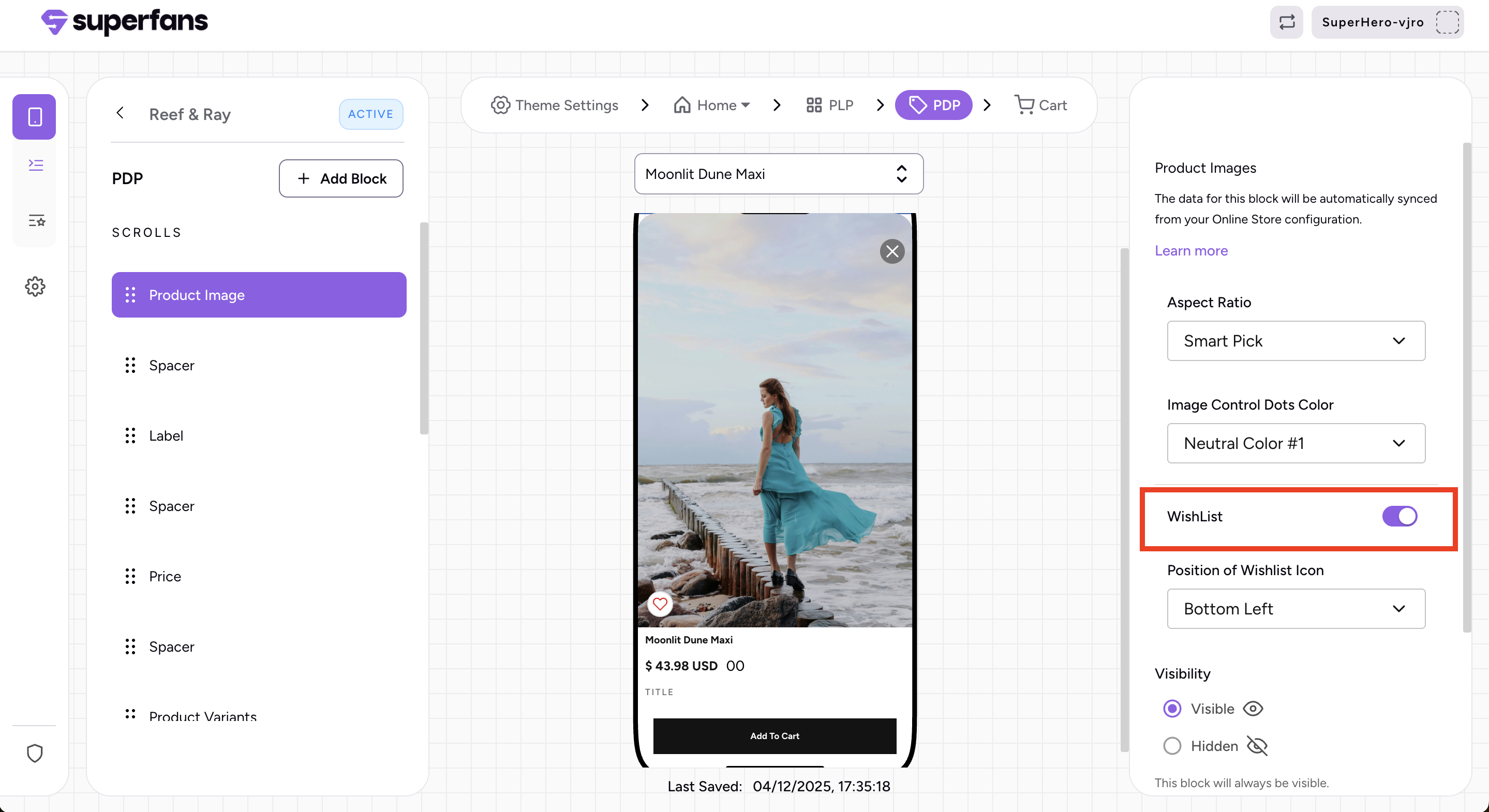
Enable the Wishlist option in Theme Settings for the Product Block and for the Product Image on the PDP page.