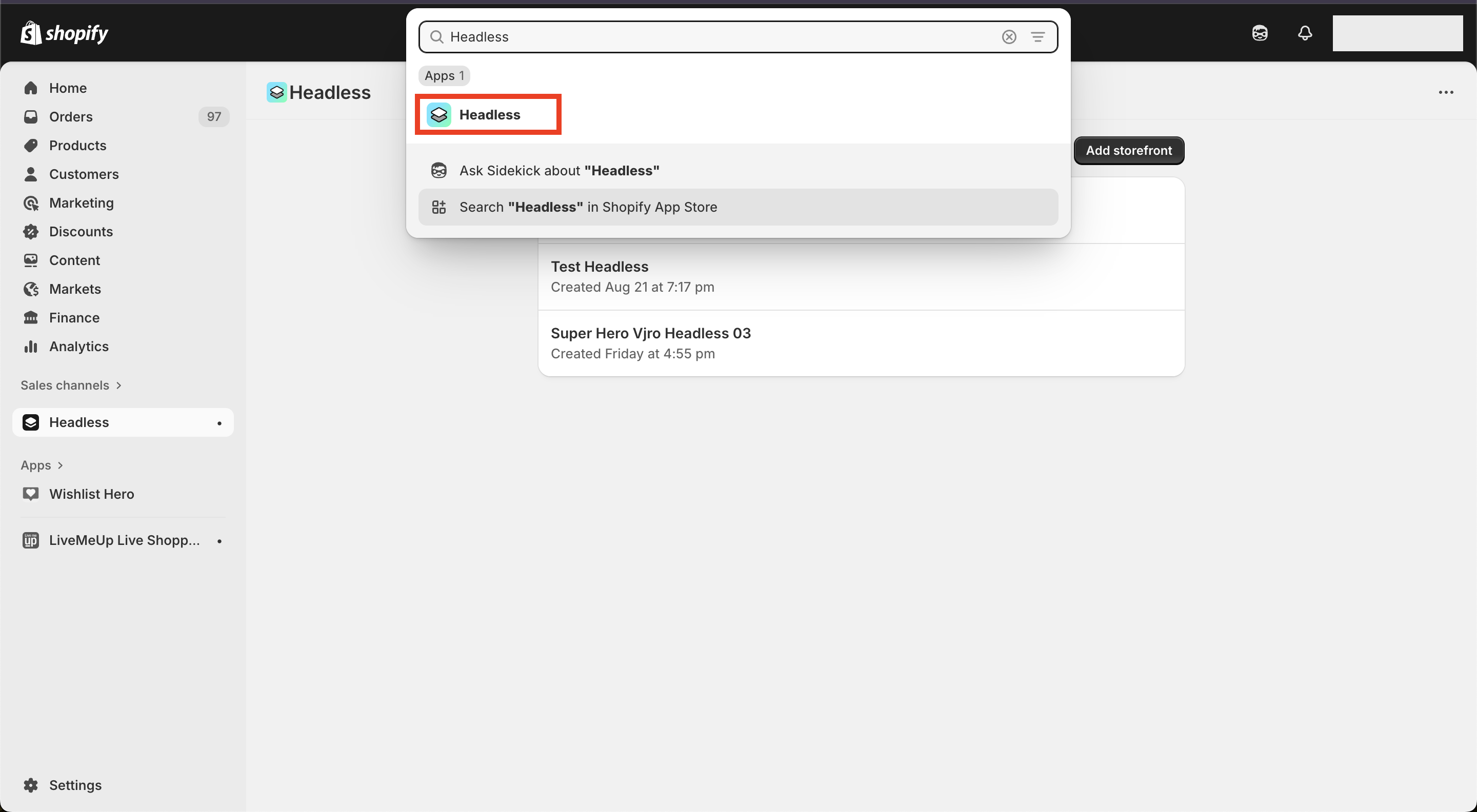
Go to your Shopify Admin Dashboard, search for Headless in the search bar, and install the app.
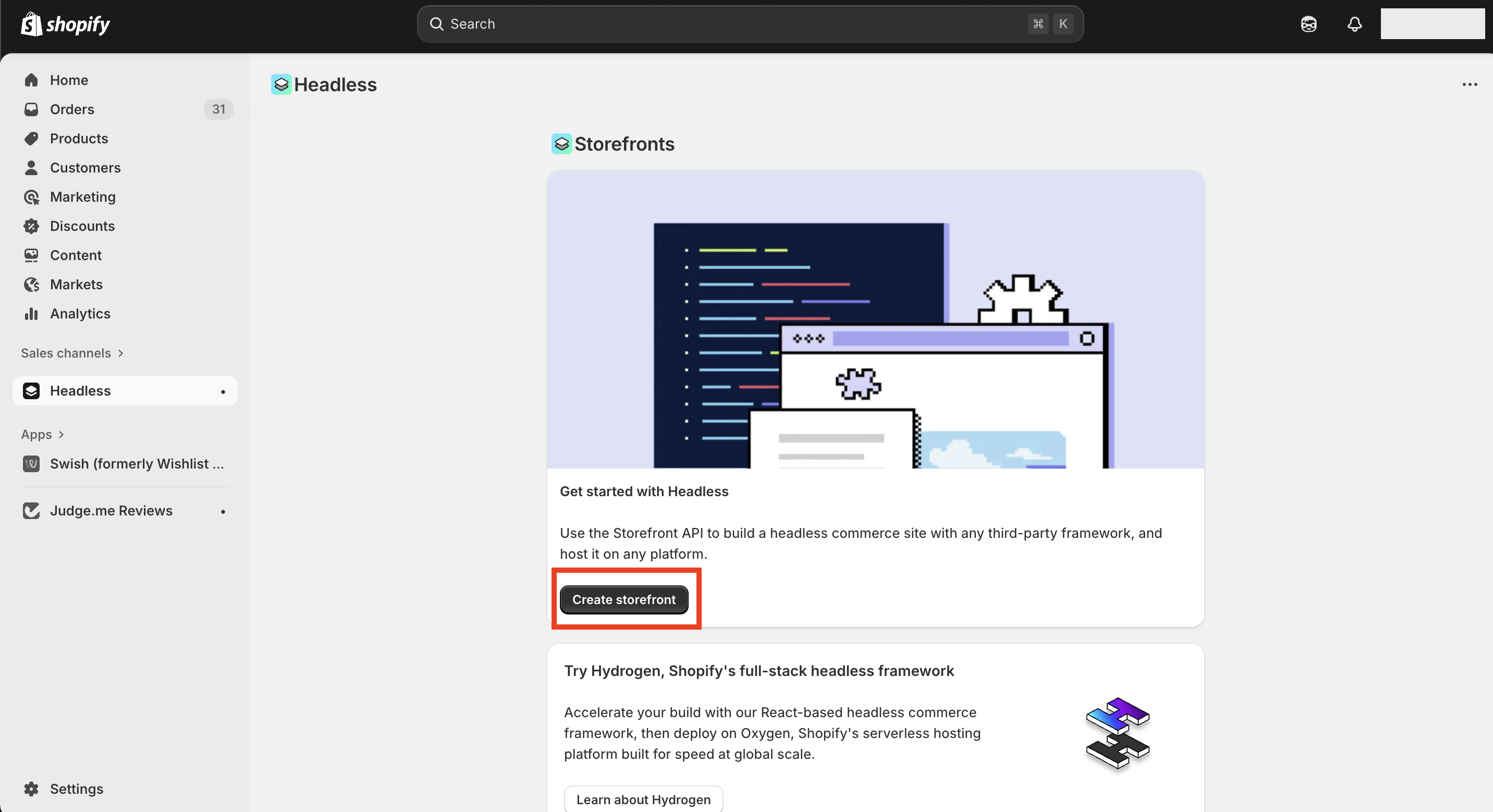
After installing the app, go to the Sales Channels section, open Headless, and click Create Storefront.
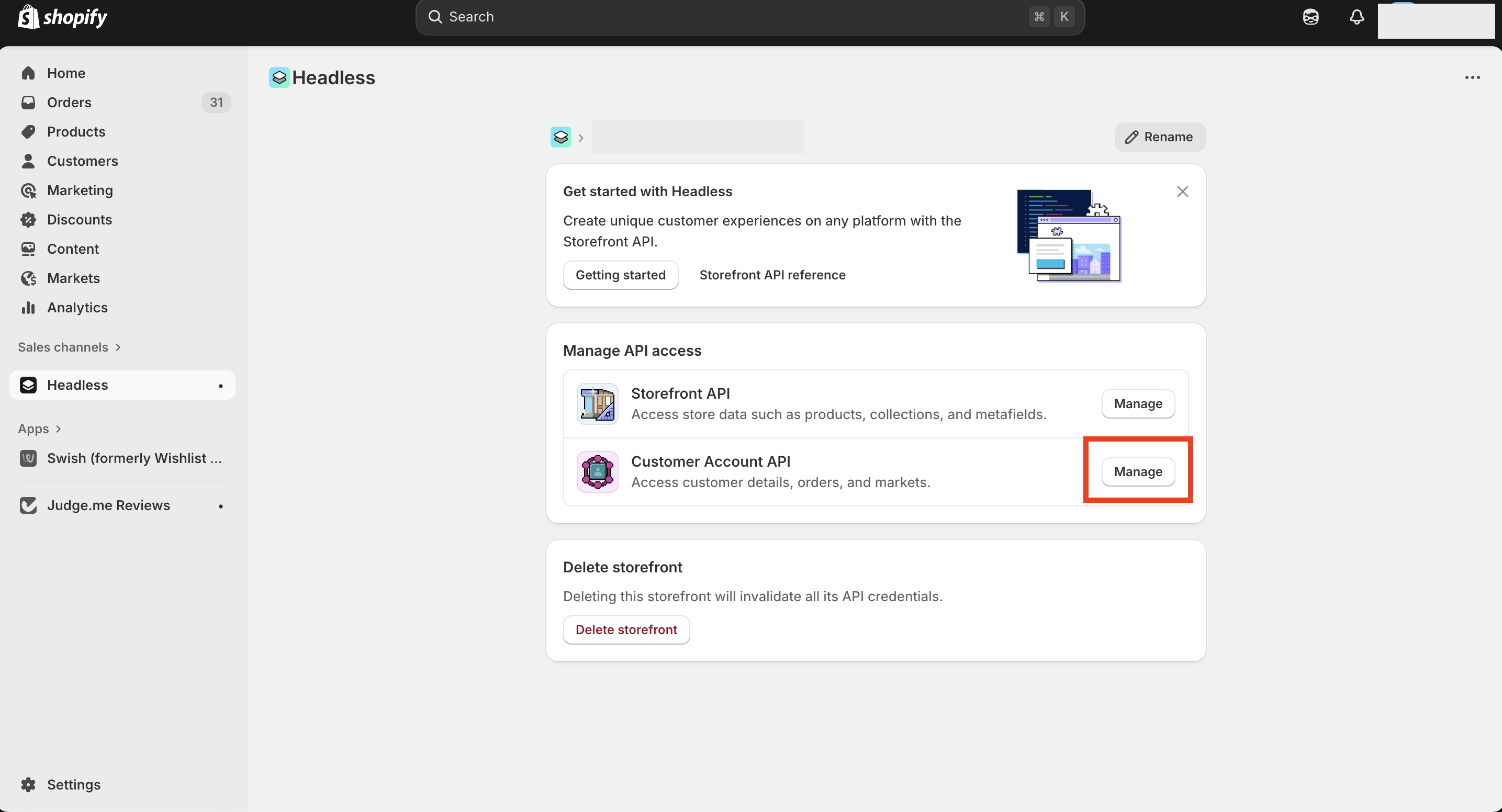
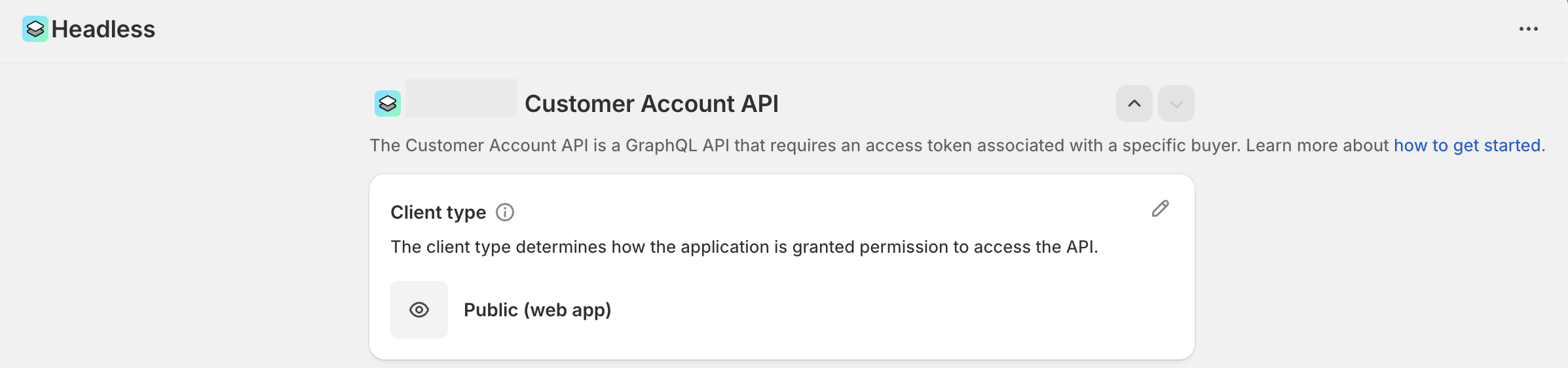
After the storefront token is created, you’ll see a Manage API Access section with two options: Storefront API and Customer Account API. Click Manage next to Customer Account API.
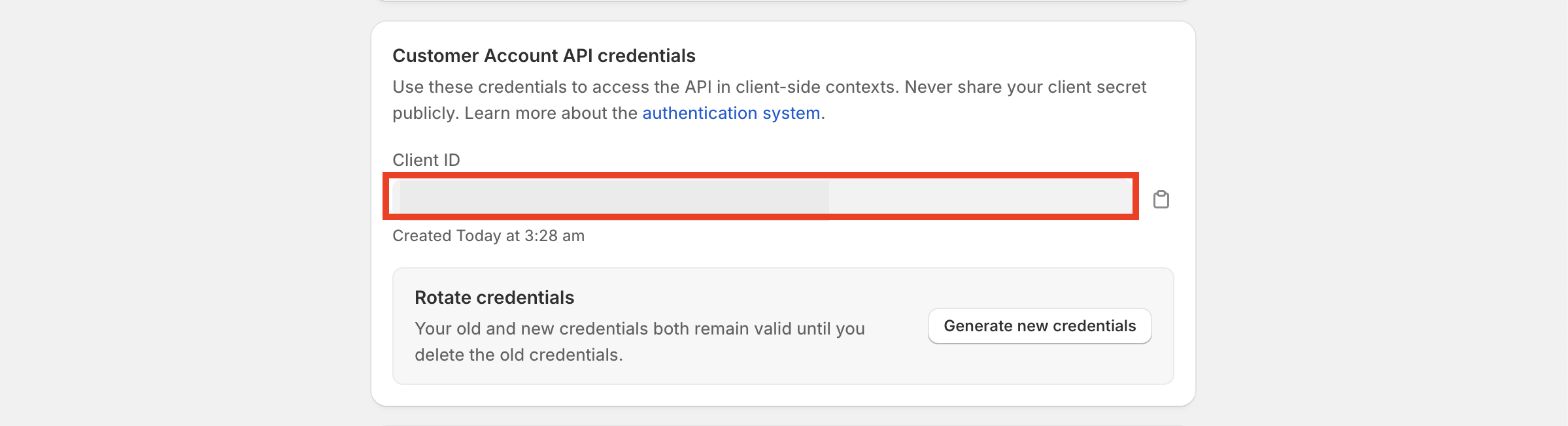
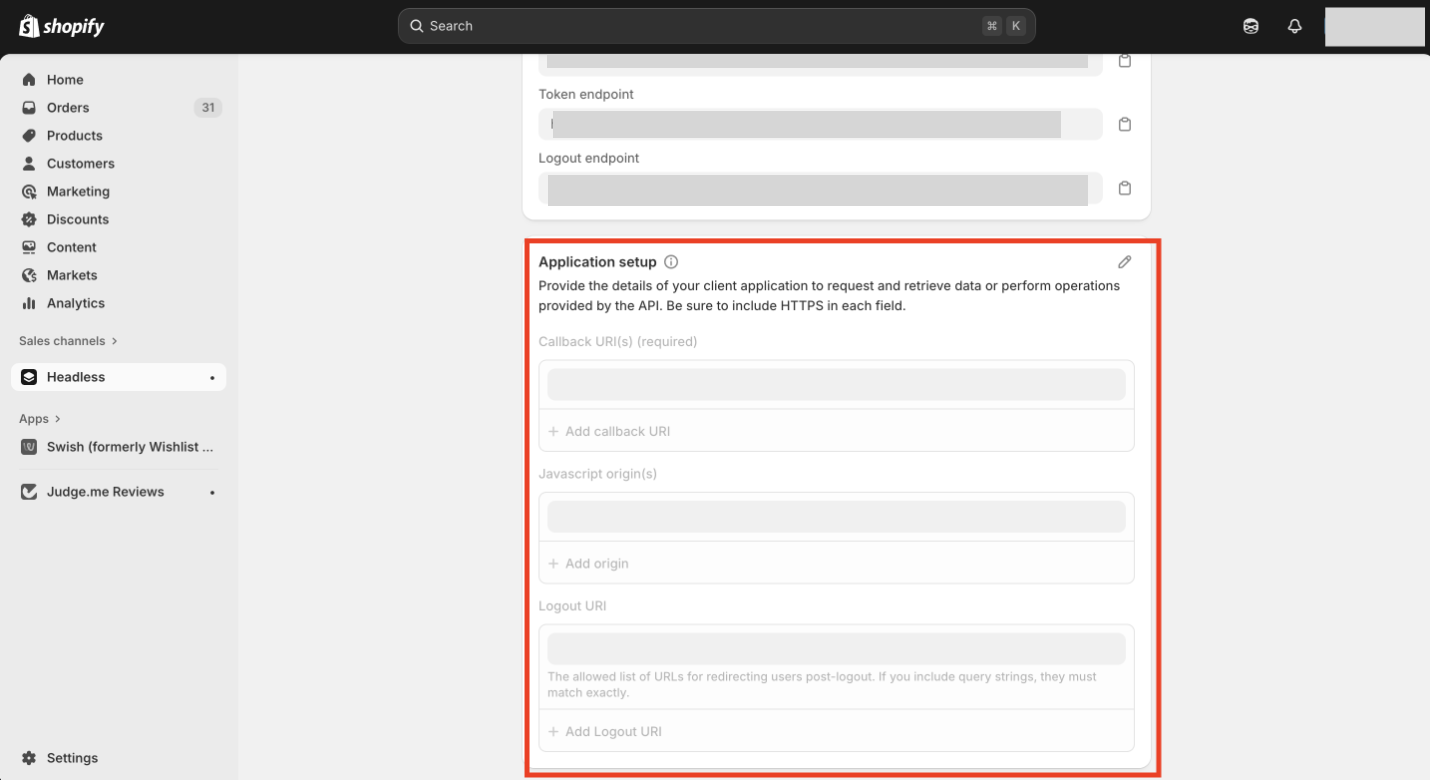
On scrolling down to the page, you’ll find a section called “Application Setup”. You’ll have to fill-in the following fields.
Callback URI - https:// <domain>.myshopify.com/new-customer-login
Javascript origin - https:// <domain>.myshopify.com
Logout URI - https://<domain>.myshopify.com
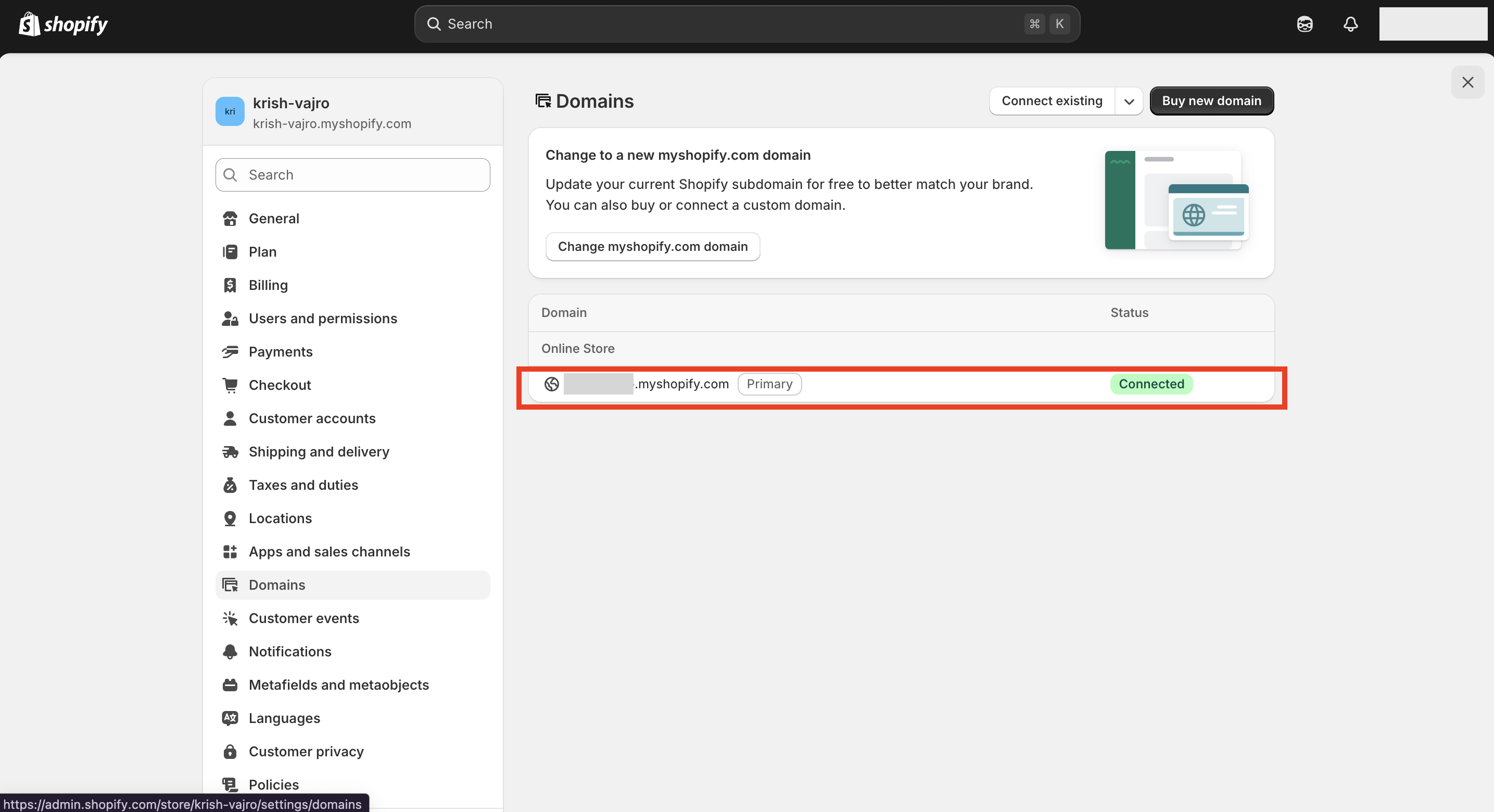
Go to Settings and click Domains to find your myshopify.com URL.