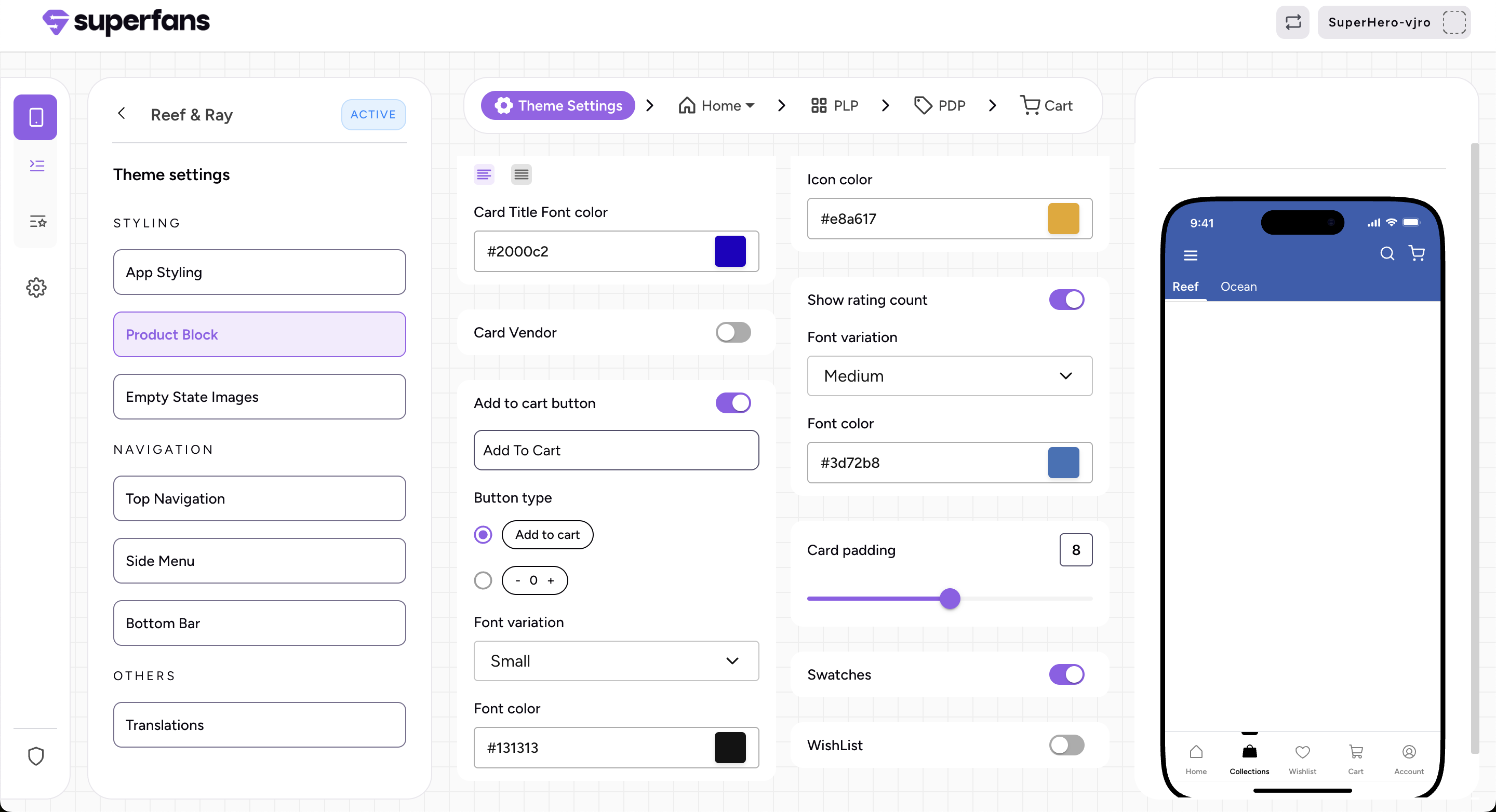
What are swatches?
Swatches are visual selectors that display product variations such as colors, materials, or styles.
This feature makes shopping more visual, intuitive, and engaging for mobile users.
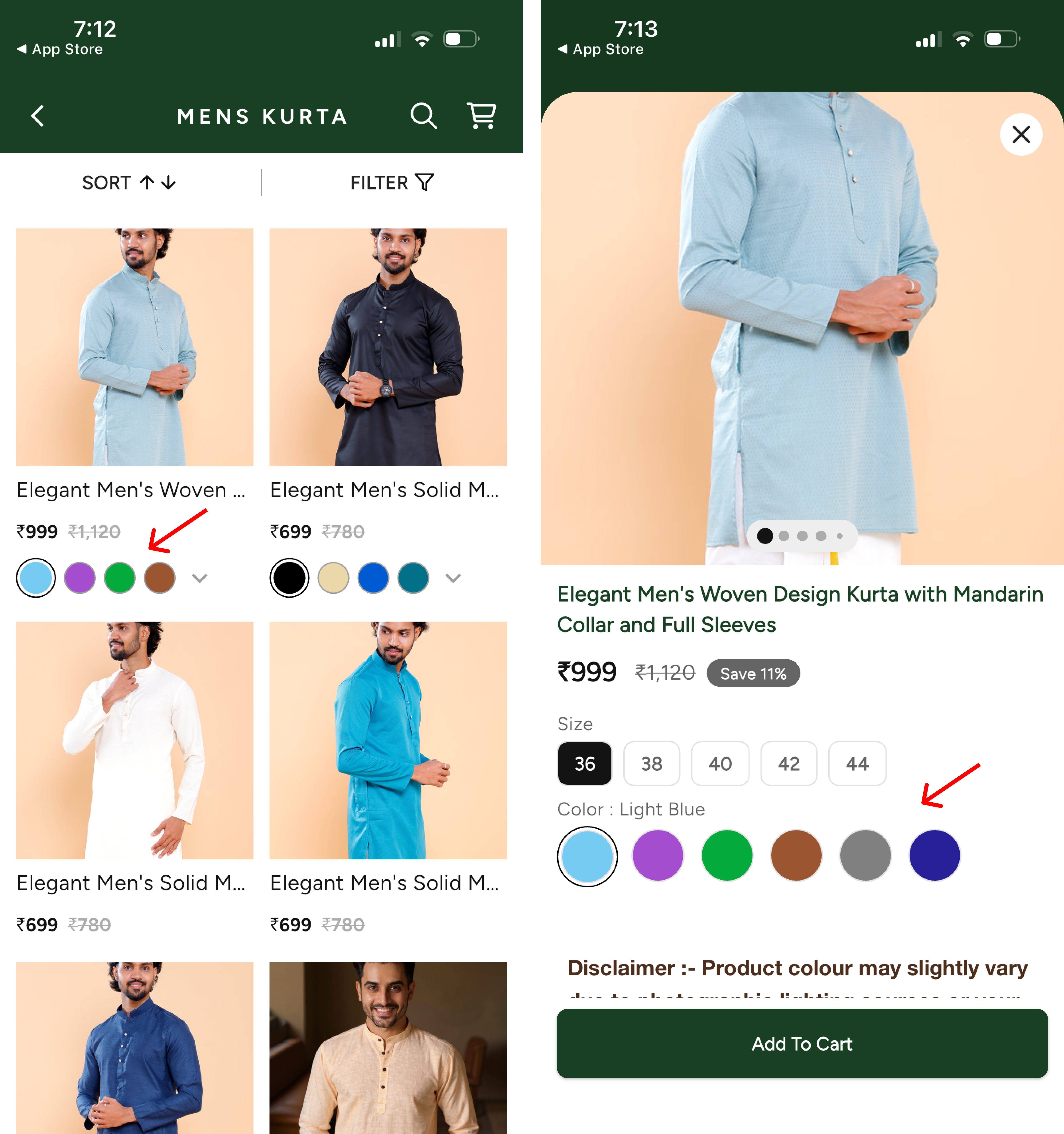
How to enable swatches?
Go to App Settings → Product Variant Styling
Click on “+ Add New”
Add the variant name for which you want to represent as a swatch
Select the type of swatch - Circular | Square
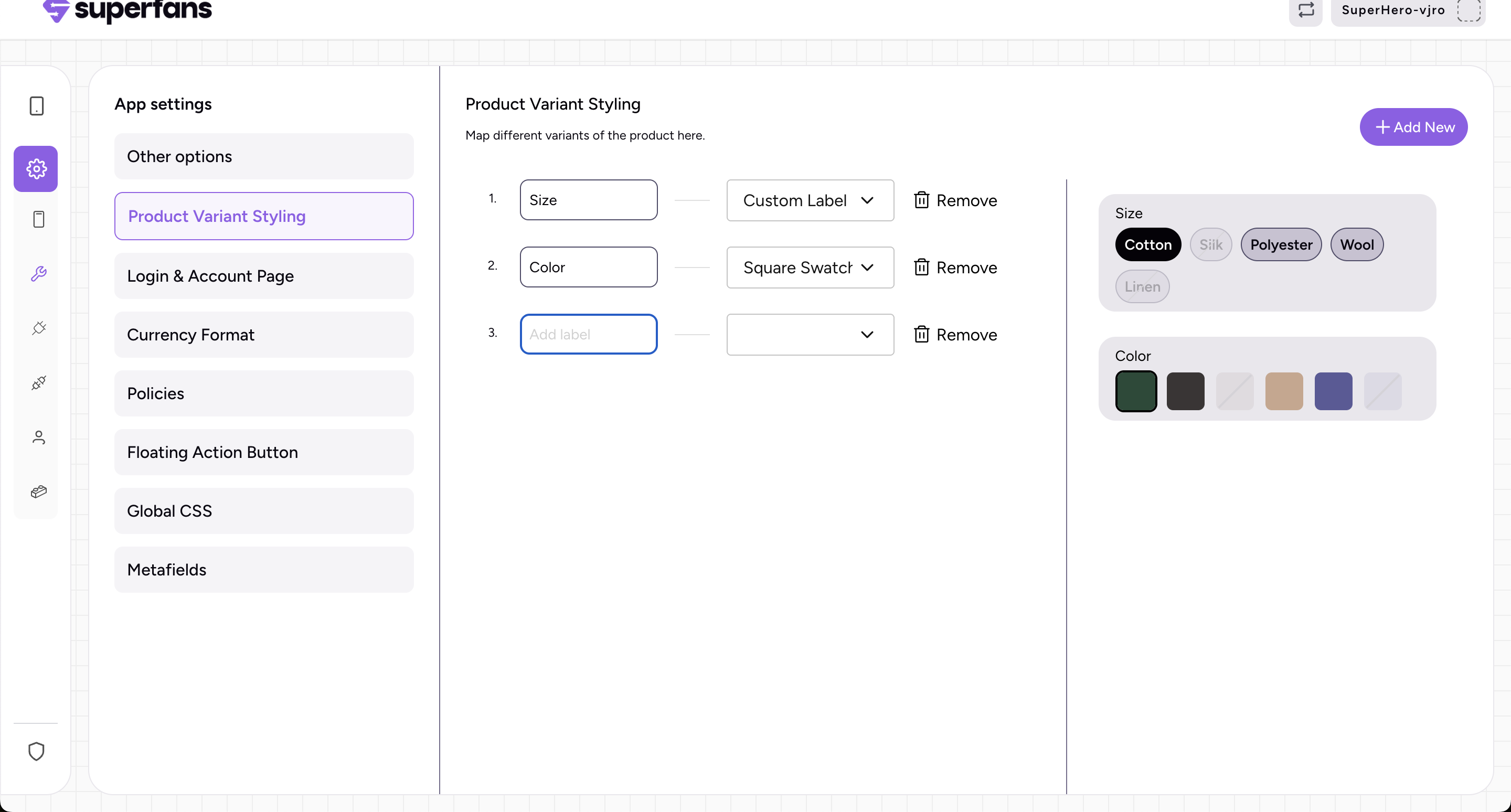
Things to note:
The variant names are not case sensitive
Only one swatch can be added - It could be either circular or square
Both image and color swatches work automatically based on the shopify variant configuration
The changes made here would automatically reflect in the product variants in the PDP page (Make sure the native product variant block is added in the PDP page)
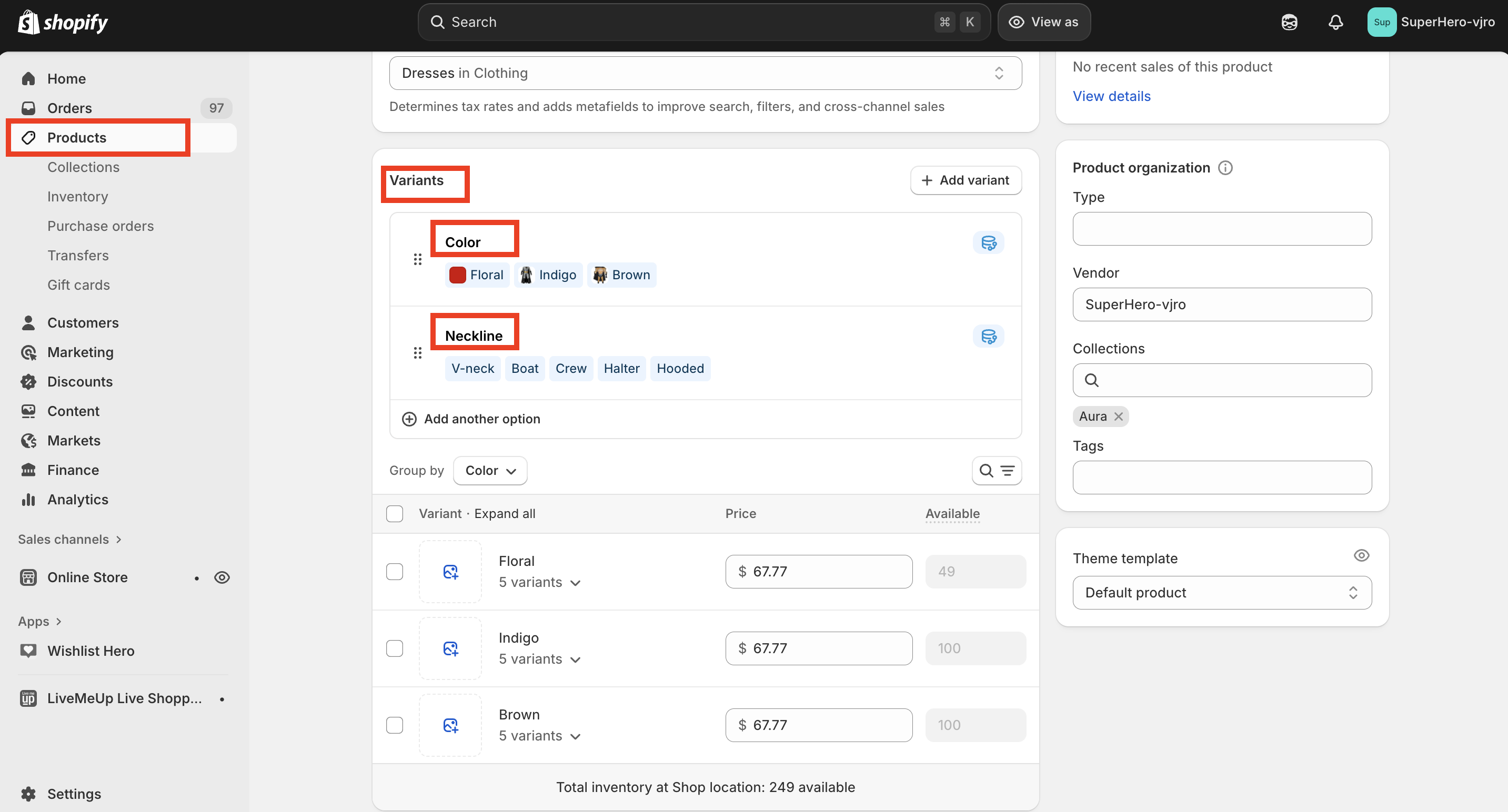
Where do get the variant names from?
From the shopify admin dashboard → Products, you can get the variant names from here
How to enable Swatches in the Product Blocks?
Go to Theme settings → Product Block
Enable the swatches option