Lucent Commerce offers a suite of Shopify apps built to help merchants enhance store performance and customer experience. Its solutions like OTP Login, Digital Downloads, and Shipping Protection streamline operations while driving higher conversions and trust.
Step 1 : Log in to your Superfans dashboard and go to Settings > Plugins.
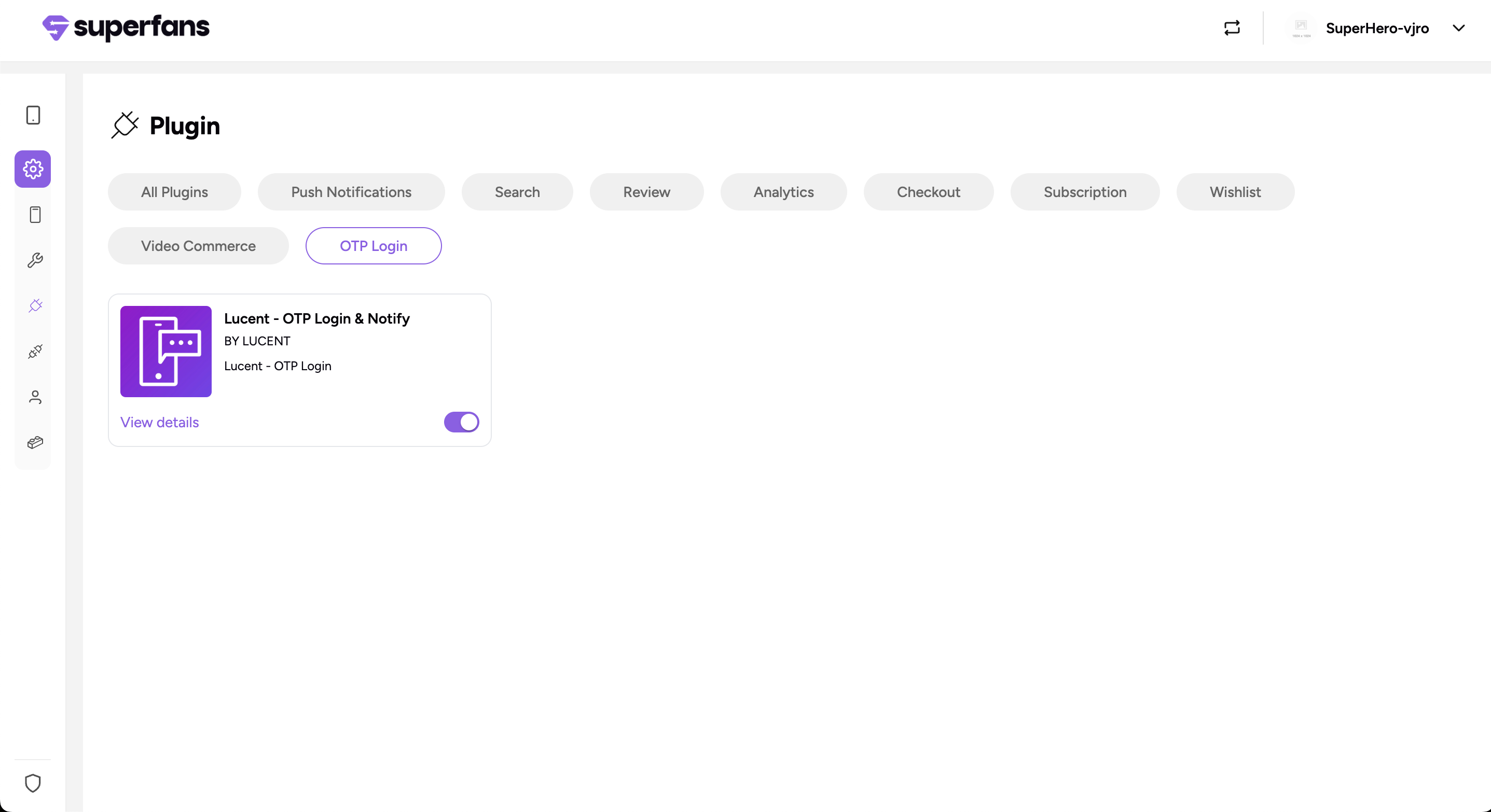
Step 2 : Under the OTP login category, select Lucent OTP Login & Notify and toggle it on.
Step 3 - Paste the API Key, API secret & Supported types in the dialogue box, and click on Save & Enable plugin.
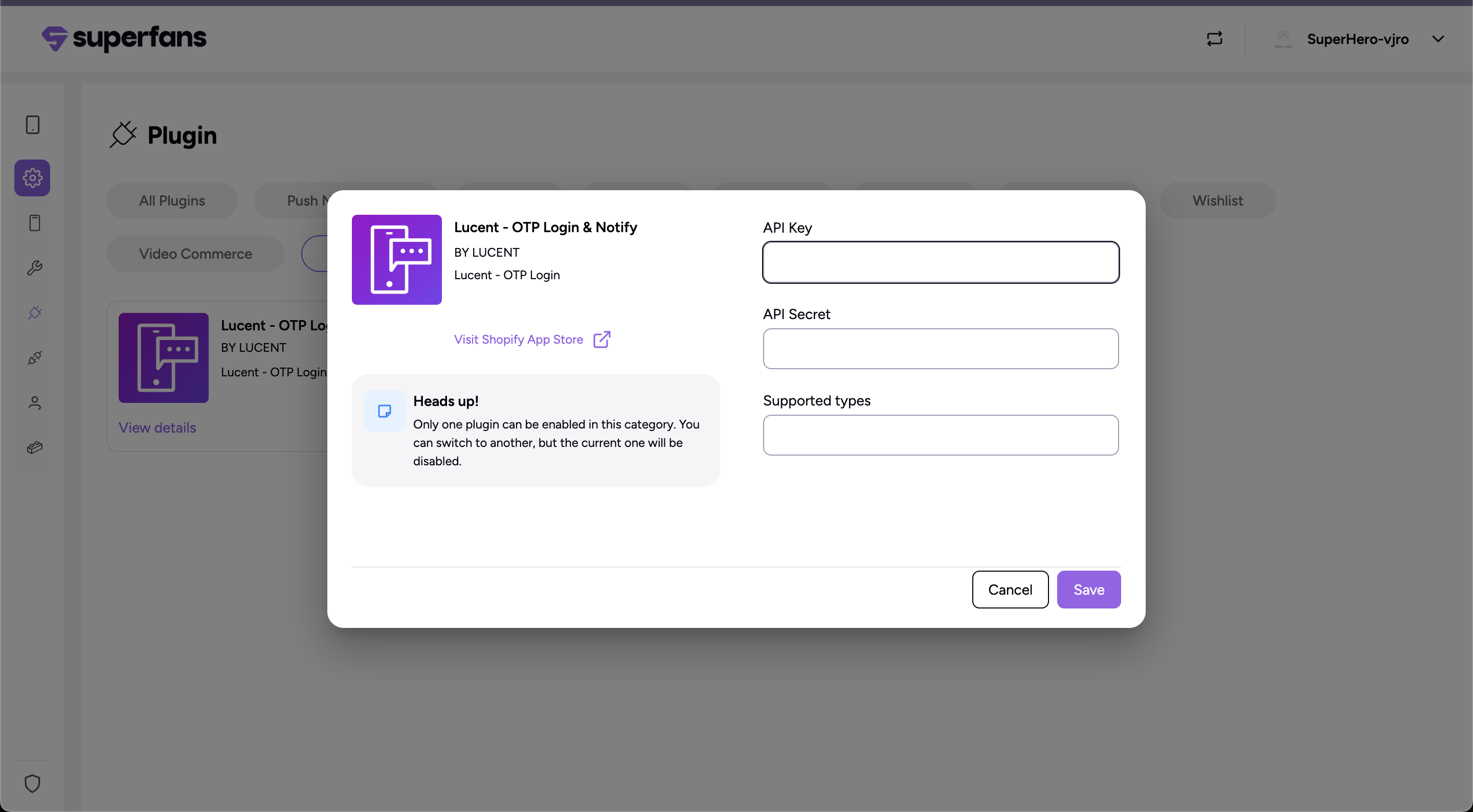
Reach out to Lucent Support to obtain your API Key and API Secret credentials.
Supported OTP Types:
PHONE: For login via mobile number OTP
WHATSAPP: For login via WhatsApp OTP
Step 4: Log in to Superfans, go to Settings (gear icon) → App Settings → Login & Account Page, and toggle on “Login with Phone Number.”
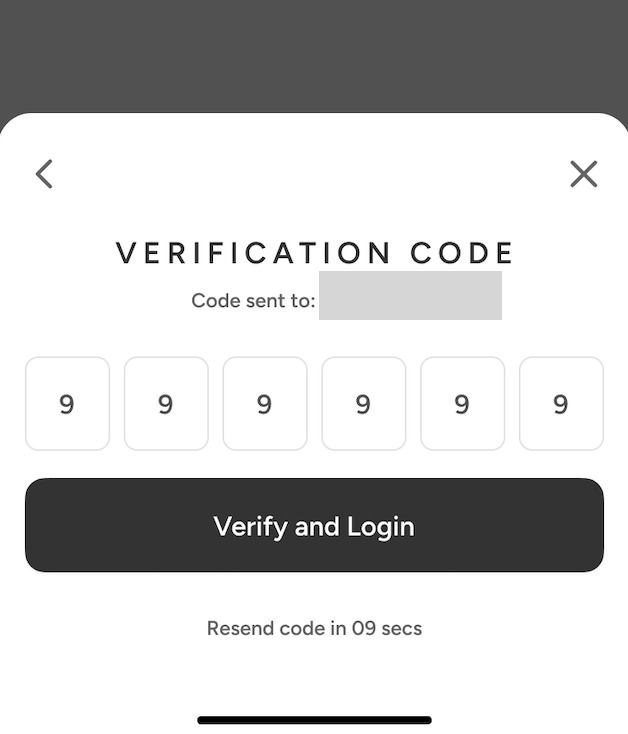
Once the user installs the app, the login page shows a “Login with Phone Number” option, sending a verification code (OTP) to the customer’s WhatsApp or mobile number based on the chosen setup.
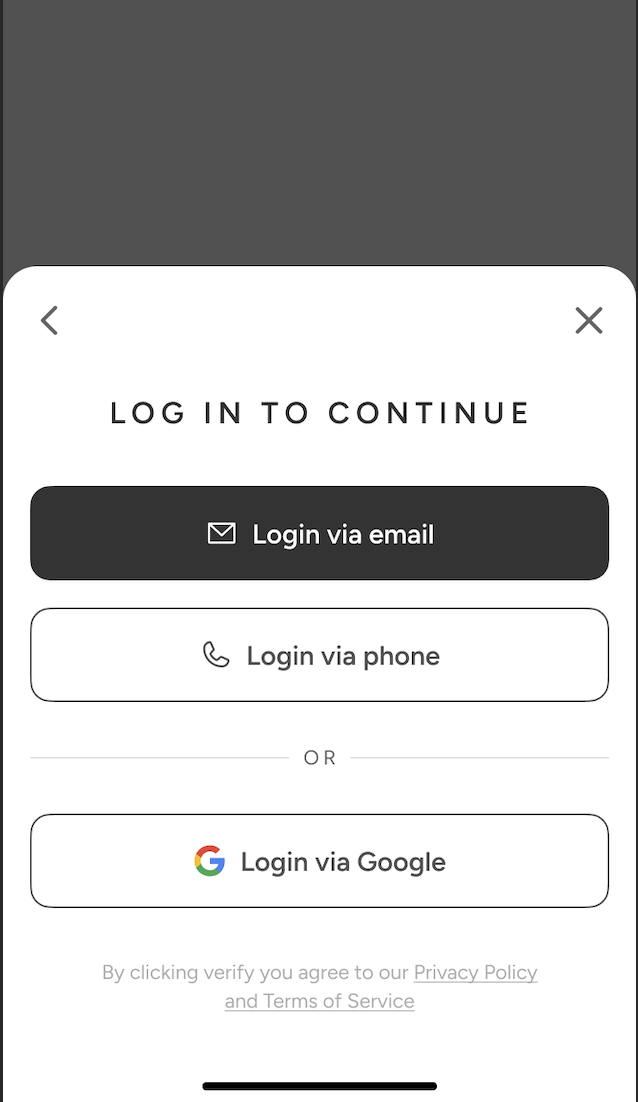
A verification code will be sent to your WhatsApp or phone, depending on your login method.
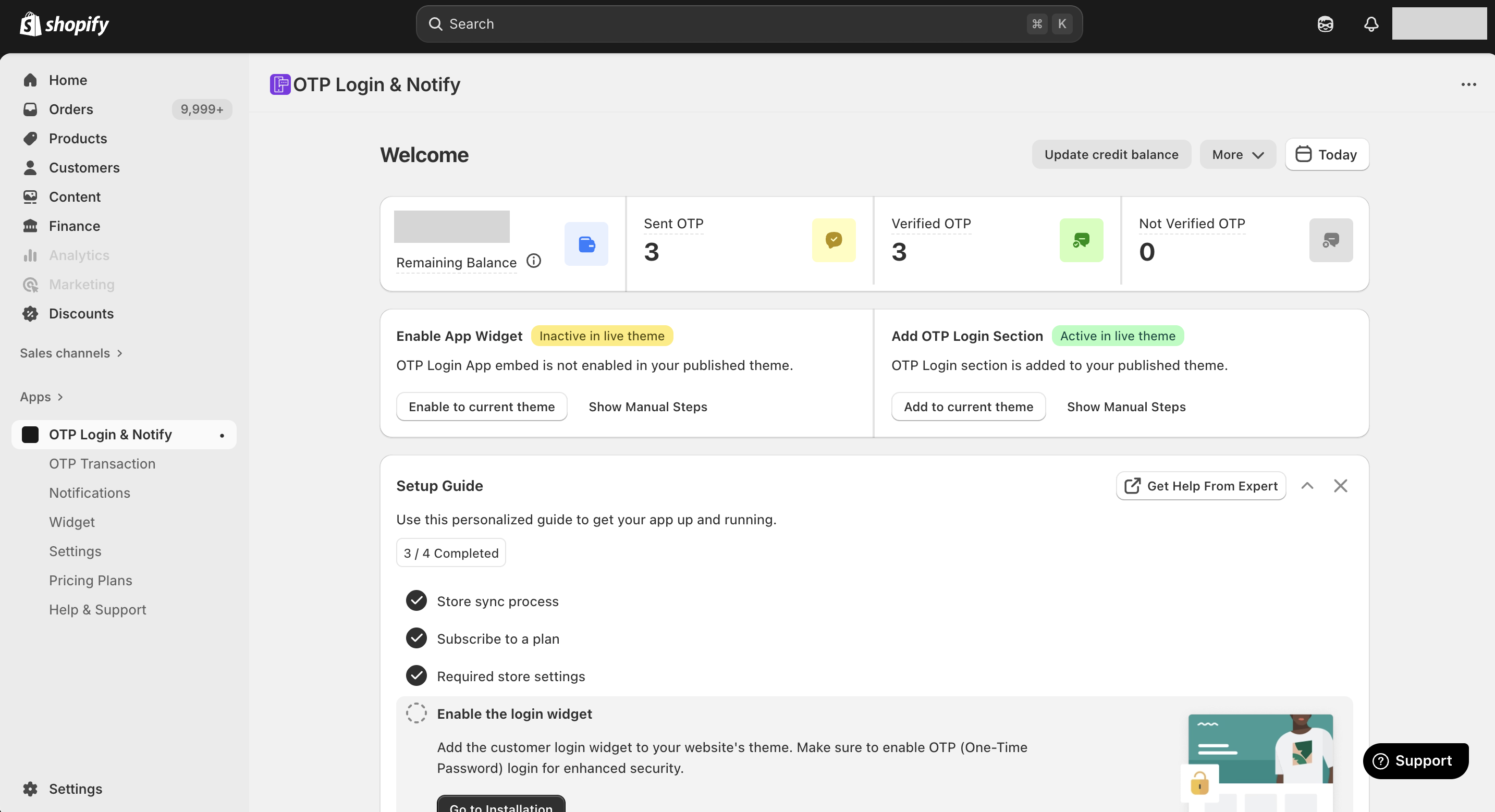
In your Shopify Admin Panel, go to Apps and click on OTP Login & Notify from the installed apps list. The main dashboard provides real-time metrics to monitor your OTP authentication performance- Sent OTP, Verified OTP & Not Verified OTP.
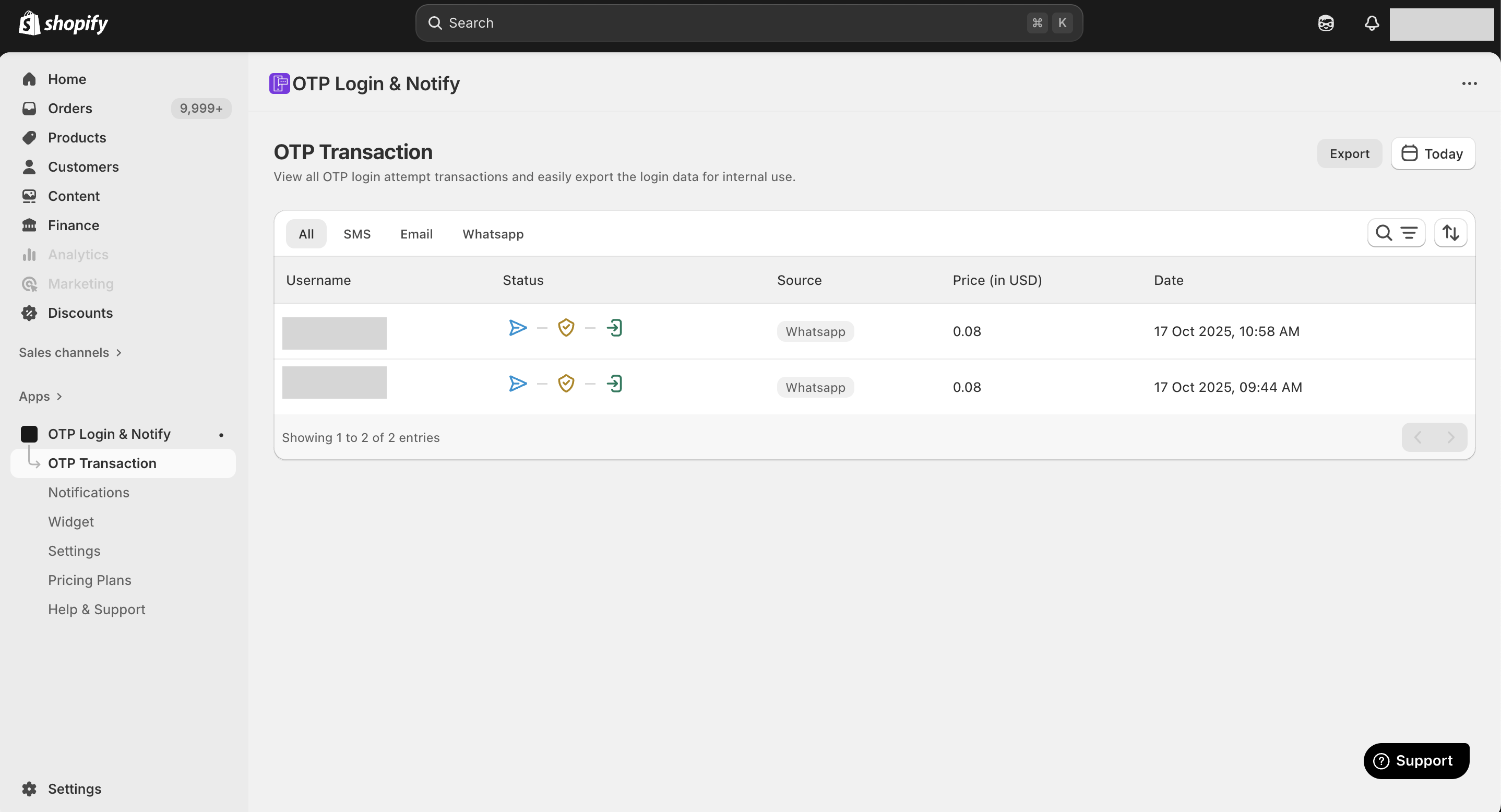
In your Shopify Admin Panel, navigate to Apps and select OTP Login & Notify from your installed apps. Under Lucent - OTP Transactions, you can view the Username (phone number), status, source and data.